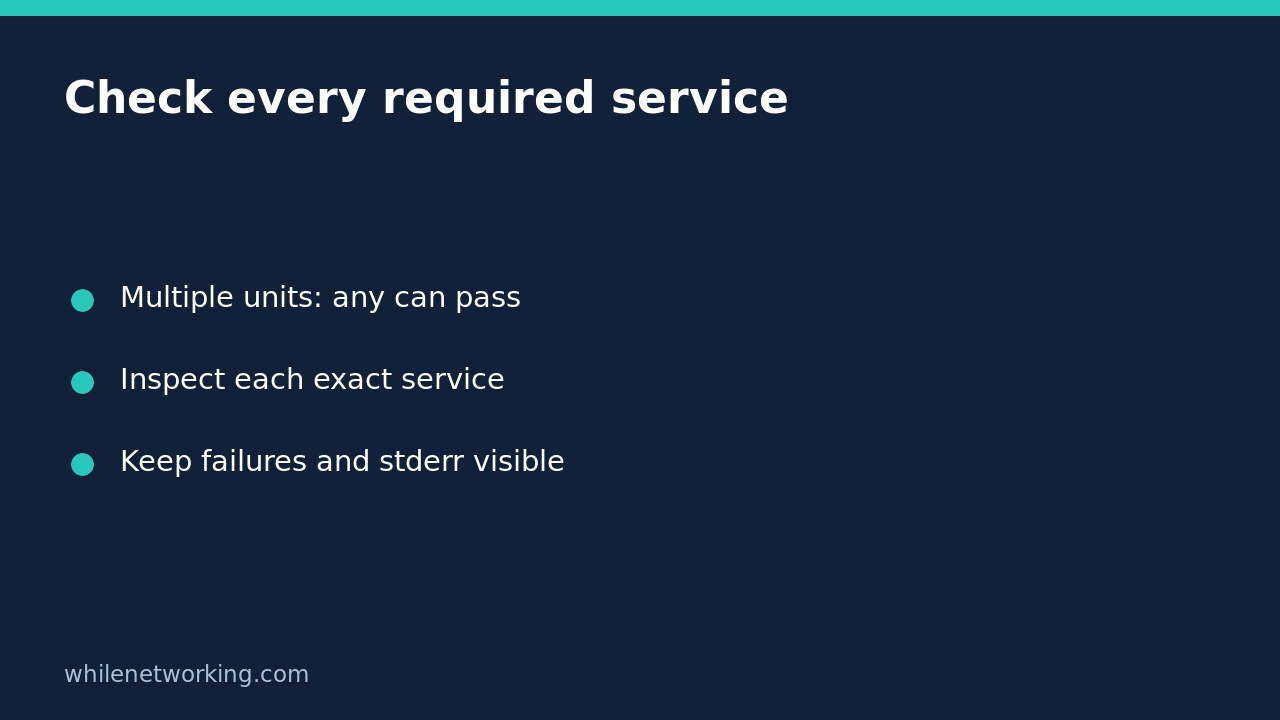

A zero exit status from systemctl is-active with several unit names means at least one specified unit is active, not that every required service is active. A deployment gate can therefore pass while a required worker is inactive. If your operational requirement says all services must be active, inspect each exact unit separately and aggregate the results yourself.
This guide focuses on that scripting mistake. It does not change startup settings, start a service or repair an application. Use explicit unit names rather than patterns so your intended checklist is unambiguous.
Recognise the any-versus-all mismatch
Imagine a hypothetical deployment requiring both frontend.service and worker.service. The frontend is active, but the worker is stopped. A combined query can return success because the active frontend satisfies the command’s documented condition. Adding --quiet suppresses state output; it does not turn the condition into an all-units requirement.
This is particularly easy to miss in an if statement or monitoring wrapper that records only the final exit code. The upstream manual explicitly documents success when at least one unit is active. Do not interpret one successful command as two successful checks, and do not substitute an enablement check: enabled describes a different property.
Use a read-only Bash check for each required unit
The following Bash function checks system-manager units individually. Replace the example names in the invocation with your actual service names. It rejects an empty checklist, prints one result for every argument and preserves systemctl’s diagnostic stderr. The function returns zero only when every individual query succeeds.
check_units() {
    if (( $# == 0 )); then
        printf '%s\n' 'No required units supplied' >&2
        return 2
    fi
    local unit rc failed=0
    for unit in "$@"; do
        if systemctl is-active --quiet "$unit"; then
            printf 'ACTIVE: %s\n' "$unit"
        else
            rc=$?
            printf 'NOT CONFIRMED ACTIVE: %s (status %s)\n' "$unit" "$rc" >&2
            failed=1
        fi
    done
    return "$failed"
}

if check_units frontend.service worker.service; then
    printf '%s\n' 'All required unit checks passed'
else
    printf '%s\n' 'Hold deployment and inspect the failed checks' >&2
fi
The printed deployment message is an example decision, not a deployment action. Notice that the function captures the failed command’s status immediately in the else branch. A later successful printf must not replace that evidence. If embedding this in a CI script, deliberately propagate the failure from your surrounding script; the example’s last diagnostic print is not itself a reliable overall failure status.
Separate inactive services from an unavailable inspection
A failed query means this check did not confirm activity. It does not establish that a service is definitely stopped. A misspelled unit, inaccessible manager or host without a functioning systemd manager requires investigation, not an automatic restart. Retain stderr and inspect the exact failed unit with systemctl status or systemctl show.
For machine-oriented follow-up, inspect the unit’s Id, LoadState, ActiveState and SubState properties. For a human investigation, status provides contextual state and recent journal entries. Avoid parsing its formatted presentation as a stable database. If these are user services, consistently use systemctl --user from the intended user’s session; do not compare two different managers.
Activity is still not application health
Even an individually successful check is only unit-state evidence at that instant. A service can change state immediately afterwards. Some service types can be active after a successful oneshot action without a continuously running daemon. A web service may be active while its business operation fails. Add an authorised, application-specific health check when readiness matters.
For the separate question of startup policy, see why a disabled systemd service can still be running. Neither startup configuration nor this read-only function guarantees recovery after reboot.
Checklist before using the result as a gate
- List every required service explicitly and use the correct manager scope.
- Test all-active, mixed active/inactive, missing-unit and manager-error cases in a controlled environment.
- Keep per-unit diagnostics, not merely one summary message.
- Reject empty input and ensure the outer script preserves failure.
- Require application readiness separately where appropriate.
Should this function restart anything? No. Inspection and remediation should remain separate, especially for dependencies and production systems. Does quiet mode mean no errors are possible? No; keep diagnostic output available.
Source and safety
Read the upstream systemctl manual, particularly is-active, status and show, and compare with your installed version. This tutorial is for educational purposes. Test carefully before using steps in production. The site owner is not responsible for misuse, damage, data loss or production issues.