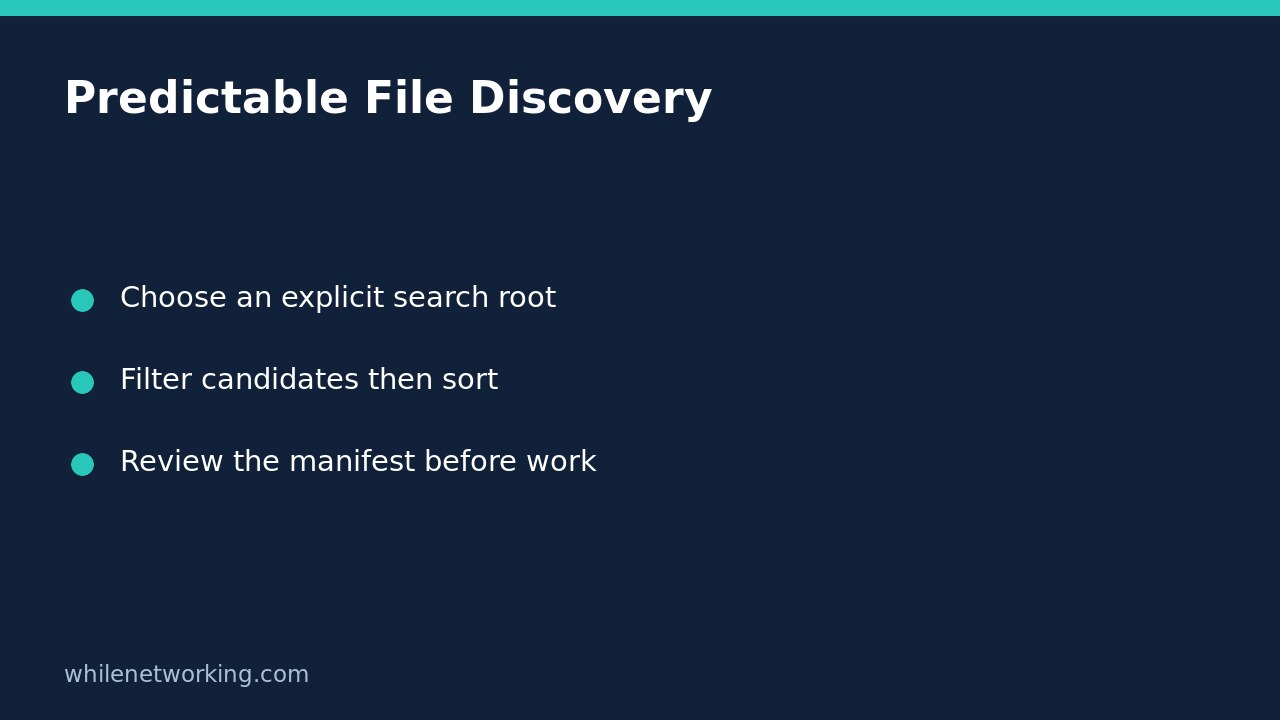

Do not use the first pathname returned by Python’s glob as an implicit processing priority. The official documentation says results have no particular order. If a job needs a predictable name sequence, sort its candidates explicitly and inspect the resulting manifest before performing any work. Sorting fixes the ordering rule; it does not prove which file is newest, complete, safe or authorised.
Define what the discovery step is allowed to find
Start with a known input directory and a narrow pattern, such as CSV files immediately inside that directory. An explicit root avoids accidentally scanning whatever directory a scheduler happened to choose as its working directory. This tutorial uses glob.glob('*.csv', root_dir=root), supported in Python 3.10 and later.
The returned names are relative to that root. Join them to the same root when inspecting or opening them. Keep the first version non-recursive: a recursive scan can discover unexpectedly large directory trees and requires separate decisions about hidden directories and symlinks. The code below creates only disposable test files and prints their names; it does not read, modify or upload business data.
Build and test a sorted manifest
Run this complete standard-library example with Python 3.10 or later. Files are intentionally created in a different sequence from the expected output. A directory named like a CSV and a dot-prefixed file exercise two important candidate-selection boundaries.
from glob import glob
from pathlib import Path
from tempfile import TemporaryDirectory

with TemporaryDirectory() as workspace:
    root = Path(workspace)
    for name in ['part-2.csv', 'part-10.csv', 'part-1.csv']:
        (root / name).write_text('value\n1\n', encoding='utf-8')
    (root / 'folder.csv').mkdir()
    (root / '.private.csv').write_text('private\n', encoding='utf-8')

    candidates = glob('*.csv', root_dir=root)
    manifest = sorted(
        name for name in candidates if (root / name).is_file()
    )
    if not manifest:
        raise SystemExit('No eligible CSV files; nothing processed')

    assert manifest == ['part-1.csv', 'part-10.csv', 'part-2.csv']
    assert not glob('*.tsv', root_dir=root)
    for name in manifest:
        print(name)
The output is part-1.csv, then part-10.csv, then part-2.csv, on separate lines. The assertion verifies that exact sequence rather than relying on whatever order the filesystem returned. The folder is filtered out. With this glob pattern, the dot-prefixed CSV does not enter the candidate list.
Choose name order deliberately, not accidentally
Python’s default string sorting is lexicographic, not a numeric filename parser. Consequently, 10 appears before 2 in this example. If your upstream exporter controls filenames, fixed-width numbering such as part-001.csv can make ordinary name sorting useful. Otherwise define and validate an explicit numeric extraction rule instead of quietly assuming that lexical order is numeric order.
Neither rule identifies the most recently modified file or the newest business event. A producer could write an older reporting period later. If processing depends on a timestamp or sequence stored inside the data, validate that field separately. Never turn sorted(matches)[-1] into a claim that the selected file is the latest trustworthy export.
Handle empty and changing directories explicitly
An empty glob result is valid, not an automatic exception. Decide whether no eligible inputs is an expected no-op or an operational failure. The example stops with an explanatory message if its eligible manifest is empty. Its separate TSV assertion demonstrates the empty-match behaviour without trying to process anything.
The Python documentation also warns that inclusion is unspecified when matching files are added or removed during the call. Sorting therefore does not provide a filesystem snapshot or lock. A listed file may disappear before opening, and an existing file may still be changing. Use a producer-consumer handoff appropriate to the system and handle open/read errors where work actually happens.
is_file() follows symlinks and is not an approved-directory security boundary. Glob results can also contain broken symlinks before filtering. Do not run a privileged consumer against an attacker-controlled input directory based on this manifest pattern alone. For multiple patterns, consider whether the same pathname could enter your combined list twice before deciding on any deduplication rule.
Pre-run checklist and questions
- Is the search root explicit and under the job’s intended control?
- Are pattern, recursion and hidden-file decisions intentional?
- Does the selected sort rule match the actual processing requirement?
- Is an empty eligible list handled visibly?
- Will later reads handle missing or changing files without pretending the manifest was a snapshot?
Does sorting make the whole job repeatable? No. It gives the same order for the same names under the same ordering rule. Changed contents, dependencies or inputs can still change results. Our preview-only automation tutorial explains how to keep later action separate from an initial review.
Source: Read the official Python glob documentation for ordering, root-relative results, hidden-file matching, symlink inclusion and directory-change caveats.
Safety: This tutorial is for educational purposes. Test carefully before production use. WhileNetworking is not responsible for misuse, damage, data loss or production issues.