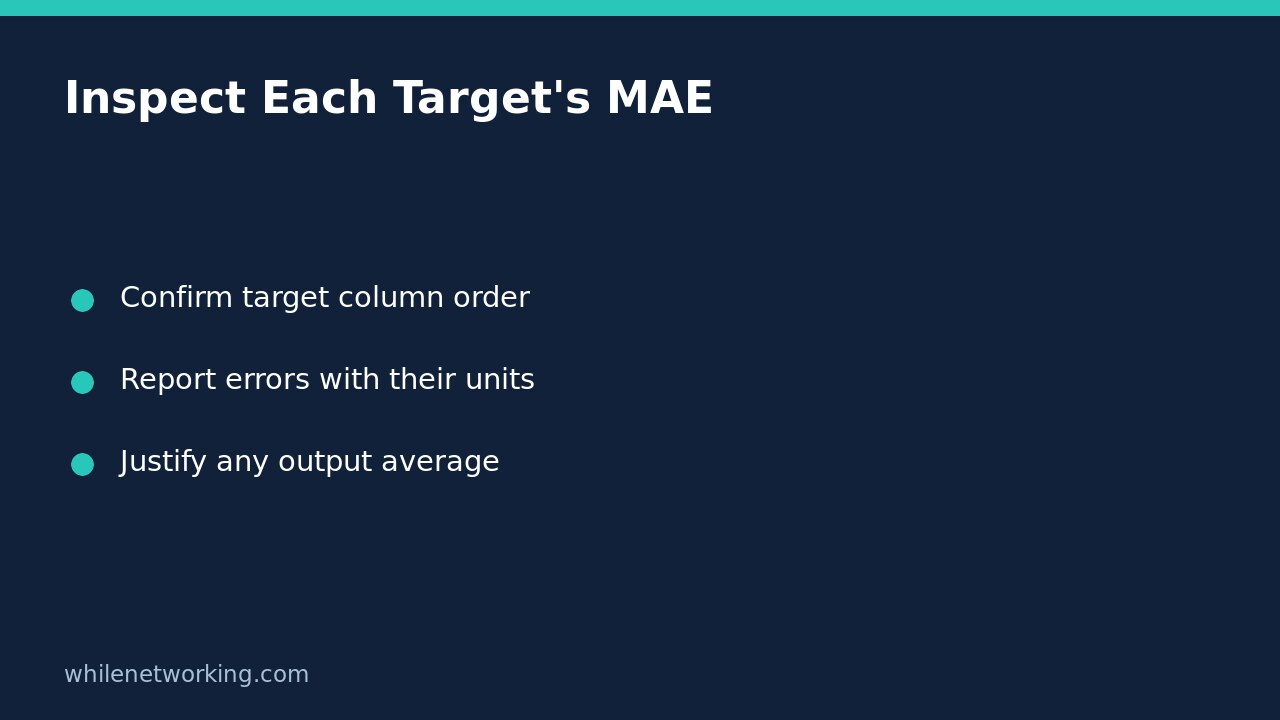

When a regression model predicts several targets, one mean absolute error can hide which target needs attention. In scikit-learn, start with mean_absolute_error(y_true, y_pred, multioutput='raw_values'). This returns a separate MAE for each output column. The default instead averages those output errors equally, which is not automatically meaningful when the targets have different units or scales.
Check the target columns before calculating errors
For multioutput evaluation, both arrays represent rows of observations and columns of targets. The columns must mean the same thing in the same order in the actual and predicted arrays. Matching shapes alone does not prove this: two swapped target columns can still produce a valid numerical result.
Write down the target names and units alongside the evaluation dataset. Check that each prediction row corresponds to the correct observation. Use a held-out dataset that was not used to fit preprocessing or the model. This article concerns how to report that evaluation, not how to choose a model using the final test set.
Run a small, interpretable two-target example
The following synthetic example predicts delivery duration in minutes and shipment mass in kilograms. It does not train a model or represent real operational performance. Run it in a Python environment containing scikit-learn and NumPy. The deliberately different error sizes make the aggregation visible.
import numpy as np
from sklearn.metrics import mean_absolute_error

# Columns: delivery minutes, shipment kilograms
y_true = [[10, 100], [20, 200], [30, 300]]
y_pred = [[12, 110], [18, 180], [34, 330]]

per_target = mean_absolute_error(
    y_true, y_pred, multioutput='raw_values'
)
uniform = mean_absolute_error(y_true, y_pred)
weighted = mean_absolute_error(
    y_true, y_pred, multioutput=[0.75, 0.25]
)

np.testing.assert_allclose(per_target, [8 / 3, 20])
np.testing.assert_allclose(uniform, 34 / 3)
np.testing.assert_allclose(weighted, 7)
print('Per-target MAE:', per_target.round(3).tolist())
print('Uniform numeric average:', round(float(uniform), 3))
print('Weighted numeric average:', round(float(weighted), 3))
The printed per-target result is [2.667, 20.0]. Absolute duration errors are 2, 2 and 4 minutes; their mean is about 2.667 minutes. Absolute mass errors are 10, 20 and 30 kilograms; their mean is 20 kilograms. Neither target’s error can cancel another observation’s error because MAE uses absolute differences.
Do not give a mixed-unit average a physical meaning
The default numeric average is about 11.333. That is the arithmetic mean of the two MAEs, not 11.333 minutes or 11.333 kilograms. Adding different units does not create a useful physical measure simply because the library accepts the arrays.
Prefer a report with separate rows for duration and mass, including each unit and a separately justified acceptance criterion. If the project requires a combined score, agree on a defensible scaling or cost framework before comparing models. Document that transformation. Do not silently rescale evaluation targets until a preferred model wins, and do not describe an arbitrary combined score as a percentage.
Distinguish output weights from observation weights
In the example, multioutput=[0.75, 0.25] assigns relative averaging weights to the two output errors. Its numerical result is 7. That weighting illustrates the API; it is not a recommendation to combine these particular units. Increasing one target’s weight changes the summary but does not improve either target’s predictions.
The separate sample_weight parameter applies to observations. It changes which rows contribute more heavily to each target’s MAE. It is not the way to make one target column more important. Record the reason for any row weighting and retain the unweighted per-target report where it helps readers understand the effect.
Review checklist and common questions
- Are actual and predicted rows aligned, with identical target column order?
- Does each MAE have a target name and unit?
- Could a useful result on one target conceal an unacceptable result on another?
- Are output weights distinguished from row weights and explained?
- Has the evaluation protocol been fixed before examining final-test outcomes?
Does zero MAE prove the model will generalise? No. It means the assessed predictions exactly match those assessed targets. Leakage, an unrepresentative sample or future changes can still invalidate deployment expectations.
Should this replace a baseline comparison? No. Compare appropriate per-target errors with a relevant baseline under the same split. For the broader habit of checking models against simple references, see our classifier baseline tutorial; its accuracy example is classification-specific, not a regression-MAE calculation.
Source: The official scikit-learn MAE reference documents raw output values, uniform and weighted output averages, and sample weights.
Safety: This tutorial is for educational purposes. Test code and evaluation assumptions carefully before production use. WhileNetworking is not responsible for misuse, damage, data loss or production issues.