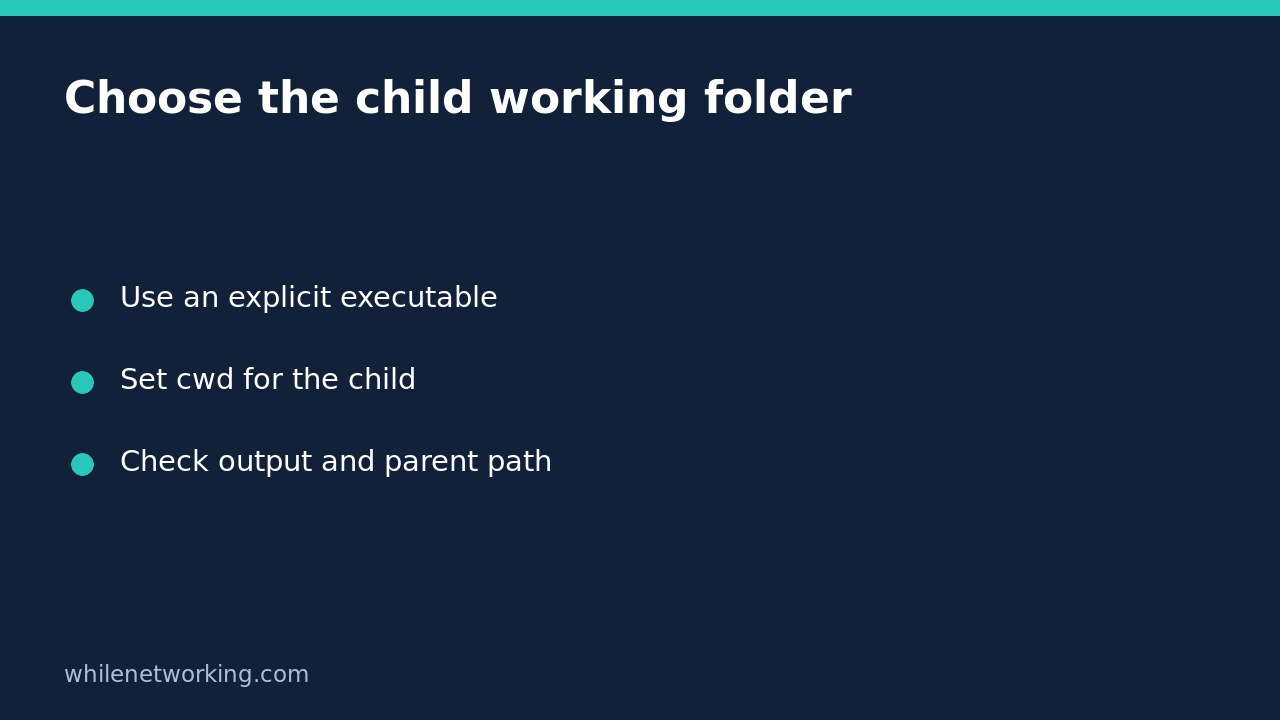

A Python automation wrapper can start the correct child program while that program reads files from the wrong folder. By default, a child normally inherits the parent’s working directory. If the child expects a relative input such as input.txt, use subprocess.run(..., cwd=project_dir) to choose its working folder explicitly without changing the wrapper’s own directory.
This solves a different problem from locating the wrapper’s own configuration. You are choosing the filesystem context of another process. It does not prove that the executable is trustworthy, that every input exists, or that the child will finish successfully.
Separate executable, script and data paths
There are three independent choices to document: which executable to launch, which script or arguments it receives, and where its relative file operations begin. An absolute script path does not automatically make the script’s containing folder its working directory. Conversely, setting cwd does not make every argument an absolute path.
The official subprocess documentation states that a non-None cwd changes the working directory before executing the child. It also documents platform differences in executable searching. Prefer an explicit executable path instead of relying on those differences. For launching the current Python interpreter, sys.executable is useful in an ordinary Python installation; check that it is available in unusual embedded environments.
Run a disposable two-folder demonstration
The following complete example creates two temporary folders with differently labelled inputs. The first child receives a deliberately wrong working folder, and the second receives the intended project folder. All example files remain inside a temporary workspace, and the test does not change the parent directory with os.chdir.
from pathlib import Path
import subprocess
import sys
from tempfile import TemporaryDirectory

if not sys.executable:
    raise SystemExit('Current Python executable is unavailable')

before = Path.cwd()
with TemporaryDirectory() as temp:
    root = Path(temp)
    project = root / 'project'
    other = root / 'other'
    project.mkdir()
    other.mkdir()
    (project / 'input.txt').write_text('PROJECT', encoding='utf-8')
    (other / 'input.txt').write_text('OTHER', encoding='utf-8')
    child = project / 'reader.py'
    child.write_text(
        "from pathlib import Path\n"
        "print(Path('input.txt').read_text(encoding='utf-8'))\n",
        encoding='utf-8',
    )

    for folder, expected in [(other, 'OTHER'), (project, 'PROJECT')]:
        result = subprocess.run(
            [sys.executable, str(child)],
            cwd=folder,
            stdin=subprocess.DEVNULL,
            capture_output=True,
            text=True,
            check=True,
            timeout=10,
        )
        print(result.stdout.strip())
        assert result.stdout.strip() == expected
        assert Path.cwd() == before

print('Parent working directory unchanged')
The two calls explicitly simulate two possible child working folders: first a wrong folder, then the intended one. They should print OTHER and PROJECT, followed by the unchanged-parent message. The important observation is that exactly the same absolute child script reads different relative inputs when its working directory changes. This demonstration does not depend on the real launch folder containing an input file.
Apply the pattern without global directory changes
In a real wrapper, construct the approved project directory from your deployment configuration and pass it as cwd. Use an absolute script filename if the child is a Python file. Avoid silently falling back to the wrapper’s current directory when the intended project folder is missing; that can produce a successful-looking run against unrelated data.
If the wrapper itself needs a settings file beside its source, solve that separately. Changing the child directory does not change how the parent opens its configuration or logs. Keeping these choices separate helps when the wrapper launches several tools that each require a different project folder.
Use an argument list with the default shell behaviour for this Python example. Shell operators and directory-change strings are unnecessary. Do not concatenate untrusted directory names into a shell command just to select a folder.
Distinguish launch failures from child failures
A nonexistent working directory can prevent process creation, so no child exit status exists to report. If the directory exists but the child cannot find its relative input, Python can start successfully and then exit with an error. With check=True, a nonzero child exit raises CalledProcessError; captured stderr helps identify the missing file.
A timeout is another distinct outcome. It is not proof that the child rolled back changes already made. The disposable reader is harmless, but real exporters and uploaders can leave partial work. Reconcile their outputs before rerunning. For the broader failure-handling pattern, see making Python automation fail when a child command fails.
Deployment checklist and quick questions
- Record the intended executable, absolute script path and child working folder separately.
- Test with differently labelled disposable inputs so the wrong folder cannot accidentally pass.
- Check stdout, stderr and exit status, not merely that a process started.
- Confirm the parent directory remains unchanged after success and errors.
Is cwd a sandbox? No. It changes the starting directory for relative paths; it does not prevent access to other files allowed by the operating system.
Does it change the scheduler’s folder? Not with this subprocess parameter. The parent retains its directory, unlike a parent-side call to os.chdir.
This tutorial is for educational use. Test carefully before production deployment. The site owner is not responsible for misuse, damage, data loss or production issues.