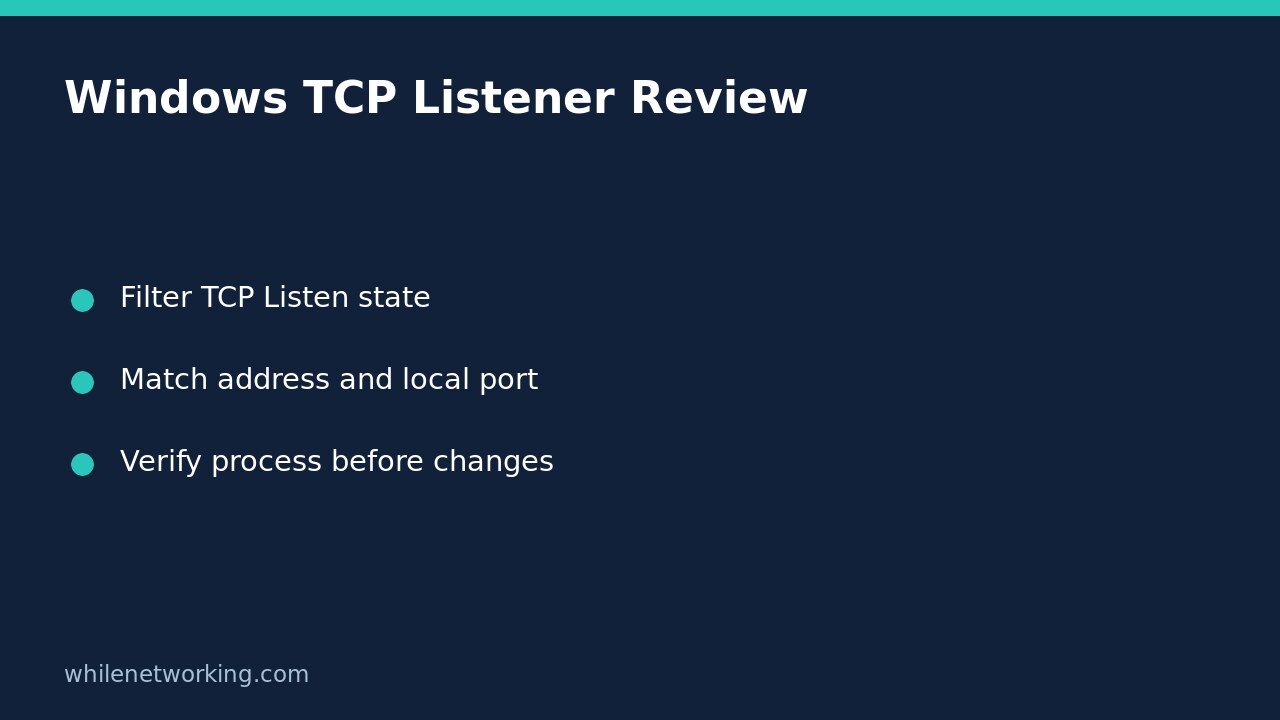

Before adding a Windows firewall exception for an unreachable service, check whether the intended application has a TCP listener on the expected local port. Get-NetTCPConnection can show the local address, port, state and owning process ID without changing networking settings. A listener is evidence about the local machine at that moment; it is not proof that another computer can reach it or that the application is healthy.
Start with the expected service, not an assumed port
Record which computer should host the service, its configured TCP port and whether clients connect locally or from another machine. Use the application’s configuration or administrator documentation rather than assuming every web application uses the same port. The examples below use 8080 as an illustrative configured port, not a recommendation to expose it.
Open PowerShell on the Windows computer that hosts the application. The commands use the Windows NetTCPIP module; they are not Linux shell commands and are not intended to inventory the separate networking environment inside WSL. Do not add a remote CIM session unless you deliberately intend to inspect a different authorised computer.
First capture the current TCP listeners, then display only the useful columns:
$listeners = @(Get-NetTCPConnection -State Listen -ErrorAction Stop)
$listeners | Select-Object LocalAddress, LocalPort, State, OwningProcess
The capture must complete successfully. If it reports an access, module or query error, do not treat an old variable value or an empty-looking screen as a valid inventory. Resolve the error under your organisation’s access policy before drawing conclusions.
Filter the local port and interpret the address
After a successful capture, isolate the configured port:
$listeners | Where-Object { $_.LocalPort -eq 8080 } | Select-Object LocalAddress, LocalPort, State, OwningProcessNo matching row means this successful snapshot did not contain a TCP listener on local port 8080. It does not show that every protocol is unused: UDP is separate, and a service may also start, stop or change configuration after the capture. Check the application’s actual configuration and startup status before opening firewall ports.
- 127.0.0.1: an IPv4 loopback binding is for local-host access, not direct connections to the machine’s LAN address.
- ::1: an IPv6 loopback binding is likewise local to that host.
- 0.0.0.0: an IPv4 wildcard binding is not a specific remote client address.
- ::: an IPv6 wildcard binding needs IPv4/IPv6 behaviour checked rather than assumed.
- A specific local address: compare it with the address the client actually uses; another interface or address family can change the result.
A wildcard listener does not override firewall rules, routing or router configuration. It also does not establish Internet exposure. Conversely, changing the firewall cannot make a loopback-only application bind to a LAN address.
Check ownership without terminating anything
Microsoft documents OwningProcess as the process ID associated with a TCP connection. Record that ID along with the local address, port and capture time. Use your approved process-management tool to confirm which application currently has that ID before making changes.
For example, if the expected port is present but its owner is not the intended application, investigate a configuration conflict. Do not terminate the process simply because it occupies a port. It could be a shared service or a business-critical application. Process IDs and listeners are time-sensitive, so refresh the snapshot when correlating records rather than relying on yesterday’s number.
The Listen state is also distinct from Established. An established outbound connection may use a remote server’s port 443; that is not evidence that your computer hosts a local HTTPS listener. Keep LocalPort and RemotePort separate in support notes.
Choose the next diagnostic branch
If the expected listener is absent, examine application startup errors, configuration and the configured transport. If it is loopback-only, ask whether that binding is intentional before proposing an application change. If the listener is on the intended LAN address, compare a local connection test with an authorised remote-client test.
For that later step, see interpreting Test-NetConnection when ping and TCP disagree. A successful TCP handshake still does not establish correct TLS, authentication or application responses. Preserve the exact destination and test location when handing evidence to a network administrator.
FAQ and safe handoff checklist
Does Listen mean the firewall permits access? No. It describes a local TCP endpoint, not a firewall decision or a complete end-to-end test.
Should I disable the firewall to confirm this? Not as a first step. Record the listener, address, process owner and client test, then review the specific authorised rules if evidence points there.
What should a support ticket contain? Include the host, expected application, configured local port, successful query time, relevant rows, ownership check and client destination. Remove sensitive addresses before posting publicly.
Source: Microsoft’s Get-NetTCPConnection documentation describes local and remote fields, state filters, owning process IDs and local-session defaults. These examples are documentation-based; no Windows listener query was executed for this article.
This tutorial is for educational purposes. Test carefully before using steps in production. The site owner is not responsible for misuse, damage, data loss or production issues. These inspection commands make no intentional configuration changes, so no firewall rollback is required for the inspection itself.