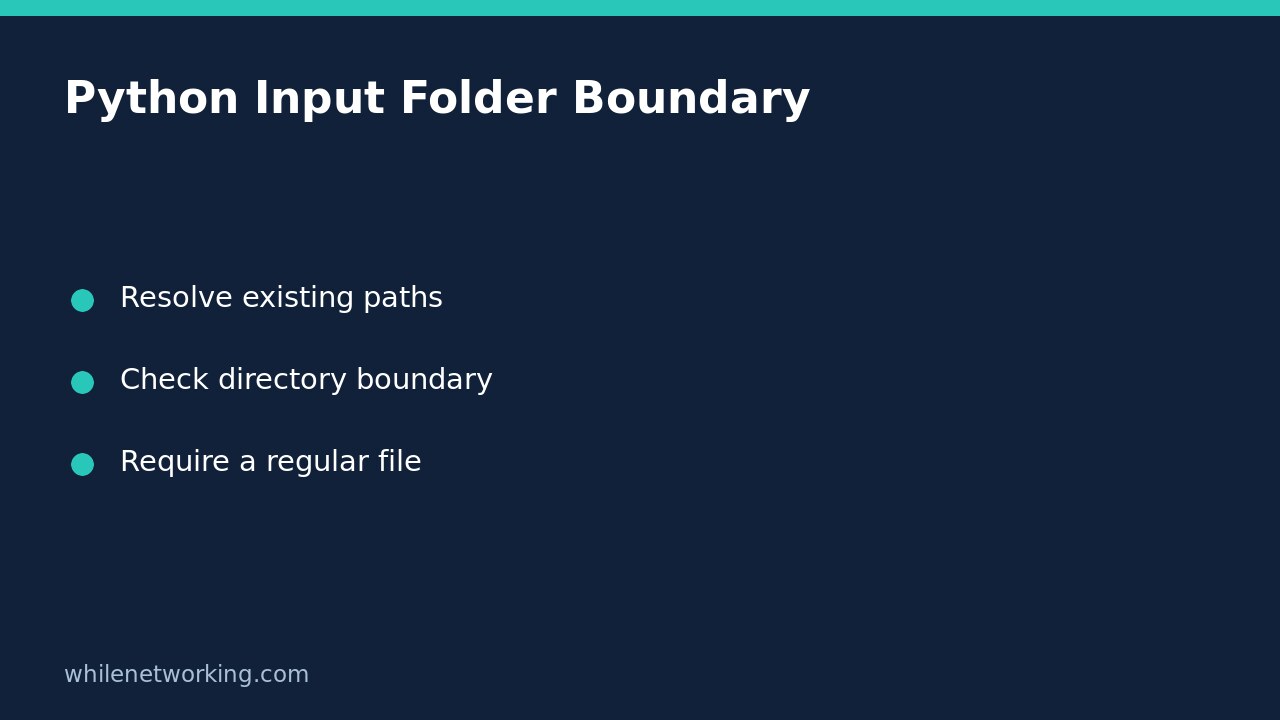

When a Python import tool accepts a filename, check the resolved file against an approved directory before reading it. Do not use a text prefix such as str(candidate).startswith(str(root)): a neighbouring folder can share that prefix, and parent-directory components or symbolic links can point somewhere else. For a small trusted local workflow, resolve both existing paths, check their relationship, then require a regular file.
This tutorial concerns selecting existing input files for an administrative script. It is not a complete sandbox for a public upload service, and it does not make opening attacker-controlled filesystem paths race-free.
Why a path string is not a filesystem boundary
Suppose your approved directory is /srv/import. The string /srv/import-old/customer.csv starts with the same characters but identifies a different directory. Likewise, /srv/import/../private/customer.csv contains the approved prefix while naming a location outside it.
The official pathlib documentation explains that pure-path relationship methods are string-based and do not access the filesystem. Its resolve() method resolves symbolic links and eliminates parent-directory components. That distinction matters: checking a relationship before resolution can answer a different question from the one you intended.
Validate an existing file with pathlib
The following Python 3.9-or-later function receives the approved folder and the requested name separately. A relative name is interpreted beneath that folder, not beneath whichever working directory launched the script. An absolute name is accepted only if its resolved location remains inside the approved folder.
from pathlib import Path


def approved_input(root_name, requested_name):
    root = Path(root_name).resolve(strict=True)
    if not root.is_dir():
        raise ValueError("Approved root is not a directory")

    requested = Path(requested_name)
    candidate = (root / requested).resolve(strict=True)
    if not candidate.is_relative_to(root):
        raise ValueError("Input resolves outside the approved folder")
    if not candidate.is_file():
        raise ValueError("Input is not a regular file")
    return candidate
Strict resolution means a missing input produces an error instead of leaving an unresolved suffix to inspect. The regular-file check rejects a directory, including the approved root itself. A symbolic link to a file outside the root resolves outside and fails the boundary check; a link to a file inside can pass. This function does not prohibit all symbolic links.
Keep failures visible. A caller should report missing files, permission problems and validation failures clearly, then stop that import. Do not catch every exception and silently fall back to opening the original unvalidated filename.
Try a disposable example before using real imports
Place this example beneath the function in a scratch Python file. It creates only temporary demonstration files, reads a harmless marker and removes the temporary directory automatically. It never touches a production import directory.
from tempfile import TemporaryDirectory

with TemporaryDirectory() as temp:
    base = Path(temp)
    root = base / "imports"
    root.mkdir()
    (root / "sample.txt").write_text("demo", encoding="utf-8")
    (base / "outside.txt").write_text("private", encoding="utf-8")

    selected = approved_input(root, "sample.txt")
    print(selected.read_text(encoding="utf-8"))

    try:
        approved_input(root, "../outside.txt")
    except ValueError as error:
        print(error)
The successful branch should print the marker. The second branch should report that the input resolves outside the approved folder. Also test a missing name and a directory name separately; both must prevent the read. These checks validate selection, not whether the selected file contains trustworthy data.
Know what this check cannot guarantee
A path can change between validation and opening. If an untrusted user can replace directories or links while your process runs, checking a pathname and opening it afterwards is not an atomic security boundary. Use appropriate ownership and permissions, avoid elevated execution, and obtain platform-specific advice for descriptor-based secure opening when the threat model requires it.
Network filesystems and Windows junctions deserve testing in the actual deployment. The result follows the host filesystem semantics; do not validate a Windows-looking string on Linux and assume you have tested a Windows filesystem. Avoid claiming this helper is a universal path-traversal defence.
Import checklist and common questions
- Is the approved folder explicitly configured and controlled by a trusted administrator?
- Do missing files, outside paths and directories stop processing?
- Is the returned resolved path the one actually read?
- Does the importer validate the file’s structure after selection?
Does a passing check validate CSV columns? No. Follow it with a separate CSV header validation step before importing inventory data.
Can this validate a future output file? Not unchanged: strict resolution requires the selected file to exist. Designing safe output creation is a different task with its own overwrite and race considerations.
This tutorial is for educational purposes. Test carefully before production use. The site owner is not responsible for misuse, damage, data loss or production issues.