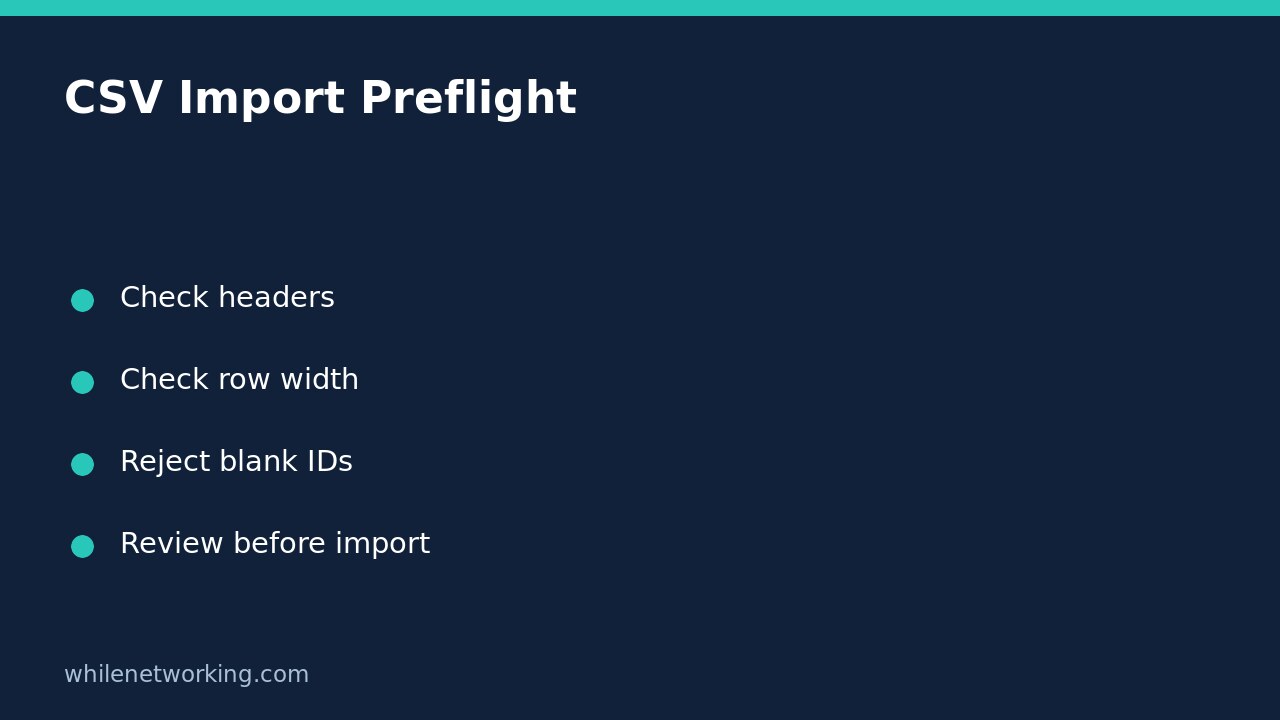

Before importing a CSV inventory file, validate its column names and row shape without changing the source file. A file can open perfectly in a spreadsheet while still containing duplicate headers, extra delimiters or missing identifiers. Those problems can misroute data when a script turns each row into a dictionary.
This example expects three columns: asset_id, hostname and owner. It checks that exact contract, rejects structurally uneven rows and requires a nonblank asset ID. It deliberately does not connect to an inventory system or write any records.
Why header checks must happen before dictionary conversion
Python’s csv.DictReader normally uses the first row as dictionary keys. The official documentation explains that extra fields are collected under restkey, while missing fields receive restval. Those defaults are useful, but accepting them silently is a poor fit for a strict inventory import.
Duplicate column names are another trap: a dictionary cannot preserve two independent values under the same key. Validate the original header list before relying on dictionaries. For this small preflight tool, csv.reader makes the row width and original header names explicit.
Define the accepted CSV contract
Use a copy of the export in a scratch folder. Keep the original unchanged. This example requires lowercase headers in the specified order and permits a blank owner, because an unassigned device can be legitimate. Different business rules should be written down rather than inferred from the first file that happens to arrive.
asset_id,hostname,owner
A-101,desk-01,Ana
A-102,desk-02,
The script uses utf-8-sig to tolerate a UTF-8 byte-order mark at the start of an export, and newline='' so the CSV module handles newlines. It assumes comma-separated input. If the agreed export uses semicolons, configure that delimiter explicitly instead of replacing characters across the whole file.
Run a read-only validation script
Save the following as validate_inventory.py. It uses the Python standard library, requires one input filename, and exits unsuccessfully when it encounters the first problem. The script checks parsed records rather than splitting text at commas, so quoted commas remain valid field content.
import csv
import sys

EXPECTED = ['asset_id', 'hostname', 'owner']

def validate(path):
    count = 0
    seen_ids = set()
    with open(path, encoding='utf-8-sig', newline='') as source:
        reader = csv.reader(source, strict=True)
        headers = next(reader, None)
        if headers is None:
            raise ValueError('File is empty')
        if len(headers) != len(set(headers)):
            raise ValueError('Duplicate column names')
        if headers != EXPECTED:
            raise ValueError(f'Expected headers {EXPECTED!r}; got {headers!r}')
        for row in reader:
            if len(row) != len(headers):
                raise ValueError(
                    f'Near line {reader.line_num}: expected 3 fields, got {len(row)}'
                )
            asset_id = row[0].strip()
            if not asset_id:
                raise ValueError(f'Near line {reader.line_num}: blank asset_id')
            if asset_id in seen_ids:
                raise ValueError(f'Near line {reader.line_num}: repeated asset_id')
            seen_ids.add(asset_id)
            count += 1
    return count

if __name__ == '__main__':
    if len(sys.argv) != 2:
        raise SystemExit('Usage: python validate_inventory.py FILE.csv')
    try:
        count = validate(sys.argv[1])
    except (OSError, UnicodeError, csv.Error, ValueError) as exc:
        print(f'Validation failed: {exc}', file=sys.stderr)
        raise SystemExit(1)
    print(f'Validation passed: {count} data records; no import performed')
Run python validate_inventory.py inventory.csv, or use python3 if that is your installation’s launcher. A pass means only that these checks passed. It does not prove that hostnames exist, owners are authorised or the receiving system will accept every value.
Test failures deliberately before trusting the workflow
- Rename
ownertoOwner: the header contract should reject it. - Repeat
asset_idas a column name: the duplicate-header check should reject it. - Add an unquoted extra comma to a record: the width check should reject it.
- Repeat an asset ID: the duplicate-record check should reject it.
- Put a comma inside a quoted owner value: the CSV parser should keep it in one field.
These are expected behaviours for practice cases, not claims of testing your production export. Fix the export process or a reviewed copy, then rerun the validator. Do not silently remove columns merely to get a green result.
FAQ and handoff checklist
Does the line number identify a spreadsheet row? Not always. CSV records can span physical lines when a quoted field contains a newline. The diagnostic therefore says “near line.”
Should spaces in headers be stripped automatically? Only if that normalisation is part of your agreed format. Strict rejection makes accidental format changes visible.
Before enabling the real import, add field-specific rules, review a dry-run summary and retain a rollback plan for the receiving system. For broader handling patterns, see Python file handling for CSV and JSON.
Educational-use disclaimer: Test carefully with non-sensitive copies before production use. The site owner is not responsible for misuse, damage, data loss or production issues.
Source
Python’s official CSV documentation describes header handling, missing and extra fields, strict parsing and newline requirements.