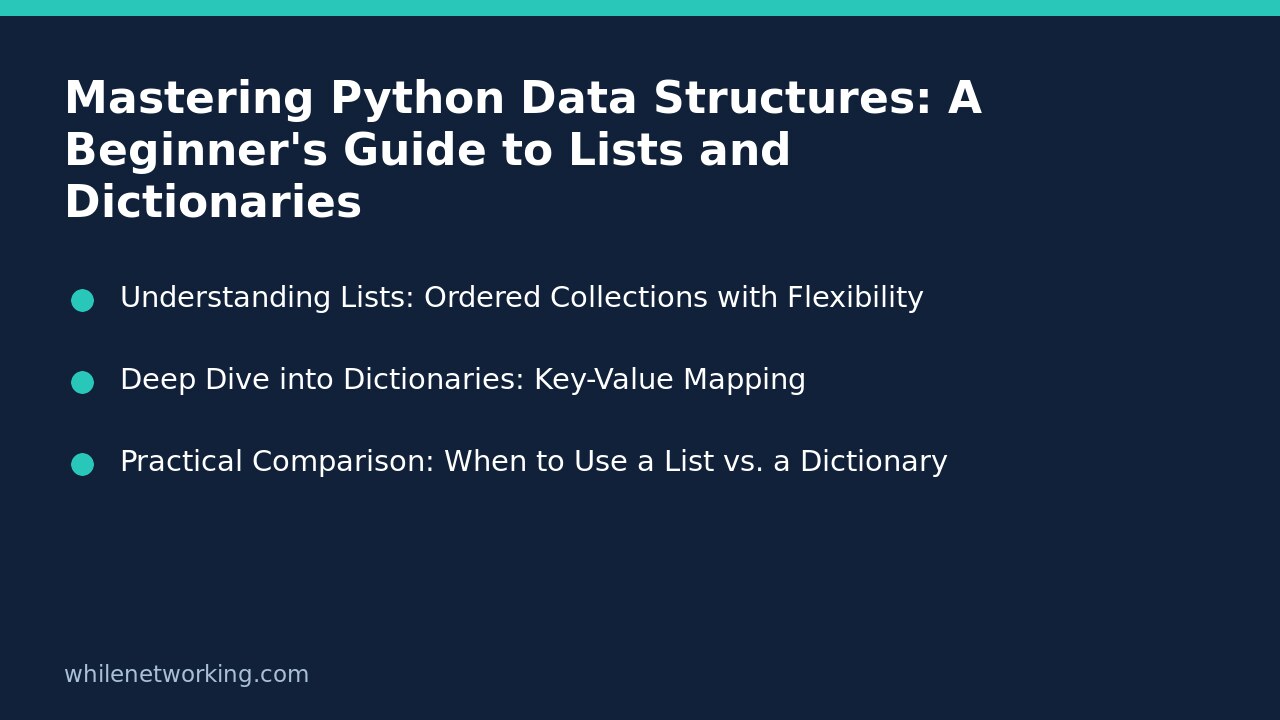

Python is renowned for its simplicity and readability, largely because it provides powerful built-in data structures that handle complex data manipulation with minimal code. Among the most fundamental of these are lists and dictionaries. While they may seem intuitive at first glance, understanding their internal mechanics, performance characteristics, and specific use cases is crucial for writing efficient, maintainable code. Whether you are building a web application, analyzing large datasets, or automating tasks, mastering these two structures will form the bedrock of your Python proficiency.
Understanding Lists: Ordered Collections with Flexibility
A list in Python is an ordered, mutable collection that can hold items of any data type. Unlike some other languages where arrays are fixed-size and typed, Python lists grow dynamically as you add elements. This flexibility makes them ideal for scenarios where the size of your dataset is unknown or changes frequently during execution.
The syntax for creating a list is straightforward: items are enclosed in square brackets [] and separated by commas. You can create an empty list with my_list = [] or populate it immediately with my_list = [1, "apple", 3.14]. Lists support negative indexing, allowing you to access the last element with my_list[-1], which is a common pattern in Pythonic code.
Lists are particularly useful when order matters. For example, if you are tracking a user’s activity history—such as a list of dates they logged into an app—the chronological sequence is vital. You can modify lists in place using methods like .append() to add items, .insert() to place items at specific indices, and .remove() or .pop() to delete them. However, be cautious with frequent insertions and deletions in the middle of large lists, as these operations are $O(n)$, meaning they can become a performance bottleneck as the list grows.
Deep Dive into Dictionaries: Key-Value Mapping
If lists are for ordered sequences, dictionaries are for associative data. A dictionary maps unique keys to values, acting like a real-world phone book or a database table. The syntax uses curly braces {} with key-value pairs separated by colons, like user_info = {"name": "Alice", "age": 30}. Keys must be immutable types, such as strings, numbers, or tuples, while values can be any data type, including other lists or dictionaries.
Dictionaries excel at fast lookups. Accessing a value by its key is an $O(1)$ operation, making them significantly faster than searching through a list for a specific item when dealing with large datasets. They are the go-to structure for configuration files, caching results, or representing objects where properties are accessed by name rather than index.
It is important to distinguish between mutable and immutable keys. While you can use integers as keys (e.g., {1: "one", 2: "two"}), using strings is generally preferred in modern Python for readability. A common mistake beginners make is assuming that dictionaries are ordered; in Python versions prior to 3.7, insertion order was not guaranteed. However, since Python 3.7, dictionaries maintain insertion order as part of the language specification, so you can rely on them being predictable in current environments.
Practical Comparison: When to Use a List vs. a Dictionary
Choosing between a list and a dictionary often depends on how you intend to access the data. If your application requires iterating through items sequentially or preserving the order of entry, a list is the appropriate choice. Conversely, if you need to retrieve data based on a unique identifier without caring about the sequence, a dictionary is superior.
Consider a real-world scenario: managing an inventory system. You might use a list to store the chronological log of sales transactions to generate a daily report later. However, to quickly check the current stock level of “Laptop X,” you would use a dictionary where the product ID is the key and the quantity is the value. Attempting to find a product in a list by scanning every item for its name would be inefficient compared to direct dictionary lookup.
Common Pitfalls and Performance Considerations
One frequent error involves modifying a list while iterating over it. Doing so can cause unexpected skipping of elements or runtime errors because the iterator’s internal index gets out of sync with the actual list length. The best practice is to iterate over a copy of the list using for item in my_list[:] or use a list comprehension to create a new filtered list instead of modifying the original during traversal.
Another pitfall with dictionaries is relying on key existence without checking. Accessing a non-existent key raises a KeyError. To handle this gracefully, always check if a key exists using the in operator (if "age" in user_info:) or use the .get() method, which returns None (or a default value you provide) if the key is missing. This prevents your program from crashing unexpectedly when processing user input that might be incomplete.
Performance-wise, avoid converting lists to dictionaries unnecessarily if you don’t need key-based lookups. While Python’s list comprehension and slicing are highly optimized, creating a dictionary just to store a list of tuples adds overhead. Furthermore, remember that while list comprehensions are generally faster than for loops with .append(), they should not be used for side effects like printing or file writing; keep them strictly for data transformation.
Real-World Example: Building a Simple Contact Manager
To illustrate the synergy between lists and dictionaries, let’s look at a simple contact manager script. This example demonstrates how to add contacts, retrieve information, and handle errors safely.
# Initialize an empty list of contacts
contacts = []

def add_contact(name, email, phone):
    # Create a dictionary for the new contact
    new_contact = {
        "name": name,
        "email": email,
        "phone": phone
    }
    # Append the dictionary to our main list
    contacts.append(new_contact)
    print(f"Contact '{name}' added successfully.")

def get_contact_email(name):
    # Iterate through the list of dictionaries to find a match
    for contact in contacts:
        if contact["name"] == name:
            return contact.get("email")
    return None

# Usage
add_contact("Alice Smith", "alice@example.com", "555-0192")
add_contact("Bob Jones", "bob@example.com", "555-0193")

# Retrieve email safely
email = get_contact_email("Alice Smith")
if email:
    print(f"Email for Alice: {email}")
else:
    print("Contact not found.")
In this example, the contacts list maintains the collection of individuals. Each element within that list is a dictionary representing a single person’s attributes. The .append() method handles adding new entries, while the loop inside get_contact_email searches for a specific key-value match. This pattern scales well and is easily extensible to include more fields like addresses or social media handles.
Conclusion: Building a Strong Foundation
Mastering Python lists and dictionaries is not just about memorizing syntax; it is about understanding the trade-offs between order, speed, and mutability. Lists provide flexibility for ordered sequences, while dictionaries offer efficiency for key-based lookups. By avoiding common pitfalls like modifying lists during iteration or accessing missing dictionary keys, you can write robust applications. As you progress to more advanced topics like sets and tuples, these two structures will remain your most frequently used tools. Practice implementing them in small projects, experiment with their methods, and always consider the specific requirements of your data before choosing a structure.