
A JSON configuration can look correct in an editor yet fail when a Python script reads it. One possible cause is a UTF-8 byte order mark, or BOM, at the beginning. When the agreed input format is UTF-8 with an optional signature, open the file using encoding='utf-8-sig'. This consumes a leading UTF-8 signature without modifying the source file. It is not a general repair for arbitrary encodings or malformed JSON.
Confirm the bytes before choosing a fix
The Python codecs documentation identifies the UTF-8 signature as the three bytes EF BB BF. UTF-8 does not need this marker to establish byte order; here it acts as an encoding signature. Reading those bytes with ordinary UTF-8 leaves a leading Unicode character in the decoded text. A downstream parser may reject that character rather than accept the document.
Inspect a small, authorised configuration file rather than a huge export or a file containing secrets you should not access. This read-only example prints only the initial bytes and a signature flag, not the configuration values. Replace the sample relative path deliberately; it is resolved from the current working directory.
from pathlib import Path
import codecs

path = Path('settings.json')
with path.open('rb') as stream:
    prefix = stream.read(3)
print('Initial bytes:', prefix.hex(' '))
print('UTF-8 signature:', prefix == codecs.BOM_UTF8)
If the bytes differ, do not assume a BOM problem. Confirm the producer’s documented encoding. UTF-16, truncated files, an HTML error page saved as JSON, and invalid JSON syntax need different handling. Avoid decoding with errors='ignore': silently losing characters can change configuration values.
Decode the optional signature at the input boundary
For a known UTF-8 input contract, pass a text stream with the appropriate encoding to the JSON parser. The following block continues the previous example and does not write to the file:
import json

with path.open('r', encoding='utf-8-sig') as stream:
    settings = json.load(stream)

if not isinstance(settings, dict):
    raise ValueError('Expected a JSON object at the top level')
print('Loaded a configuration object')
Python documents that the decoder skips the signature only when those three bytes appear at the start. It also reads ordinary UTF-8 input without a signature. Do not confuse the read setting with an output setting: writing with utf-8-sig adds a signature. This tutorial does not recommend rewriting every file or changing an export format that another application depends on.
Separate successful decoding from valid configuration
Removing an input signature answers only an encoding question. A document can still have missing commas, incorrect field types, duplicate keys, or an unexpected top-level structure. Keep strict decoding and normal parsing errors visible. Record the file path and exception type in restricted diagnostic logs, but avoid dumping passwords, tokens or customer data into shared tickets.
After parsing, validate the fields your application actually requires. For example, a port represented as a string may need rejection even though the JSON is syntactically valid. If ambiguous repeated configuration names are a concern, use the separate workflow for rejecting duplicate JSON keys before loading configuration. Signature handling does not solve that ambiguity.
Check both producer formats with disposable fixtures
Before changing a scheduled importer, create two small disposable files containing the same harmless JSON object: one plain UTF-8 and one UTF-8 with a signature. Run the actual loader against both and compare the resulting objects. Then check a deliberately invalid document and confirm that it still fails. Keep the original production file unchanged while investigating.
Agree the long-term format with the exporting team. Python’s documentation generally discourages BOM use in UTF-8, but an existing integration may require it. A narrowly defined tolerant reader can be safer than manually resaving every incoming file. If you later change the producer, test the other consumers and preserve a rollback copy of its export settings.
Quick questions and handover checklist
Should I strip every BOM character from the text? No. Global replacement can alter legitimate content inside values; use the decoder’s start-of-stream behaviour.
Does utf-8-sig detect all encodings? No. It handles a specific UTF-8 signature convention, not arbitrary legacy code pages or UTF-16 input.
- Confirm the exact input path and initial bytes.
- Establish the producer’s encoding contract.
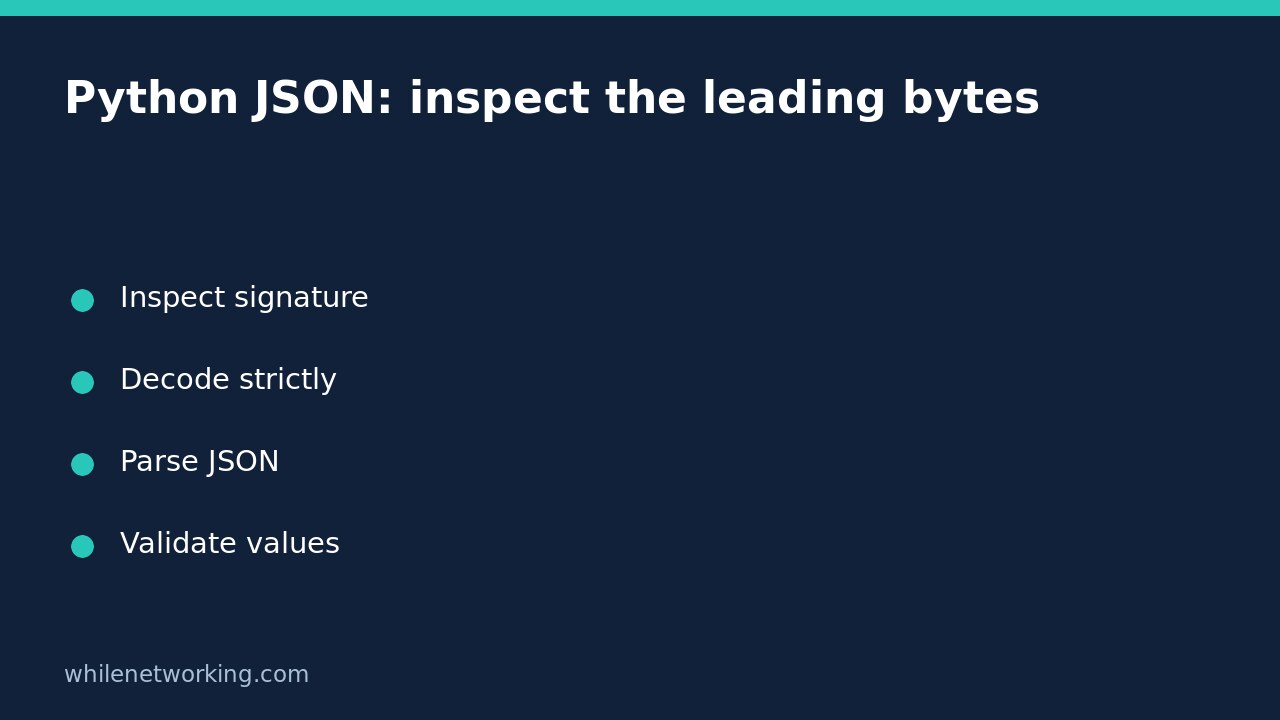
- Decode strictly, parse, and validate application fields separately.
- Test both signature variants and preserve failure cases.
Source: Python codec registry documentation and UTF-8 signature explanation.
Safety: This tutorial is for educational purposes. Test carefully before production use. The site owner is not responsible for misuse, damage, data loss or production issues.