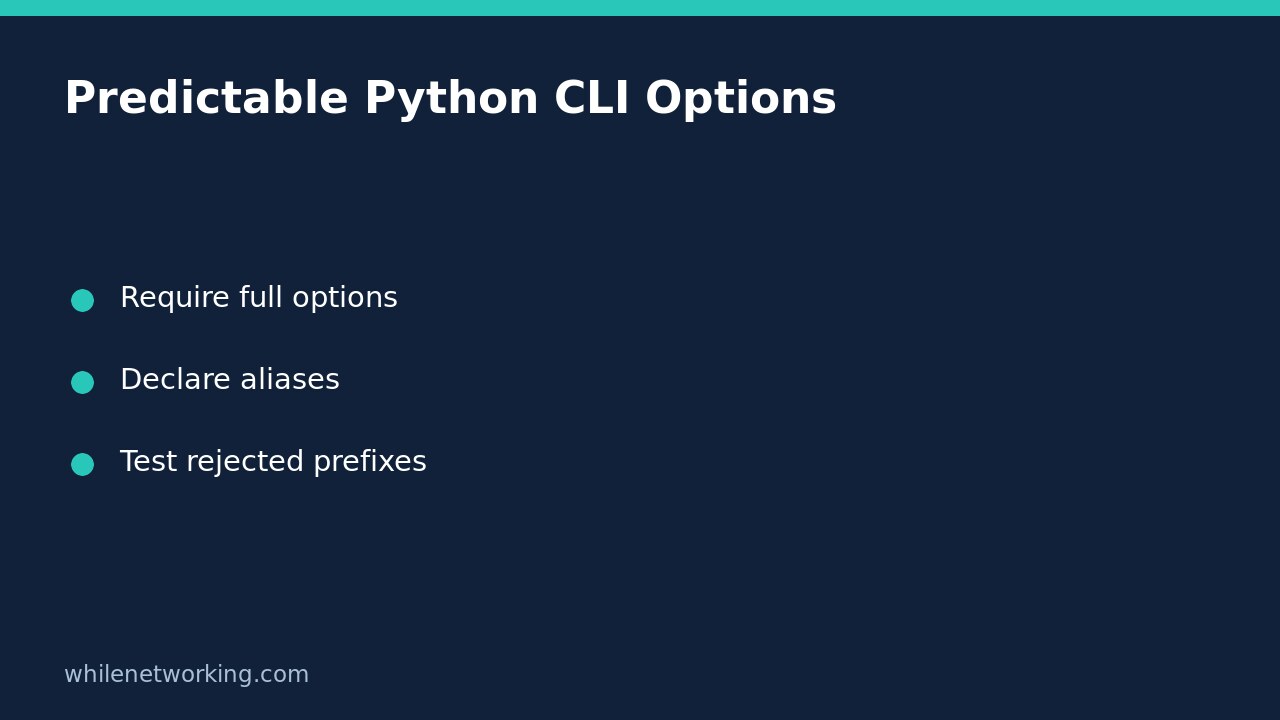

To prevent Python argparse from accepting shortened long options, create the parser with allow_abbrev=False. By default, argparse recognises an unambiguous prefix of a long option. That convenience can make an automation command depend on which other options happen to exist today. Requiring complete option names gives scripts and runbooks a clearer interface.
This setting concerns option names, not configuration contents or the safety of an operation. If your command reads JSON, also consider rejecting duplicate JSON keys before loading configuration. Validate each input boundary separately.
Why an accepted abbreviation can become fragile
Suppose an inventory tool has a long option named --output-format. With default abbreviation handling, a caller might discover that a shorter prefix works and paste it into a scheduled task. If a later release adds another option beginning with the same letters, that previously unambiguous prefix may become ambiguous. Nothing in the task definition changed, yet the parser now has a different set of candidate matches.
Full option names avoid that particular dependency. They also help reviewers see which option an operator intended. This is not a general security boundary: a correctly spelled destructive command remains destructive. Keep separate authorisation, input validation and safe execution controls where needed.
Build a parser that requires explicit long names
Save this example as inventory_cli.py in a scratch directory. It prints parsed values and performs no file writes or network operations. It uses the Python standard library, so no package installation is needed.
import argparse


def build_parser():
    parser = argparse.ArgumentParser(allow_abbrev=False)
    parser.add_argument("--output-format", choices=("csv", "json"), default="csv")
    parser.add_argument("--output-dir", default=".")
    return parser


if __name__ == "__main__":
    args = build_parser().parse_args()
    print(vars(args))
Run these commands with the Python 3 launcher available on your computer. On systems where that launcher is py -3, substitute it for python3.
python3 inventory_cli.py --output-format json
python3 inventory_cli.py --output-format=json
python3 inventory_cli.py --output-f json
python3 inventory_cli.py --help
The first two commands use complete option names and should select JSON. The third intentionally supplies an incomplete name and should be rejected with a usage error. The final command shows the documented interface. These are demonstration expectations, not a claim that they have been run on your own system.
Use declared aliases instead of accidental prefixes
If frequent interactive use justifies a short form, define it explicitly. You could replace the output-format declaration with parser.add_argument("-f", "--output-format", choices=("csv", "json"), default="csv"). Then document both accepted spellings. Do not add a second conflicting declaration for the same long name.
An explicit alias is a deliberate interface promise; an arbitrary prefix is not. Disabling long-option abbreviation does not mean every short-option convention disappears. Python documents short-option handling separately, so test the actual aliases your application exposes instead of assuming this one setting enforces every spelling rule.
Add a regression test for rejected prefixes
Save this test alongside the example as test_inventory_cli.py. The import is safe here because parsing occurs inside the main guard rather than when the module is imported.
import unittest
from inventory_cli import build_parser


class ParserTests(unittest.TestCase):
    def test_full_option(self):
        args = build_parser().parse_args(["--output-format", "json"])
        self.assertEqual(args.output_format, "json")

    def test_prefix_rejected(self):
        with self.assertRaises(SystemExit) as caught:
            build_parser().parse_args(["--output-f", "json"])
        self.assertEqual(caught.exception.code, 2)


if __name__ == "__main__":
    unittest.main()
Run python3 -m unittest -v test_inventory_cli.py. A usage message during the rejection test is expected: the test catches argparse’s exit. The assertion distinguishes an argument error from successful parsing. Use parse_args() when unknown arguments should be errors; do not switch to parse_known_args() merely to hide a failing test, because it intentionally returns unrecognised arguments for further handling.
Migration checklist and common questions
- Search runbooks and scheduled commands for shortened long names.
- Replace those spellings with complete names or documented aliases.
- Test valid invocations, invalid prefixes and help output before rollout.
- Keep a versioned copy of the previous script for an approved rollback if callers were missed.
Will this validate output paths? No. The example only parses text. A real exporter still needs path checks and permission handling before writing.
What about subcommands? Apply and test the intended configuration for each parser you construct; do not assume a successful top-level test covers every command interface.
Source: Python argparse documentation, including allow_abbrev, option syntax and invalid arguments.
This tutorial is for educational purposes. Test carefully before using steps in production. The site owner is not responsible for misuse, damage, data loss or production issues.