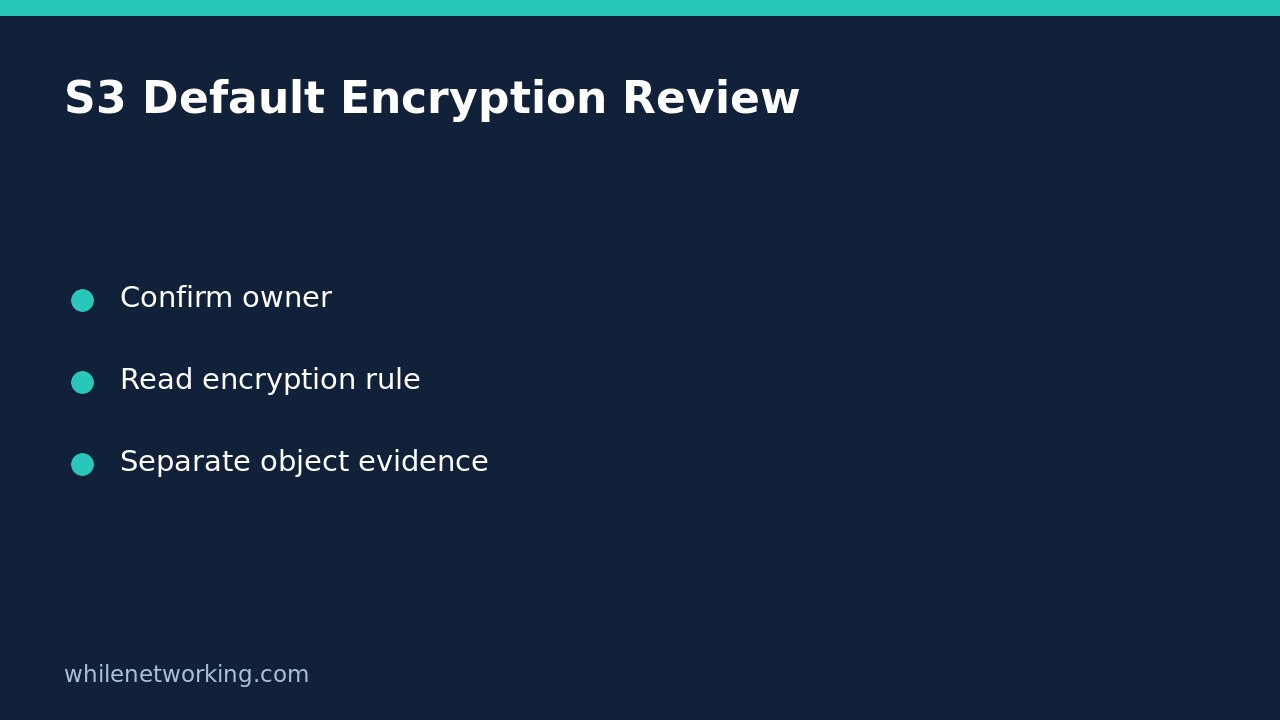

Use aws s3api get-bucket-encryption to read an S3 bucket’s default server-side encryption configuration. The response can identify the default algorithm, a configured KMS key identifier and S3 Bucket Key settings. It does not rewrite objects, and it does not prove that every existing object uses the current default. That distinction matters when an audit asks about stored data rather than the settings for future uploads.
Define the question before running a command
This tutorial covers read-only inspection of a general-purpose S3 bucket. Directory buckets have different permissions and request restrictions, so do not apply this command template to them unchanged. In particular, AWS documents that the expected-owner header used here is not supported for directory buckets.
Write the question in your ticket: ‘What default encryption configuration is currently recorded for this bucket?’ Keep separate questions about individual objects, historical uploads, application access and recovery testing. One successful configuration read cannot answer all of them.
First verify your AWS CLI account and role. Obtain the bucket name, owning account and region from approved inventory. Use an installed and configured CLI with authorised credentials. For general-purpose buckets, AWS documents s3:GetEncryptionConfiguration as the permission required for this operation. Do not grant broad administrator access merely to complete a read-only review.
Retrieve the full configuration
Replace the illustrative bucket, owner account, profile and region below with verified values. The example is a command template, not a report from a real customer bucket. Keeping it on one line avoids shell continuation mistakes.
aws s3api get-bucket-encryption --bucket example-audit-bucket --expected-bucket-owner 123456789012 --profile audit-readonly --region ap-southeast-2 --output json --no-cli-pagerThe official AWS CLI reference defines this operation as returning the default encryption configuration. It also states that all buckets have a default configuration using server-side encryption with S3 managed keys unless another default is configured. A failed read is therefore not evidence that encryption is absent.
Retain the full successful JSON response and inspection context before filtering fields for a report. Do not suppress standard error, disable TLS verification or switch to unsigned requests to hide an access problem. If saving evidence, use an approved location and avoid overwriting a previous audit record.
Read the algorithm and key fields separately
Look inside ServerSideEncryptionConfiguration, then its Rules array and ApplyServerSideEncryptionByDefault structure. Record the actual returned rule rather than assuming a missing field means the same thing as an explicitly false value.
- SSEAlgorithm: identifies the configured default encryption algorithm. Common findings include
AES256for SSE-S3,aws:kmsfor SSE-KMS andaws:kms:dssefor dual-layer SSE-KMS. Preserve the literal value in your evidence. - KMSMasterKeyID: records a configured KMS key identifier where applicable. Copy it accurately into the approved internal review, but do not treat its appearance as proof that every application can use the key.
- BucketKeyEnabled: concerns use of an S3 Bucket Key with SSE-KMS for new objects. AWS explicitly states that existing objects are not affected by this setting.
If a response contains additional fields such as BlockedEncryptionTypes, retain them. Blocking a particular encryption type for new uploads is a different control from selecting the default algorithm. Do not silently discard unfamiliar controls and then claim the response contains only the default rule.
Do not turn a bucket default into an object inventory
AWS describes the default as applying to new objects when a PUT request does not specify server-side encryption. That scope is narrower than ‘everything in the bucket uses this key’. This command does not enumerate object metadata, establish what a historical upload requested or test decryption by a particular workload.
For a fictional review, a useful note would be: ‘The successful configuration read returned aws:kms and the recorded key identifier. Existing object encryption and application read access were not tested.’ This is more defensible than marking every object compliant based on a bucket-level response.
If object-level assurance is required, agree a separate evidence plan with the authorised owner. Define whether it covers selected objects or a complete inventory and how exceptions will be investigated. Do not copy or rewrite objects as an improvised inspection method: that would change the task and may create operational or cost consequences.
Classify errors and close the review honestly
AWS documents HTTP 403 when the supplied expected owner does not match the bucket owner. A 403 alone does not prove that is the cause; permission restrictions can also require investigation. Check the recorded identity and inventory with the owner rather than trying guessed account IDs. A timeout or network failure establishes no encryption configuration at all.
- Record bucket, owner, region, inspecting identity and inspection time.
- Keep the successful raw response or actual error as evidence.
- Separate algorithm, key identifier, Bucket Key and any upload-blocking settings in the notes.
- Label object-level encryption and workload access as unverified unless separately checked.
- Request separate approval for any configuration change or remediation.
Is rollback needed for this command? It performs no configuration change, so there is no encryption setting to roll back. Does a configured KMS key prove restore success? No; this inspection does not test key availability, application permissions or recovery. This tutorial is for educational purposes. Test carefully before production use. The site owner is not responsible for misuse, damage, data loss or production issues.