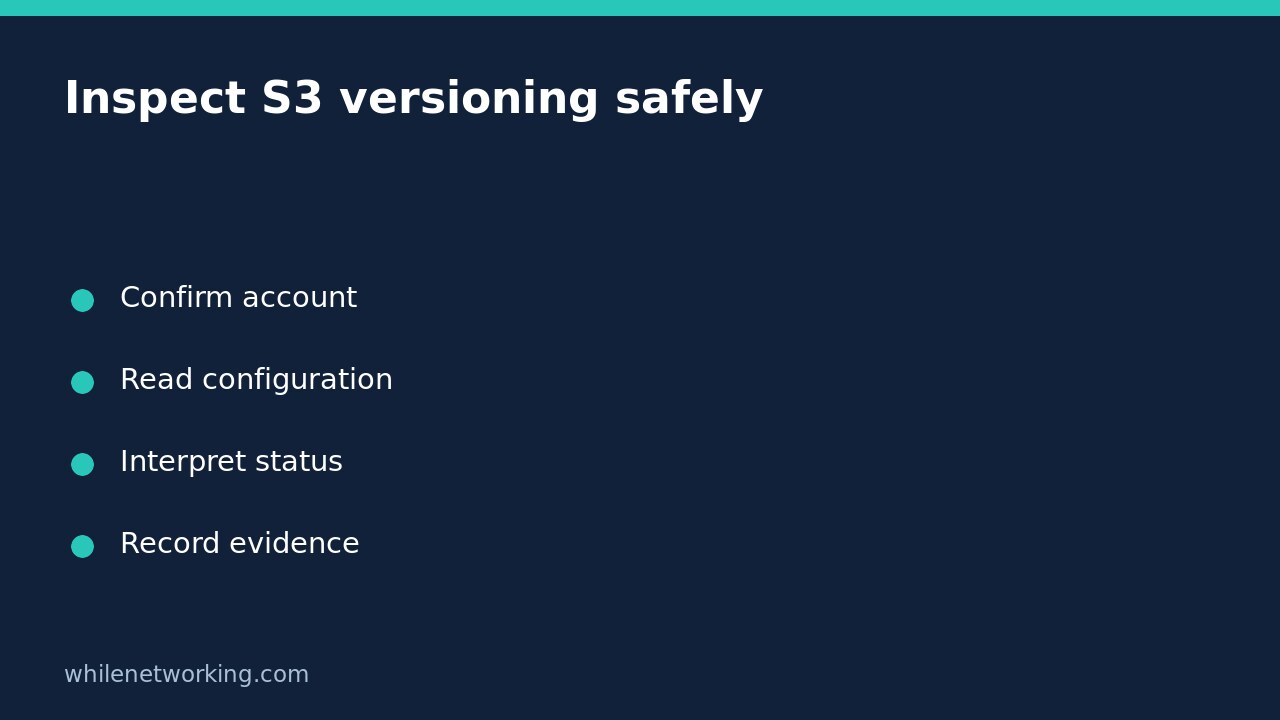

To check whether a general purpose S3 bucket has versioning enabled, use the read-only AWS CLI command s3api get-bucket-versioning. Do not enable versioning or upload a test object just to inspect the setting. A successful response describes the current bucket configuration, not whether a particular lost object is recoverable.
This is useful before approving an upload workflow or investigating a backup assumption. Record the bucket, account, observation time and complete response. Keeping those together avoids a misleading audit note that says only ‘versioning checked’ without identifying the resource.
Confirm the account and bucket before querying
Use an approved AWS CLI installation and an existing authorised profile. You need credentials with permission to read the target bucket configuration; ask your cloud administrator for least-privilege access rather than borrowing unrestricted credentials. The inspection action is s3:GetBucketVersioning. This operation does not support S3 directory buckets.
First follow the account-verification method in checking your AWS CLI account and role. The following example uses placeholders, not real resource details. Replace the profile, bucket, region and expected owner account with values confirmed through your organisation’s inventory.
aws sts get-caller-identity --profile audit-readonly --output json --no-cli-pagerCheck the returned account and ARN against the intended role. Cross-account access can be intentional, so the caller account and bucket-owner account are not necessarily identical. Confirm both identities instead of copying the caller account blindly into the expected-owner argument.
Read the full versioning configuration
Run this as a single-line command in a terminal with AWS CLI available:
aws s3api get-bucket-versioning --bucket example-audit-bucket --expected-bucket-owner 111122223333 --profile audit-readonly --region ap-southeast-2 --output json --no-cli-pagerThis command requests configuration only. It does not change versioning, read object contents, delete objects or perform a restore. Keep the full JSON for the first inspection rather than filtering down to one field. An omitted field and a failed request are different observations, and a narrow display can hide useful context.
Save the exit status through your normal terminal or automation process. Do not interpret an empty error log, an abandoned command or an access-denied message as evidence that versioning is disabled. Avoid debug logging in shared tickets because request details may contain sensitive operational information.
Interpret enabled, suspended and missing status
- Status is Enabled: the bucket is currently versioning-enabled. S3 creates new versions for object writes, but this is not proof that the specific historical version you need still exists.
- Status is Suspended: versioning is suspended. Do not equate this with an enabled state or assume every subsequent overwrite receives the same protection. Inspect the relevant object history separately with authorised procedures.
- Status is absent from a successful response: AWS documents an empty versioning configuration for a bucket that has never been versioning-enabled. Treat that as a configuration finding, not a reason to change the setting during an audit.
The response may also contain MFADelete. AWS says that element is only returned when the bucket has been configured with MFA delete. Its absence is not evidence that your user does not use MFA, and it does not describe every access-control safeguard on the account. Record the field as returned rather than inventing an Enabled or Disabled value.
Handle errors without weakening protection
The expected-owner parameter deliberately fails with HTTP 403 when its account ID does not match the bucket owner. However, 403 alone does not prove that mismatch: permissions and policy restrictions can also prevent a read. Reconcile the inventory, active profile and administrator-approved permission scope before retrying.
If the bucket cannot be found, verify spelling and the intended environment. For credential expiry, use your normal approved sign-in process. For network or certificate errors, investigate connectivity and trust configuration; do not add certificate-verification bypass flags. Never issue a write command to see whether broader access happens to work.
Turn the finding into a bounded recovery question
Versioning can retain overwritten objects, and ordinary deletion in a versioning-enabled bucket inserts a delete marker. Nevertheless, AWS also documents permanent deletion of a specified version. Enabled therefore does not mean indestructible. Existing objects are not retroactively given a full earlier edit history when versioning is first enabled.
Does an enabled result prove our backup works? No. Verify required object versions, retention arrangements, access and a separately authorised restoration exercise. Should I enable it now if the field is missing? Not during this read-only task. Raise a reviewed change that addresses storage costs, permissions and recovery needs. AWS notes that stored versions incur normal storage charges.
For a proposed upload, combine this configuration check with a safe S3 sync dry-run preview. Neither check replaces an approved recovery plan.
Sources: AWS CLI command reference and How S3 Versioning works.
This tutorial is for educational purposes. Test carefully before production use. The site owner is not responsible for misuse, damage, data loss or production issues.