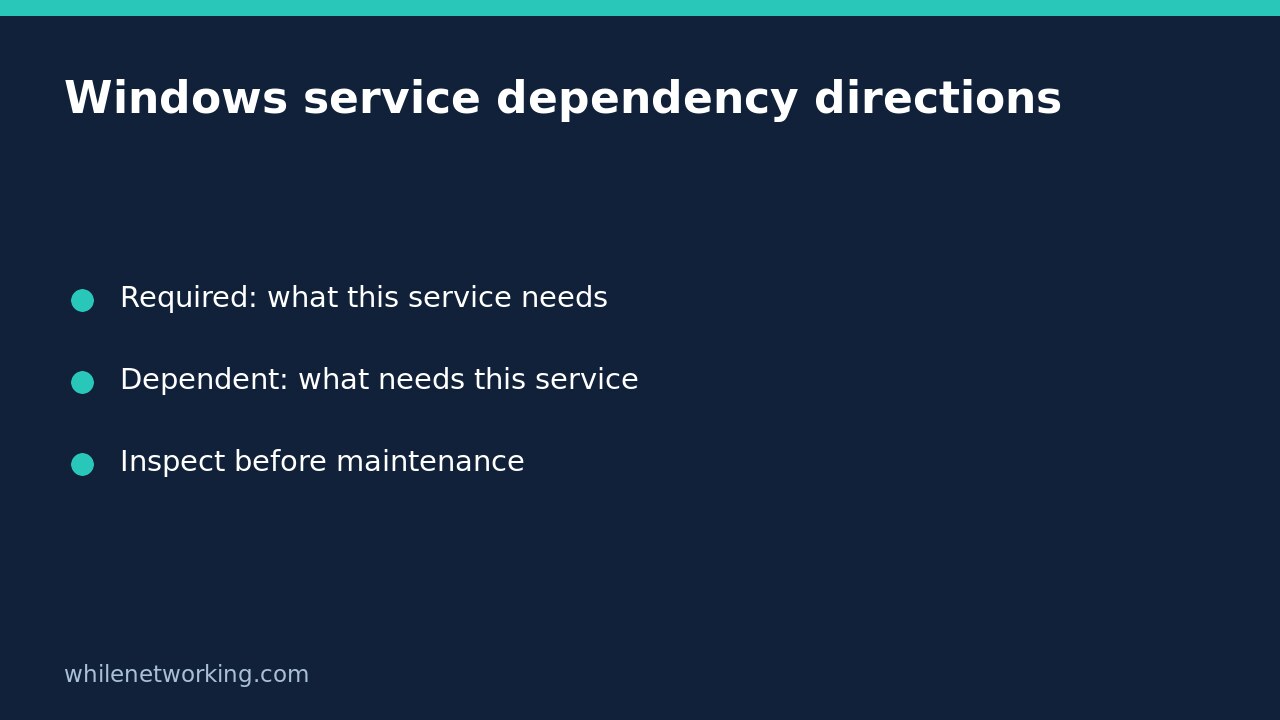

When planning Windows service maintenance, two questions sound similar but point in opposite directions: what does this service require, and what other services require it? PowerShell’s Get-Service -RequiredServices answers the first question. Get-Service -DependentServices answers the second. Mixing them up can produce an incomplete impact assessment before a restart.
The following workflow only inspects service information. It does not stop services, change startup settings or prove that an application is healthy. Run it on the Windows computer you intend to investigate, using an account authorised to inspect that computer.
Start with the exact service name
Open PowerShell on Windows and identify the target. A service’s short name and its friendly display name are different fields. For example, this command requests the Windows Event Log service by its service name:
Get-Service -Name 'EventLog' -ErrorAction Stop | Select-Object Name, DisplayName, StatusCheck that the returned identity is the one you intended. Replace EventLog with the service you are investigating in every subsequent command. These examples deliberately do not restart EventLog; a familiar built-in service is an inspection example, not a recommendation to interrupt it.
If you know only part of a friendly name, first discover candidates with Get-Service -DisplayName '*event*'. Treat that wildcard search as discovery, not an exact target selection. Confirm the Name field before proceeding. A failed lookup needs investigation; it should not be converted into a report claiming that the service has no dependencies.
RequiredServices points towards prerequisites
Ask which services the target requires:
Get-Service -Name 'EventLog' -RequiredServices -ErrorAction Stop | Select-Object Name, DisplayName, StatusRead this as: EventLog needs the returned services. Microsoft documents RequiredServices as returning the target service’s ServicesDependedOn property. The returned rows are prerequisite services, not the original target repeated with an extra flag.
Record their names and current statuses, but do not assume that every stopped prerequisite should be started manually. Service behaviour and application expectations need their own investigation. A list of service relationships is not an instruction to modify the machine.
DependentServices points towards affected consumers
Now inspect the opposite direction:
Get-Service -Name 'EventLog' -DependentServices -ErrorAction Stop | Select-Object Name, DisplayName, StatusRead this as: the returned services depend on EventLog. These are relevant to maintenance impact, because interrupting a shared prerequisite can affect consumers beyond the application you initially had in mind.
A hypothetical relationship makes the distinction clearer. Suppose ReportAgent requires QueueBroker. Querying ReportAgent with RequiredServices would identify QueueBroker. Querying QueueBroker with DependentServices would identify ReportAgent. Reversing those questions would investigate different edges. These names are invented to explain the direction; they are not expected output from your computer.
Build a maintenance note, not a health certificate
Keep three separately labelled sections in your change record: the selected service, its prerequisites, and its dependents. Include the computer identity and observation time. Without labels, a copied table of names can lose the direction that made the results useful.
- Confirm the target service’s exact name and current state.
- Record both relationship directions rather than choosing only one switch.
- If a relevant returned service has its own relationships, inspect that service separately rather than assuming the first list is a recursive application map.
- Ask the application owner about dependencies outside Windows service registration, such as databases, network endpoints and scheduled jobs.
- Agree the maintenance window, validation steps and recovery plan before any separate change.
A Running status is not proof that a website responds, a queue processes work or a database accepts the expected query. Conversely, an empty relationship result after a successful authorised lookup does not prove that nobody uses the application. Keep registered service relationships separate from real application dependencies and user impact.
Common questions and limits
Does this work in Linux PowerShell? Microsoft’s Get-Service documentation identifies the cmdlet as Windows-only. Do not treat a missing cmdlet on another platform as evidence that Windows has no services. These commands were checked against the documentation; no Windows service runtime test is claimed here.
Should I elevate immediately if a lookup fails? First verify the machine, spelling and error. Microsoft notes that visibility depends on permission. Use an authorised account or administrator support rather than suppressing an access error and reporting an empty inventory.
Will these commands stop anything? No service-change cmdlets are used here. If later diagnostics involve an external executable, see the separate tutorial on capturing a native command’s exit code immediately; that topic is distinct from interpreting service objects.
Source: Microsoft Learn’s Get-Service reference, including the RequiredServices and DependentServices parameter definitions.
This tutorial is for educational purposes. Test carefully before production use. The site owner is not responsible for misuse, damage, data loss or production issues.