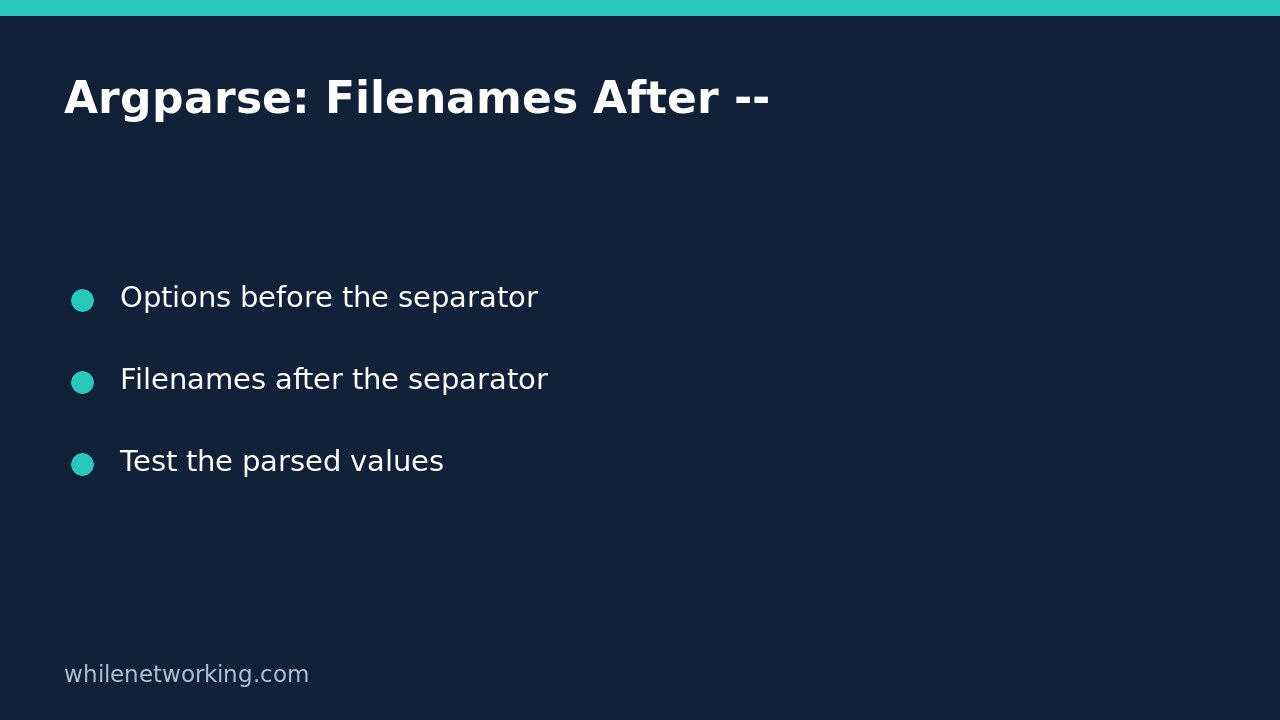

If a Python command-line script mistakes a filename such as -report.csv for an option, insert -- before the positional filename. In argparse, this separator tells parse_args() to treat everything that follows as positional arguments. It solves an argument-classification problem; it does not rename, open, validate or grant access to the file.
Reproduce the problem without touching a file
Use Python 3 and save this small program as inspect_names.py in a disposable working folder. It deliberately prints parsed strings instead of reading data. That makes it suitable for checking command-line behaviour without depending on real filenames or permissions.
import argparse

parser = argparse.ArgumentParser(allow_abbrev=False)
parser.add_argument('--label', default='inventory')
parser.add_argument('files', nargs='+')
args = parser.parse_args()
print(repr(args.label))
print(repr(args.files))
The optional label gives us a way to show where ordinary options belong. The positional files argument accepts one or more strings. Disabling long-option abbreviations removes one source of surprise but does not turn hyphen-starting arguments into filenames. These are separate parsing rules.
For an intentionally failing test, run the following. The program should exit with an argparse usage error rather than print a parsed list:
python3 inspect_names.py -report.csvThe exact error wording can vary with parser structure and Python version. Do not make an automated test depend on the entire error sentence when the important behaviour is rejection with a nonzero exit status.
Put the separator before the positional filenames
Now run the same name after a double dash. The file does not need to exist because the program never opens it:
python3 inspect_names.py -- -report.csvThe printed label is 'inventory' and the list contains '-report.csv'. The separator itself is not included in that list. For multiple names, put ordinary options first, then the separator, then all positional filenames:
python3 inspect_names.py --label audit -- -report.csv ordinary.csvThis prints the label 'audit' and a two-element file list in the supplied order. Quoting a filename alone is not a substitute: the shell usually removes its quotation marks before Python receives the arguments, leaving the initial hyphen intact.
Remember that option parsing stops after the separator
Everything after -- is positional data for this parser, even a token that looks like one of its options. Try this intentionally different invocation:
python3 inspect_names.py -- -report.csv --label auditThe label remains 'inventory'. The file list contains three strings: '-report.csv', '--label' and 'audit'. With a real importer, treating the latter strings as filenames could cause confusing missing-file errors. Keep switches before the separator and inspect the parsed values while developing the interface.
Do not generalise this example to every tool or parser mode. It demonstrates a plain argparse parser with one multi-value positional argument. Subcommands and other argument layouts deserve their own tests. An option that expects a value is also a different case from the positional filenames shown here.
Carry the boundary into automation
When another Python program launches this script, build a list of separate arguments rather than concatenating a shell command. Include the separator as its own element before user-supplied positional names. That preserves the intended argument boundaries without making shell quoting responsible for classifying filenames.
There is still a second validation stage. After parsing, check whether each intended input exists, whether it is the appropriate file type, and whether it belongs in the allowed location. See checking whether a Python input file stays inside an approved folder for that separate boundary. Accepting a string as a positional argument is not a security approval.
Quick regression checklist
- A normal filename parses successfully.
- A hyphen-starting name after the separator remains unchanged.
- Two filenames retain their order.
- A recognised option before the separator changes its setting.
- The same option after the separator becomes positional data.
- No positional arguments produces an error because at least one is required.
Can you fix this by renaming every download? You may choose clearer names, but a robust importer should document its supported input syntax instead of requiring users to modify originals merely to get through parsing. This demonstration performs no file operations, so removing the disposable script is all the cleanup required.
Source: Python’s argparse reference, particularly its explanation of arguments containing a hyphen and the double-dash pseudo-argument.
This tutorial is for educational purposes. Test carefully before using steps in production. The site owner is not responsible for misuse, damage, data loss or production issues.