
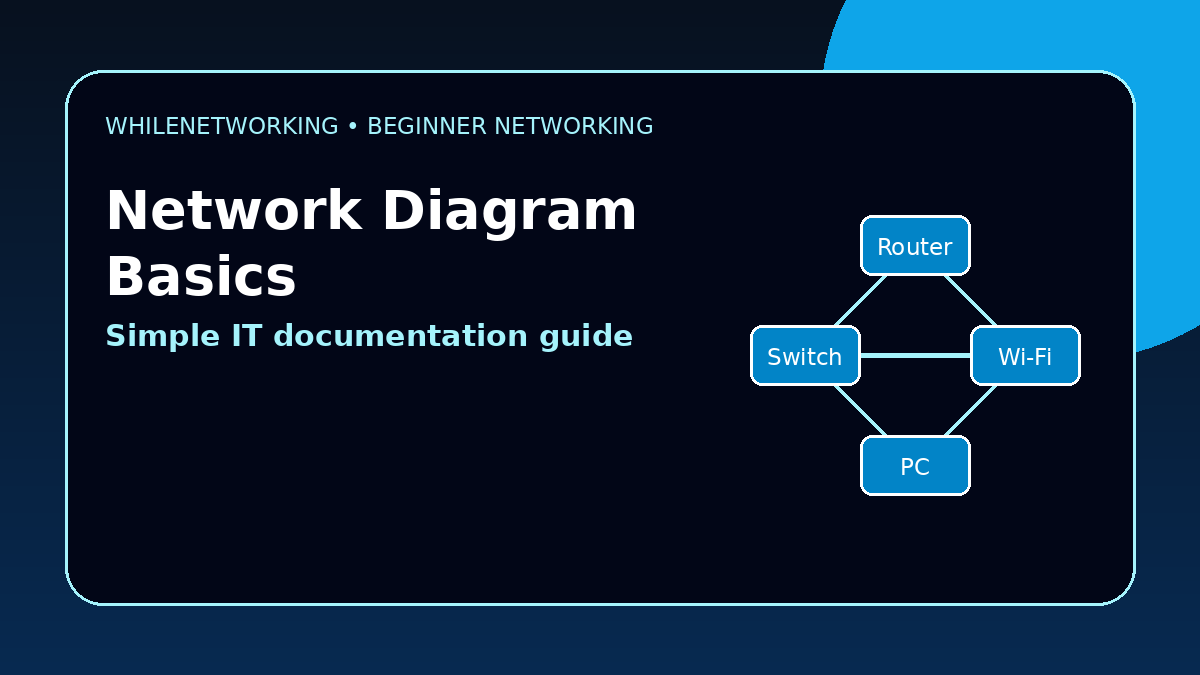

Network Diagram Basics For Beginners are important for IT beginners because diagrams make networks easier to understand, troubleshoot, and explain. This tutorial shows how to create a simple network diagram and what details to include.
- What a network diagram is
- Which devices to include
- How diagrams help troubleshooting
- Basic documentation best practices
What is a network diagram?
A network diagram is a visual map of how devices connect in a network. It may show routers, switches, firewalls, access points, servers, printers, laptops, VLANs, and internet links.
Why network diagrams are useful
Network diagrams help IT teams troubleshoot faster, plan changes safely, explain designs to others, and document how a home, office, or lab network is connected.
Common symbols in a network diagram
A cloud often represents the internet. A router connects networks. A switch connects local devices. A firewall controls traffic. An access point provides Wi-Fi. Servers provide services.
What beginners should include
Start with the internet connection, router or firewall, switches, Wi-Fi access points, important servers, printers, and client devices. Add IP ranges, VLANs, and labels when useful.
Best practice for IT documentation
Keep diagrams simple, update them after changes, include dates, avoid passwords in diagrams, and store documentation where authorized IT staff can access it.
Useful commands for gathering diagram details
ipconfig /all
ip route
tracert 8.8.8.8
show cdp neighbors
show lldp neighbors
Final thoughts
A good network diagram does not need to be complicated. Start simple, label clearly, and update it whenever the network changes.
Educational note: This tutorial is for learning purposes only. Do not publish sensitive network diagrams publicly, and avoid including passwords, private keys, or confidential information.

