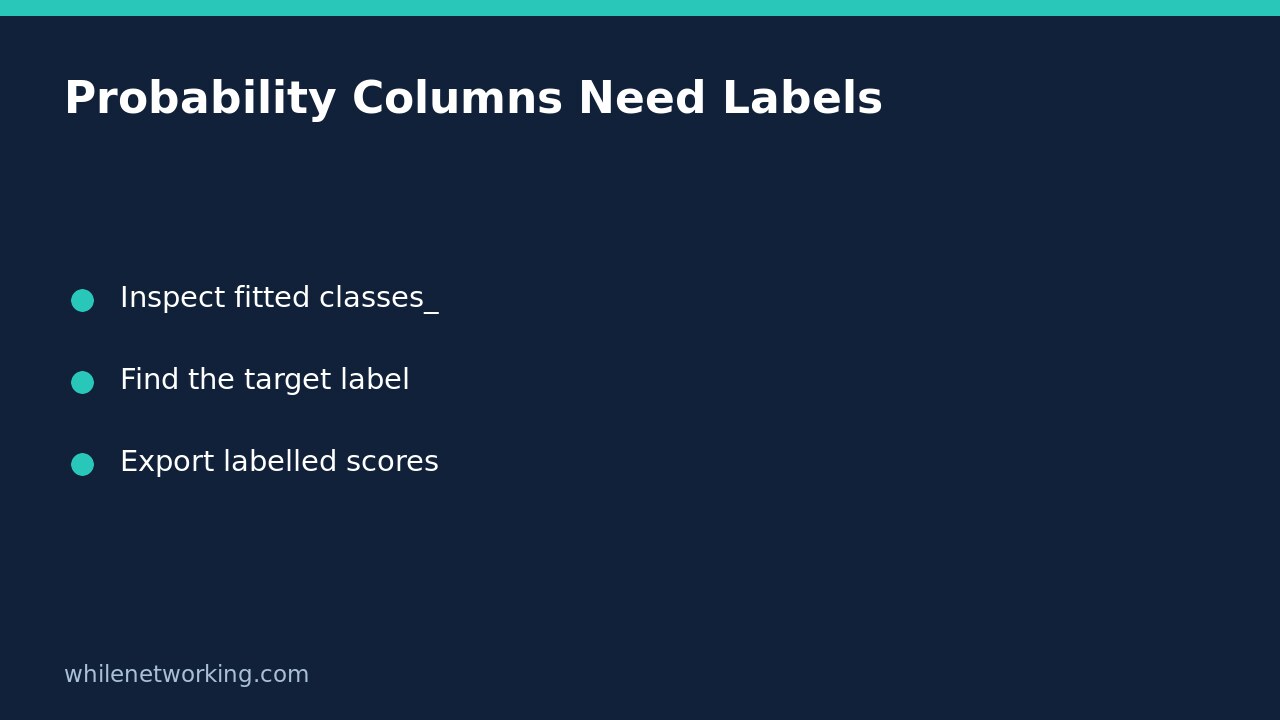

Do not assume the second column returned by predict_proba means the business outcome you care about. For scikit-learn LogisticRegression, probability columns follow the fitted estimator’s classes_ attribute. Find the requested label in that attribute, then select its column. This prevents a structurally valid export from silently labelling one class’s probability as another.
Why column one is not automatically your positive outcome
Imagine a support model with two labels: escalate and routine. Someone writes scores[:, 1] and names the exported field escalation_probability. With these string labels, the fitted class order can put routine in the second column. The file still contains plausible numbers between zero and one, so range checks alone will not catch the mistake.
The official LogisticRegression documentation explicitly ties returned probability columns to self.classes_. Read that contract for the actual estimator in use rather than assuming every prediction interface has identical output. Multi-output estimators may return a different structure, outside this example’s scope.
Run a small label-aware example
The following demonstration requires NumPy and scikit-learn in your selected Python environment. It trains only on a tiny invented dataset to illustrate column mapping, not to establish useful real-world performance. The low feature values represent escalation examples; the high values represent routine examples.
import numpy as np
from sklearn.linear_model import LogisticRegression

X = np.array([[0.0], [0.5], [1.0], [3.0], [3.5], [4.0]])
y = np.array(["escalate"] * 3 + ["routine"] * 3)
model = LogisticRegression().fit(X, y)

def probability_for_label(estimator, rows, label):
    labels = list(estimator.classes_)
    if label not in labels:
        raise ValueError(f"Requested label absent: {label!r}; fitted labels: {labels!r}")
    column = labels.index(label)
    probabilities = estimator.predict_proba(rows)
    return probabilities[:, column]

rows = np.array([[0.25], [3.75]])
print("Column labels:", model.classes_.tolist())
escalation = probability_for_label(model, rows, "escalate")
print("Escalation scores:", escalation.round(3).tolist())
assert model.classes_.tolist() == ["escalate", "routine"]
assert escalation[0] > escalation[1]
assert np.allclose(escalation, model.predict_proba(rows)[:, 0])

try:
    probability_for_label(model, rows, "urgent")
except ValueError:
    print("Absent label rejected")
else:
    raise AssertionError("Missing label was not rejected")
The important checks are label identity and column agreement, not a particular rounded probability. Numerical details can vary across library versions. The missing-label branch deliberately fails instead of substituting zeros, selecting the last column, or quietly renaming a different outcome.
Keep labels attached when exporting
For a binary export, name the field after the exact requested class and document the label definition. For multiclass output, export a mapping from each label to its corresponding score, or publish column names alongside the matrix. Preserve row identifiers too: correct class mapping does not protect against attaching a prediction to the wrong customer after sorting.
If labels were encoded upstream, retain the encoder’s mapping as part of the model artefact. A numeric class value is not self-explanatory. Confirm whether the fitted estimator sees original strings or encoded numbers before asking for a label. Do not translate names by guessing from column position.
Checks to repeat after retraining
- Inspect classes_ on the newly fitted object, not a separately stored list from last month’s model.
- Assert that all outcomes required by the downstream consumer are present.
- Check matrix dimensions against the number of fitted classes.
- Use a deliberately asymmetric fixture where swapping columns changes the expected result.
- Record the model version and label mapping with the export contract.
A missing training class is a dataset problem, not merely an export inconvenience. Review class counts after a stratified train/test split before accepting a model that cannot represent a required outcome. Fixing column names cannot restore an outcome that was never learned.
Does the largest probability guarantee a correct decision?
No. Column mapping establishes what a score refers to; it does not establish calibration, accuracy, fairness, or an appropriate decision threshold. Evaluate those properties separately using representative held-out data. Likewise, a probability of escalation is not permission to automate a high-impact support action without review and operational safeguards.
This tutorial is for educational purposes. Test carefully before production use. The site owner is not responsible for misuse, damage, data loss, or production issues.