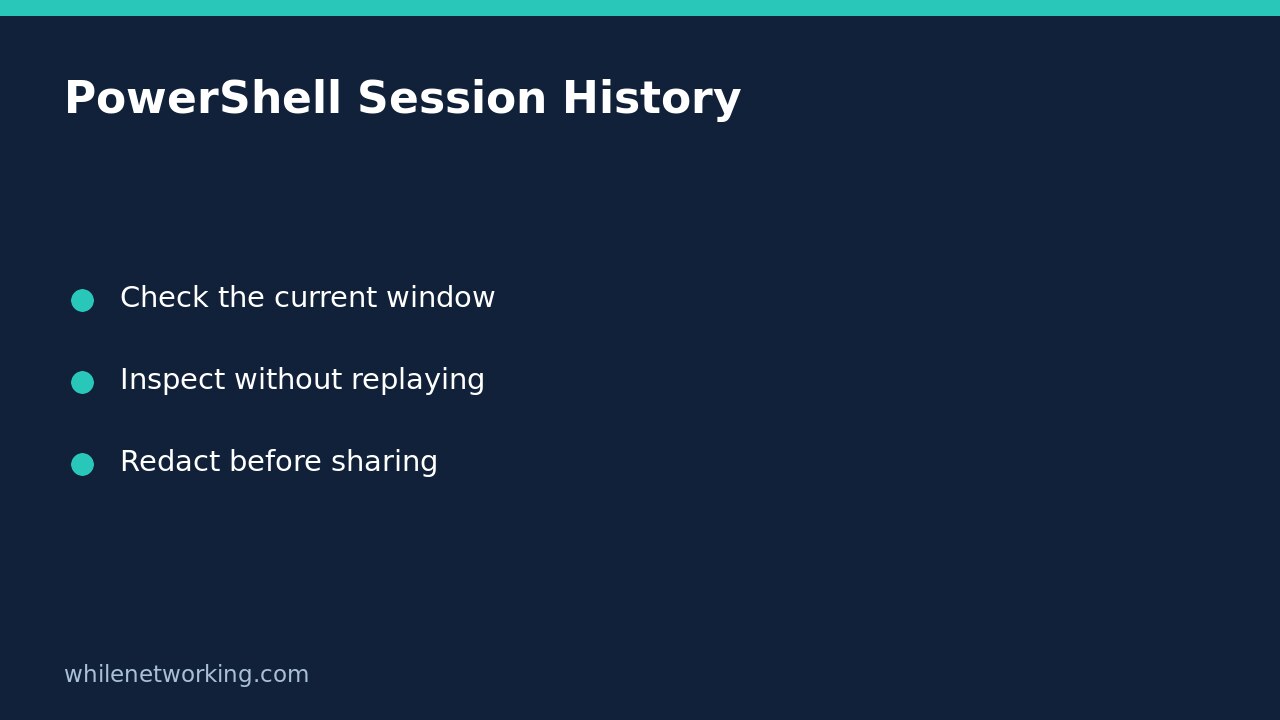

An empty Get-History result in a newly opened PowerShell window usually means there are no recorded entries in that session. It does not establish that no commands were previously run on the computer. The cmdlet reads the current PowerShell session’s history, not a machine-wide activity database and not the separate history maintained by PSReadLine.
This distinction matters when you are helping someone reproduce a problem. Opening a fresh terminal and asking for history can discard the context you meant to inspect. Start with the window where the work happened, if it is still available, and inspect entries rather than replaying them.
Identify which history you are looking at
Microsoft documents session history and PSReadLine history as separately managed features. Both can exist when PSReadLine is loaded, but Get-History works only with session history. Seeing an older command through an interactive history feature therefore does not mean the same command must appear in this cmdlet’s output.
Also distinguish the terminal application from the PowerShell session inside it. A new tab or newly launched shell can have different session state. Do not assume two windows share their recorded command entries just because they look identical or use the same Windows account.
Inspect recent entries without executing them
In the original PowerShell window, run the following read-only command. It requests up to five of the most recent available session entries; fewer entries are possible.
Get-History -Count 5The default display includes each entry’s identifier and command text. To inspect the properties Microsoft documents, including execution status and start and end times, use:
Get-History -Count 5 | Format-List -Property *These commands display recorded information; they do not rerun the listed commands. Avoid substituting Invoke-History during evidence collection: replaying an old command can change files, services or other system state. A command that was safe yesterday may have a different effect now.
Filter command text without claiming complete coverage
If you remember working with services, a text filter can narrow the entries already available in this session:
Get-History | Where-Object { $_.CommandLine -like '*Service*' }This follows Microsoft’s documented filtering pattern. It finds command lines containing that text; it does not inspect what a script internally did or prove which service changed. A command whose text does not contain the search term will not match, even if its eventual effect involved a service.
For a practical troubleshooting handover, note the relevant command, the window in which it was entered, its approximate time and the observed error. Keep the error text separate from the command text. Session history is useful context, but it is not a complete transcript of everything the command printed.
Interpret missing entries and statuses carefully
A short or empty list can reflect the wrong session, a new session, or unavailable earlier entries. Microsoft also documents a configurable maximum session-history count. Do not diagnose deliberate deletion or absence of activity from an empty result alone. If you need a retained record, arrange an approved logging workflow before the next troubleshooting exercise rather than assuming this cmdlet provides permanent retention.
An entry’s execution status is not proof that every intended business outcome succeeded. A wrapper or script can complete while an underlying operation failed. For native programs, the separate tutorial on capturing the Windows command exit code immediately in PowerShell explains why timing matters. Inspect the actual error and expected outcome as well as history metadata.
Quick questions before sharing history
- Am I inspecting the original session rather than a newly opened window?
- Am I displaying commands, not invoking them?
- Does the selected entry actually relate to the reported problem?
- Have I removed credentials, private paths and sensitive command arguments from the copy I intend to share?
Does an empty result prove that a command was never run? No. It only describes what this session-history query returned. Does this tutorial verify behaviour on my computer? No. These are documentation-based examples; Windows PowerShell execution was not available in the publishing environment. Check behaviour in your own disposable session.
Source: Microsoft Learn’s Get-History reference, including its examples and distinction from PSReadLine history.
These instructions are for educational purposes. Test carefully before production use. The site owner is not responsible for misuse, damage, data loss or production issues.