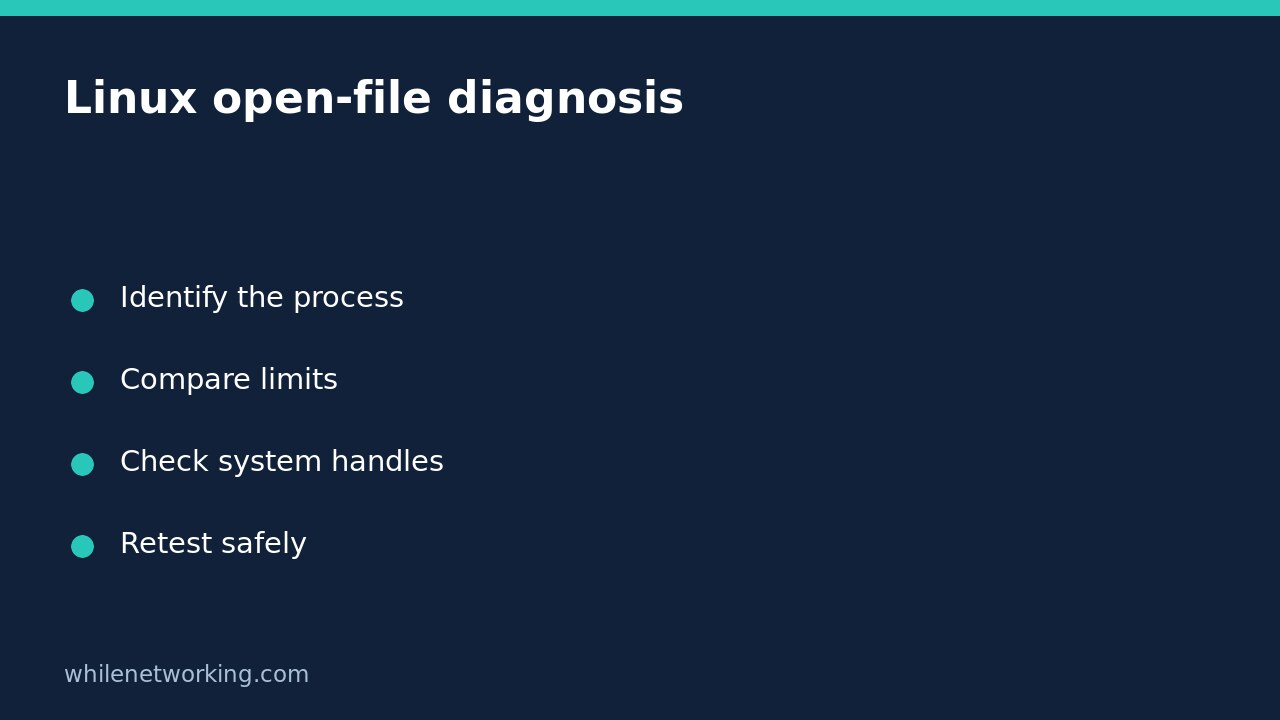

A Linux application reporting too many open files does not necessarily need a higher system-wide limit. First identify the affected process, compare its descriptor usage with its own limits, and then check whether the kernel is running short of file handles. These are different constraints. Increasing the wrong setting can leave the application broken while allowing it to consume more resources.
This workflow is intended for a Linux host with procfs mounted at /proc. Start with read-only observations. On a shared server, collect evidence before requesting a service restart or configuration change.
Identify the process and preserve the error
Record the exact error, time and affected operation. Opening a log, accepting a network connection and reading a configuration file can all require file descriptors. A descriptor is not restricted to an ordinary disk file: sockets and pipes also matter. Use your service manager or application documentation to identify the process actually failing, rather than assuming the launcher is the worker.
For a systemd service, this read-only command can help identify its main process. Replace example.service with the real unit name:
systemctl show example.service -p MainPIDA service may have several workers, so inspect the relevant worker too. A main PID of zero does not identify a running process. In containers, the PID visible inside the container may differ from the host PID; keep all measurements in the same context.
Compare the running process limit with descriptor use
Replace 1234 below with the confirmed process ID. Do not copy the example PID without checking it. These commands read the running process rather than changing its limits:
prlimit --pid 1234 --nofile
ls -1 /proc/1234/fd | wc -l
ls -l /proc/1234/fd
On systems with util-linux installed, prlimit displays the soft and hard open-file limits. The directory listing provides a snapshot of descriptors currently open. If permissions prevent inspection, ask the service administrator to collect it; a permission error is not a descriptor count of zero. Usage can change between commands, and a busy process may exit during inspection.
For illustration, a process using roughly 1,000 descriptors with a soft limit of 1,024 deserves closer investigation. Those numbers are a hypothetical comparison, not a measurement of your server. Repeat the observation during normal traffic and during the failure. A steadily increasing count may suggest a resource leak; a stable increase that tracks legitimate concurrency may indicate capacity needs.
Running ulimit -n in your terminal only describes that shell context. It does not prove what a service launched earlier inherited. That distinction prevents a common mistake: changing a login-shell setting and assuming an already-running daemon has changed.
Separate per-process pressure from system-wide exhaustion
The Linux kernel documentation for /proc/sys/fs distinguishes the system file-handle ceiling from the ceiling associated with per-process resource limits. Read the current values without assigning new ones:
sysctl fs.file-max fs.nr_open
sysctl fs.file-nr
file-max concerns kernel file-handle allocation across the system. nr_open sets a ceiling relevant to per-process open-file limits; the actual process is also constrained by its resource limit. file-nr reports three values: allocated handles, allocated but unused handles, and the maximum. The documentation explains that modern Linux reports zero in the middle field; that zero alone is not an exhaustion alarm.
Look for the documented VFS file-max limit reached message in kernel logs if system-wide exhaustion is suspected. Do not compare a single process descriptor count directly with file-nr as though they measure identical objects.
Choose a fix that matches the evidence
- Unexpected growth: review application logs, connection lifecycle and recent deployments. A larger allowance may only postpone a leak-related failure.
- Legitimate process capacity: ask the administrator to review the service-specific limit and memory implications. For systemd-managed software, review the unit configuration rather than relying on shell startup files.
- System-wide pressure: identify the consumers before considering a host-wide change. Raising file-max is not a substitute for investigating abnormal demand.
Before any approved change, save the previous configuration, plan a maintenance window if restart is required, and define a rollback. Afterwards, inspect the new running PID and its actual limit, repeat the failed operation, and watch resource usage. If no improvement occurs, restore the earlier configuration through the same managed mechanism.
Quick questions and final checklist
Does free disk space rule this out? No. Storage capacity and open-file limits are separate. If the failure instead concerns creating new files despite free space, see checking Linux inode availability.
Should I restart immediately? Not automatically. A restart can clear useful evidence and interrupt users. Capture the failing PID, limits, descriptor snapshot and relevant logs first when operationally safe.
Ready to close the incident? Confirm the original operation succeeds, resource use remains stable, and any configuration change is documented with a rollback path.
This tutorial is for educational purposes. Test carefully before production use. The site owner accepts no responsibility for misuse, damage, data loss or production issues.