
A website can be reachable yet send a command-line client somewhere unexpected. The useful question is not simply whether curl works. It is what the first server returned, which destination it proposed, and whether a small, controlled follow-up reaches the expected service. Start without credentials and inspect one response before allowing automatic redirects.
The examples below use a POSIX-style shell on Linux or macOS with curl installed. They are illustrative commands, not a claim that your service has been tested. Ordinary user permissions are enough. Use only a public test endpoint you own or have permission to contact. These checks do not modify local network settings, but they do send HTTP requests and create server-side access records.
Establish the exact request you mean to investigate
Write down the full starting URL, including its path, and the symptom being investigated. Remove any token, signed query string or private identifier before using a diagnostic example. A homepage check cannot establish that a separate login or API path behaves correctly. If you cannot safely test the real path without authentication, stop and arrange an approved test account or test environment with the service owner.
Run curl --version to identify the local build. Consult that version’s help if an option is unavailable. The official curl manual documents the controls used here; an operating system may ship a different version from the latest online manual. Do not install a new tool or change a production package just to reproduce this example.
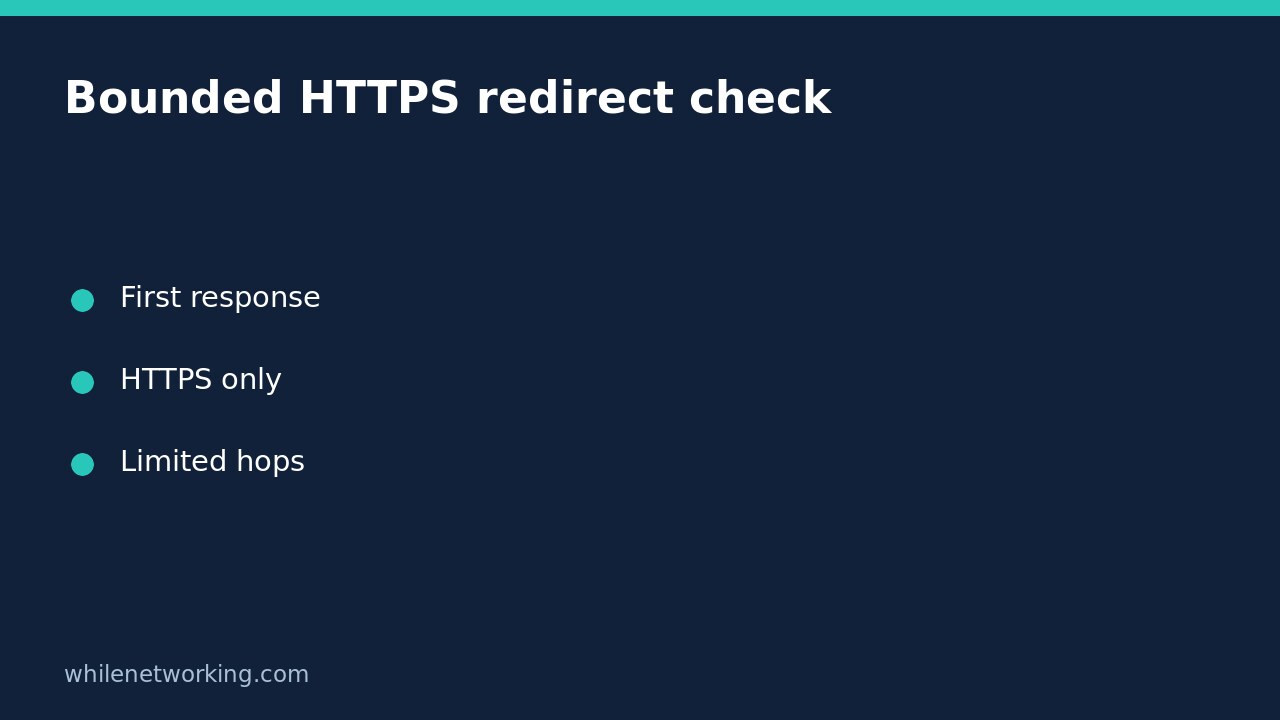
Look at the first response without following it
curl -q --silent --show-error --max-time 20 --proto '=https' --output /dev/null --write-out 'status=%{http_code} next=%{redirect_url}' 'https://example.com/'Replace the example URL with the authorised HTTPS endpoint. The initial -q prevents the default curl configuration file from adding options to this invocation. No location-following option is present. The body is discarded into the Unix null device, while the response code and proposed next destination are printed. This is still a GET request: discarding the body does not prevent its transfer. Your next shell prompt may appear on the same line because this compact format does not add a newline.
A non-empty next destination is evidence of what the response proposed, not proof that the destination is safe or reachable. An empty value does not prove the page contains no JavaScript navigation or HTML refresh behaviour. curl’s HTTP redirect handling is not a browser session.
Check the destination before allowing another request
Compare the proposed scheme, hostname, port and path with the service owner’s intended design. A relative Location value can resolve to another path on the current origin; a full URL can point elsewhere. RFC 9110 sections 10.2.2 and 15.4 explain Location and redirection semantics. Do not treat every status in the 3xx family as an ordinary move to a new webpage: a cache-validation response, for example, has a different purpose.
If the target is unfamiliar, ask the owner before following it. An HTTPS destination is not automatically trustworthy merely because it uses encryption. A protocol restriction limits the allowed schemes; it is not a hostname allow-list. Keep that distinction in the incident notes so a bounded test is not mistaken for a security assessment.
Follow a small number of HTTPS redirects
curl -q --silent --show-error --location --max-redirs 3 --proto '=https' --proto-redir '=https' --max-time 20 --output /dev/null --write-out 'status=%{http_code} redirects=%{num_redirects} final=%{url_effective}' 'https://example.com/'This invocation allows at most three followed redirects and limits the transfer time. HTTPS is required for both the original request and redirects. If the chain needs more redirects, reaching the limit is a bounded-test result, not proof of an infinite loop. Review the chain with the service owner rather than making the limit unlimited.
Read error output as well as the printed status. A partially completed transfer can still produce write-out information. A certificate error, timeout or prohibited protocol needs its own investigation. Do not add --insecure to turn an unsuccessful TLS check into an apparently successful result.
Keep secrets and request methods out of the experiment
Do not copy a browser request containing cookies, bearer tokens or personal information into this check. Do not add --location-trusted: curl documents that this option permits credentials and other secrets to be sent to redirect destinations beyond the initial host. Keep custom authentication headers out as well. The safest beginner baseline is a credential-free public GET.
A GET test does not establish how a POST behaves. Different redirect codes have different method semantics, and curl’s explicit method options can affect the result. Do not replay a purchase, account update or other state-changing request just to see where it goes. Likewise, adding --head changes the request to HEAD; it is not an exact substitute for testing a failing GET.
Record the finding without overstating it
Keep the starting URL, timestamp, curl version, first response, number of followed redirects and final destination together. Remove private query values before sharing. A useful conclusion is that a credential-free GET followed two HTTPS redirects and ended at the expected public page. It is not that all users, all browsers and all authenticated paths are healthy.
If the result suggests a broader connectivity issue, use our Linux networking command overview to separate DNS, routes, sockets and application responses. No network-setting rollback is needed for the displayed commands because they do not reconfigure the machine. This material is educational only. Test carefully before production use; we accept no responsibility for misuse, damage, data loss or production issues.