
A nightly export can contain exactly the same records as yesterday while producing a different compressed artifact. Before blaming the data source, inspect the compression wrapper. Gzip can carry metadata that has nothing to do with whether a record changed. A build pipeline that compares compressed files needs a deliberate reproducibility policy, not just a stable input query.
This walkthrough targets Python 3.12 APIs. Its small example operates in memory, without changing files or connecting to a service. The goal is repeatability within a controlled runtime, not a promise that every Python and compression-library combination produces identical bytes forever.
Separate three questions about the export
First ask whether the logical records match. Two CSV exports might represent the same rows but differ in ordering, newline style or quoting. Second ask whether the uncompressed bytes match. Only after fixing those should you ask whether the compressed bytes match. A gzip setting cannot compensate for a generator that includes the current time inside the payload.
For example, an inventory export that writes a fresh generation timestamp into its first line is intentionally different on every run. Removing the gzip header timestamp will not make that payload stable. Decide whether the timestamp belongs in a separate manifest instead; do not remove audit information merely to make a checksum stop changing.
Make the wrapper choices explicit
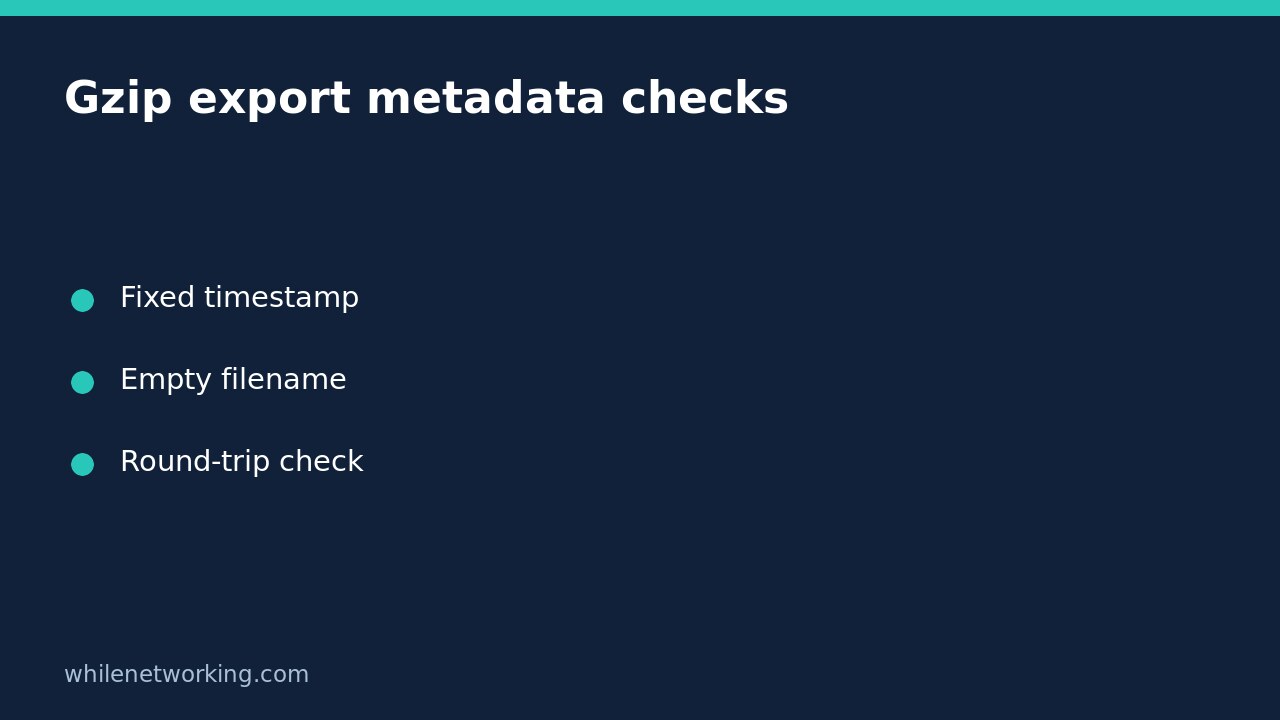
The official gzip reference documents the modification-time field and filename handling. For a controlled byte stream, use a fixed timestamp and an empty original filename. Specify the compression level as part of the artifact format rather than letting an unexplained default become a dependency.
import gzip
import io

def pack_export(payload):
    target = io.BytesIO()
    with gzip.GzipFile(
        fileobj=target, mode='wb',
        filename='', mtime=0, compresslevel=6
    ) as stream:
        stream.write(payload)
    return target.getvalue()

payload = b'asset,status\nrouter-1,ready\n'
first = pack_export(payload)
second = pack_export(payload)
assert first == second
assert gzip.decompress(first) == payload
print('repeatable and round-trip checks passed')
Closing the gzip stream completes its output. The underlying BytesIO remains available, so obtaining its value afterwards is intentional. Do not take the buffer before the compression context has finished and assume the file trailer is already present.
Understand what the two assertions establish
The first assertion checks only two executions of this function in the same process with identical input. It is a useful regression check for accidental metadata changes, but not an interoperability certification. The second checks that decompression reconstructs the intended bytes. Neither proves that the inventory itself is correct or complete.
Add a separate parser-level check if an export format has business rules. A decompressed CSV can still have a missing header or an omitted device. Keep these failures distinguishable in logs: payload validation failed, compression round trip failed, and artifact bytes changed are different diagnoses with different owners.
Record the runtime boundary
The zlib reference exposes both the build-time and runtime library versions. Record the Python version, runtime zlib version, compression level and exporter version beside a reproducibility test. That provides evidence when a container rebuild changes the output without changing source records.
Do not treat a cross-version mismatch as corruption automatically. Decompress both artifacts in an isolated check and compare their uncompressed content first. If identical compressed bytes across environments are a contractual requirement, pin the complete toolchain and maintain a reference fixture. Review upgrades deliberately rather than disabling security updates indefinitely to preserve one output encoding.
Integrate without overwriting your last good export
Start with a separate candidate output, validate it, and only then use your established publication procedure. The in-memory example is suitable for a small fixture, not an instruction to load a multi-gigabyte dataset into RAM. A production exporter needs streaming, bounded storage and a tested failure path.
If a later implementation stages files on disk, use a dedicated work directory with appropriate permissions. Keep the previous artifact until the candidate has passed both content and round-trip checks. The companion guide to cleaning up Python job scratch files explains the temporary-workspace side; it does not replace a retention or release policy.
Use a focused troubleshooting checklist
- Compare uncompressed bytes before investigating compression differences.
- Look for generated dates, unstable row ordering and platform-specific newlines in the payload.
- Set the gzip filename, timestamp and compression level intentionally.
- Finish the compression context before reading or publishing the buffer.
- Record runtime versions when saving reference results.
- Retain the previous good artifact while checking a replacement.
If the only requirement is detecting changed business data, consider basing that decision on the validated uncompressed representation rather than the transport wrapper. Keep the compressed-file checksum too when it is needed for download integrity, but label what each checksum means. One identifies a particular delivered artifact; the other can identify a deliberately normalised payload.
Safety: This material is educational only. Test carefully with disposable fixtures before production use. You are responsible for permissions, backups, resource limits and rollback. We accept no responsibility for misuse, damage, data loss or production issues.