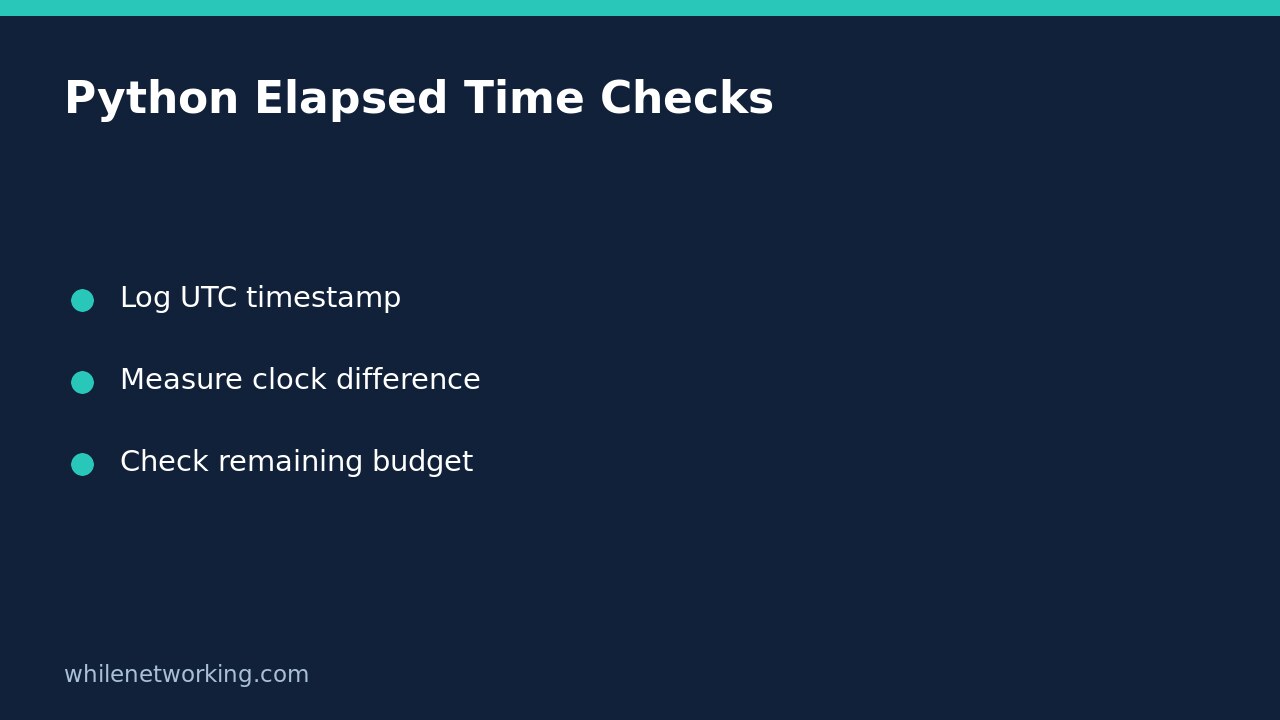

Use time.monotonic() to measure how long a Python automation step takes or how much of an in-process waiting budget remains. Use a wall-clock timestamp separately to record when the event happened. Subtracting two calendar-clock readings can give misleading elapsed durations if the system clock is adjusted between them.
Separate the event timestamp from its duration
A useful job log answers two different questions: when did the operation start, and how long did it run? A timezone-aware UTC timestamp answers the first. The difference between two monotonic readings answers the second. A raw monotonic value is not a Unix timestamp and must not be formatted as a calendar date.
The Python documentation states that the monotonic clock cannot go backwards and is not affected by system clock updates. Its reference point is undefined; differences between readings are meaningful, not their apparent date. Keep a deadline local to the running operation rather than saving it as a portable restart date in a state file.
Run a small duration measurement
This example uses only Python’s standard library. It sleeps briefly to represent waiting for an operation; it does not contact a service or write files. The elapsed value varies by machine and scheduling, so do not compare it with an invented exact duration.
from datetime import datetime, timezone
import time

started_at = datetime.now(timezone.utc).isoformat()
started = time.monotonic()
time.sleep(0.02)
elapsed = time.monotonic() - started

print(f'started_at={started_at}')
print(f'elapsed_seconds={elapsed:.6f}')
assert elapsed >= 0
The timestamp and duration belong in different fields. The printed duration includes time spent sleeping. It is not CPU consumption: Python’s process_time() measures current-process CPU time and excludes sleep. For fine-grained interval measurements, perf_counter() is another documented choice; its nanosecond variant avoids floating-point precision loss, but nanosecond units do not guarantee nanosecond measurement accuracy.
Represent a waiting budget as one deadline
For repeated checks inside one operation, compute the deadline once and subtract the current monotonic time each time. Recreating the full deadline after every check accidentally extends the budget. The following helper makes the clock injectable so boundary behavior can be tested without actually waiting.
import time

def remaining_seconds(deadline, clock=time.monotonic):
    return max(0.0, deadline - clock())

budget = 0.5
deadline = time.monotonic() + budget
print(f'remaining_seconds={remaining_seconds(deadline):.6f}')

assert remaining_seconds(12.0, clock=lambda: 10.0) == 2.0
assert remaining_seconds(12.0, clock=lambda: 12.0) == 0.0
assert remaining_seconds(12.0, clock=lambda: 15.0) == 0.0
print('deadline boundary checks passed')
The three assertions cover a remaining budget, the exact boundary and an expired budget. The fixed clock values are synthetic test inputs, not readings from your operating system. The live print is only a snapshot: processing continues after that reading, so it does not reserve time for later work.
A deadline check does not interrupt blocked work
Checking remaining time before a network call does not force that call to return. Supply the appropriate timeout to the actual operation as well, and understand that library’s timeout semantics. DNS resolution, retries, cleanup and operating-system scheduling can complicate an overall wall-duration guarantee. A polling loop only observes its deadline when control returns to the check.
Similarly, sleeping for a requested interval is not a precise wake-up guarantee. Python documents that scheduling can make the suspension longer than requested. If you add a sleep between polls, cap the requested sleep by the remaining budget, then check again after waking. Do not claim this makes the entire job a hard real-time system.
For child commands, read using subprocess timeouts for hanging automation. That addresses enforcement at a specific operation boundary rather than merely measuring elapsed time. A timeout or elapsed-time log does not roll back a command’s partial side effects.
Checklist for reliable job logs
- Record an aware UTC start timestamp for cross-system investigation.
- Measure elapsed time from the difference between readings of the same monotonic clock.
- Use one deadline per budget, and validate configuration before starting real work.
- Keep the measured interval explicit: one request, one task or the whole job.
- Record failure status separately; a short runtime does not prove success.
- Test both successful completion and exceptions, using a finally block if duration must be logged either way.
Can I compare saved monotonic values after a reboot? Do not treat them as durable calendar deadlines. Persist an explicit wall-clock scheduling time and establish a fresh in-process budget when the job starts. Does elapsed time prove the machine’s UTC clock is correct? No. Duration measurement and clock synchronization are separate checks.
Source: Python’s official time module documentation, particularly monotonic, perf_counter, process_time and sleep.
This tutorial is for educational purposes. Test carefully before using changes in production. The site owner is not responsible for misuse, damage, data loss or production issues.