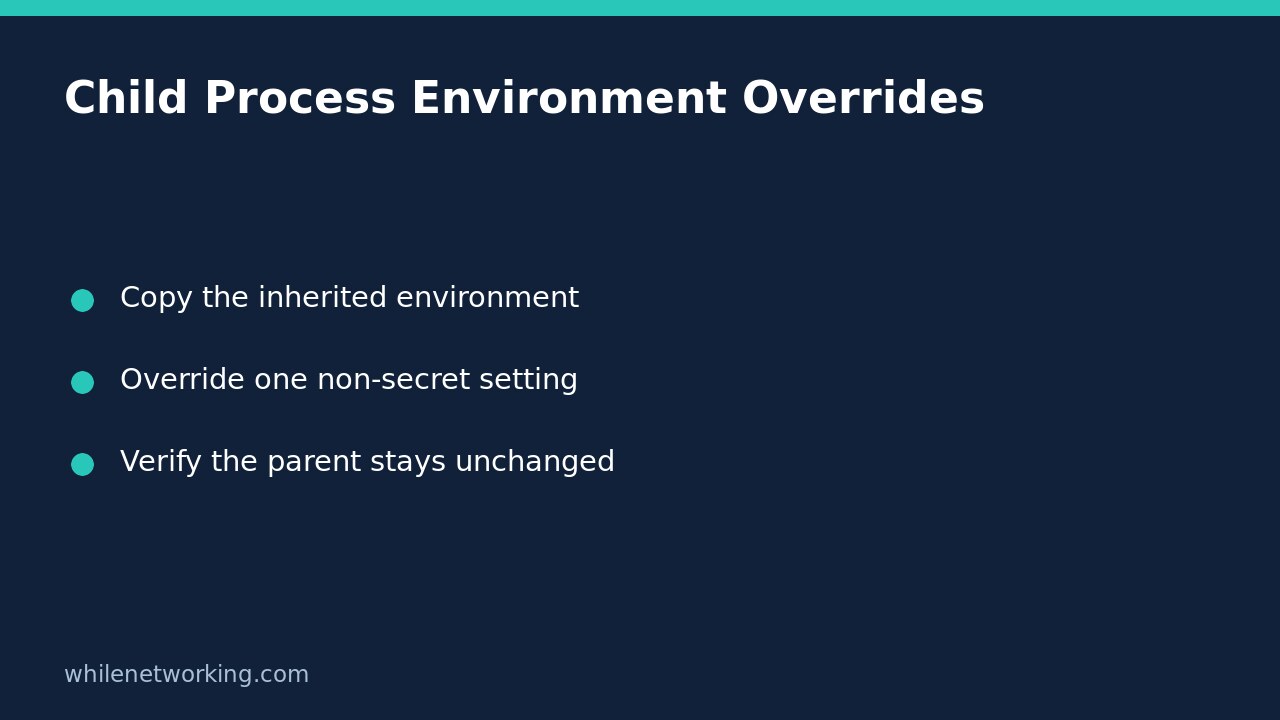

To change one environment variable for a child process without changing the parent, copy os.environ, modify the copy and pass it as env to subprocess.run. Passing a dictionary containing only your new setting does not automatically merge that setting into the inherited environment. It supplies the environment mapping instead.
Why a one-key dictionary can break automation
The official Python subprocess documentation explains that a non-None env mapping replaces the normal inheritance behaviour. On all platforms you can provide string keys and string values. With no explicit mapping, the child ordinarily inherits the current process environment.
Suppose an export tool needs a temporary output mode. Supplying only env={'EXPORT_MODE': 'preview'} can remove other settings that the tool depends on, such as authentication configuration, locale choices or executable-search settings. The exact failure depends on the program and operating system. Do not assume every missing PATH value produces the same lookup result; use an explicit, trusted executable path when deterministic executable selection matters.
Run a controlled parent-and-child demonstration
The following example starts the same Python interpreter that is running the parent. It uses harmless demonstration variables rather than printing the whole environment, which could expose secrets. Run it as a script in a disposable development session. No files are created, and the temporary parent-side demonstration variable is restored in a finally block.
import json
import os
import subprocess
import sys

parent_key = 'WN_ENV_DEMO_PARENT'
mode_key = 'WN_ENV_DEMO_MODE'
previous = os.environ.get(parent_key)
mode_before = os.environ.get(mode_key)
probe = (
    'import json, os; '
    'print(json.dumps({'
    '"parent": os.environ.get("WN_ENV_DEMO_PARENT"), '
    '"mode": os.environ.get("WN_ENV_DEMO_MODE")'
    '}))'
)

def inspect_child(environment):
    completed = subprocess.run(
        [sys.executable, '-c', probe],
        env=environment, check=True, capture_output=True,
        text=True, encoding='utf-8', timeout=10,
    )
    return json.loads(completed.stdout)

try:
    os.environ[parent_key] = 'inherited-marker'
    child_env = os.environ.copy()
    child_env[mode_key] = 'preview'
    copied = inspect_child(child_env)
    assert copied == {
        'parent': 'inherited-marker', 'mode': 'preview'
    }

    reduced_env = os.environ.copy()
    reduced_env.pop(parent_key, None)
    reduced_env[mode_key] = 'preview'
    reduced = inspect_child(reduced_env)
    assert reduced == {'parent': None, 'mode': 'preview'}
    assert os.environ.get(mode_key) == mode_before
    print('Copied environment:', copied)
    print('Explicitly removed marker:', reduced)
    print('Parent mode unchanged:', True)
finally:
    if previous is None:
        os.environ.pop(parent_key, None)
    else:
        os.environ[parent_key] = previous
The first child sees both the inherited marker and the preview override. The second child lacks the deliberately removed marker. Keeping the second environment otherwise intact avoids depending on whether a nearly empty environment can start a particular platform’s runtime. Both calls use the mapping supplied; Python does not fill omitted variables back in from the parent.
Adapt the pattern to your actual tool
Replace the demonstration probe with the intended trusted executable and its argument list. Build the environment immediately before starting that child, set only the required overrides and validate required inputs before launch. The copy is a snapshot: changing the dictionary later does not retroactively update a child already running. Likewise, a child cannot use its own environment changes to rewrite the parent’s Python mapping.
Keep check=True when a nonzero child exit should fail the job. If the program returns a structured response, verify that response as well; exit zero alone does not prove a remote export finished correctly. For complementary failure handling, see making Python automation fail when a child command fails.
Choose inheritance or an allowlist deliberately
Copying everything is convenient, but it also forwards inherited secrets and unrelated configuration. For a tool that should receive a tightly controlled environment, build an allowlist instead and test the exact program on its target operating system. Preserve any platform-required variables; the Python documentation specifically notes the need for a valid SystemRoot for certain Windows side-by-side assemblies.
Do not describe an environment allowlist as a sandbox. It does not limit filesystem access, network access or the child’s operating-system identity. Avoid logging environment dictionaries, even on a failed launch. Log approved setting names or a non-sensitive mode value instead.
Quick checks before deploying
- Are every key and value the expected type?
- Does the child receive the override without changing the parent?
- Are required inherited settings deliberately retained or explicitly supplied?
- Have both successful execution and nonzero exits been tested?
- Are captured output and diagnostics free of credentials?
Safety: This article is for educational purposes. Test carefully before production use. The site owner is not responsible for misuse, damage, data loss or production issues. The example does not alter persistent operating-system environment settings.