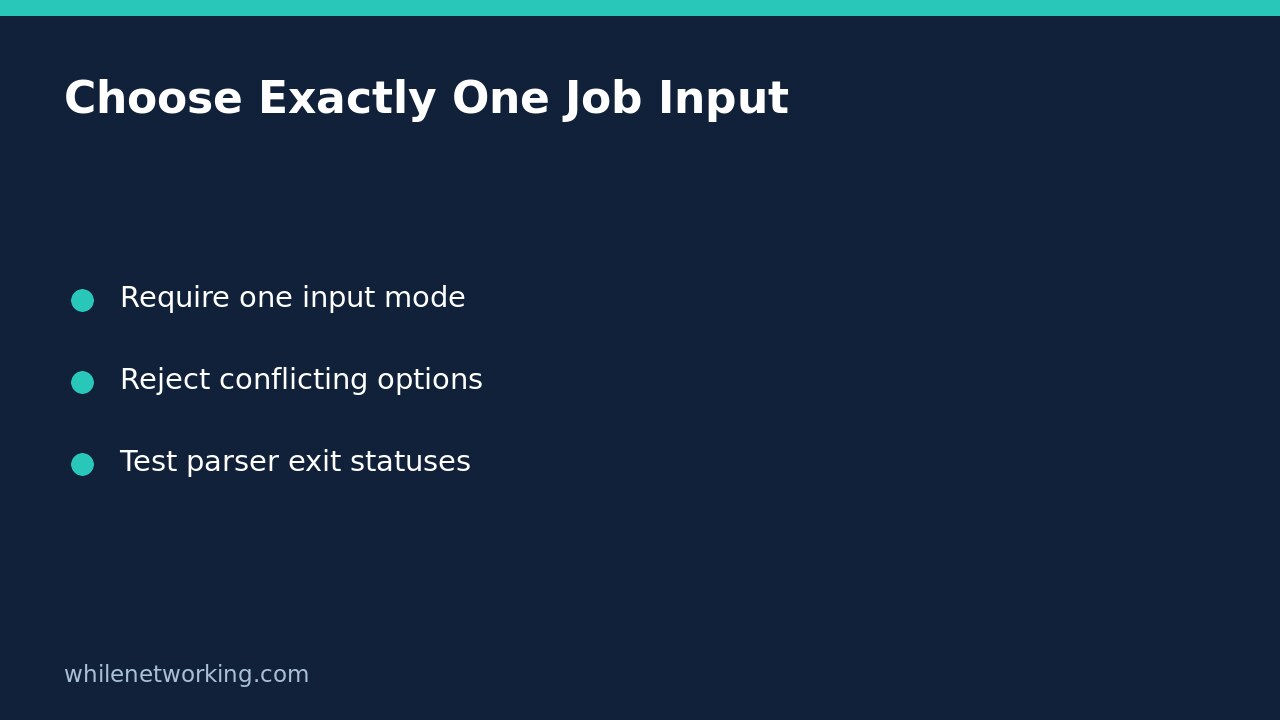

If a Python job accepts either an inventory filename or a live lookup identifier, require exactly one input mode before doing any work. An argparse mutually exclusive group with required=True rejects both missing choices and conflicting choices. This is clearer than letting a later branch silently decide which input wins.
The example below uses two harmless input selectors: --file and --record-id. It only prints the selected mode and value. It does not open the file, contact an API or modify records, so you can test argument behaviour without touching an operational system.
Define the choices inside one required group
Save this as choose_input.py in a practice folder and run it with Python 3.12 or another compatible Python version. Put both alternatives on the same group object. Merely giving them a common heading in help text does not make them exclusive.
import argparse

parser = argparse.ArgumentParser(
    description='Choose one source for a read-only inventory check.',
    allow_abbrev=False,
)
source = parser.add_mutually_exclusive_group(required=True)
source.add_argument('--file', metavar='PATH')
source.add_argument('--record-id', metavar='ID')
args = parser.parse_args()

if args.file is not None:
    print('mode=file')
    print('value=' + args.file)
else:
    print('mode=record-id')
    print('value=' + args.record_id)
The hyphenated --record-id option becomes the namespace attribute record_id. Both options accept one value, and the unused alternative defaults to None. Parsing finishes before either print statement, so an invalid combination never reaches that branch.
The explicit is not None check identifies which option was supplied. It is not a content-quality check: a caller can still supply an empty quoted string. Add a separate validator if empty identifiers or blank paths are invalid for your application.
Exercise missing, valid and conflicting selections
Run these commands separately in your practice folder:
python3 choose_input.py
python3 choose_input.py --file inventory.csv
python3 choose_input.py --record-id asset-17
python3 choose_input.py --file inventory.csv --record-id asset-17
python3 choose_input.py --file
The first command fails because neither alternative was provided. The next two succeed and print the selected mode and value. The fourth fails because the modes conflict, even if a later application could theoretically compare the inputs. The last command fails because --file is missing its required value.
With the default parser behaviour used here, successful runs exit with status zero; these argument errors exit with status two and print diagnostics to standard error. Capture the status immediately in a shell or read the child process return code in a test harness. A later successful command can replace the shell’s remembered status.
Understand what the group does not validate
Mutual exclusion only controls which argument alternatives are present. It does not prove a file exists, that an identifier is authorised, or that an API is reachable. Validate the chosen input after parsing and before starting operational actions. Treat unexpected file types and missing permissions as separate failures.
It also does not mean an option may appear only once. Ordinary value-taking options generally keep their last supplied value when repeated. If duplicate occurrences must be rejected, implement and test that additional rule rather than assuming this group enforces it.
Do not mark both individual arguments as required. That would demand both while the group forbids both. The group’s required=True expresses the intended requirement: at least one alternative must appear, and the exclusive rule permits no more than one alternative.
Keep input selection separate from action safety
A valid input choice is not permission to change that input or related records. Preserve a separate preview/apply design for any real mutation. See making Python automation preview-only unless apply is explicit for the distinct action-safety problem. This article instead prevents ambiguous selection between two input sources.
If you need multiple operations with different required options, consider subcommands rather than a growing collection of overlapping exclusive groups. Keep the interface easy to explain in --help, and do not use parse-known behaviour merely to ignore unexpected job arguments.
A short regression-test checklist
- Confirm each input option succeeds on its own.
- Confirm neither input fails before any operational work.
- Confirm both input options fail in either order.
- Confirm an option without its value fails.
- Check stdout, stderr and the return code, not only whether the process launched.
- Test empty values separately if the job must reject them.
The official Python argparse documentation, under Mutual exclusion, documents the group’s exclusivity and required setting. Its distinction between argument groups and exclusive groups is important when reorganising help output.
This tutorial is for educational purposes. Test carefully before production use. The site owner is not responsible for misuse, damage, data loss or production issues.