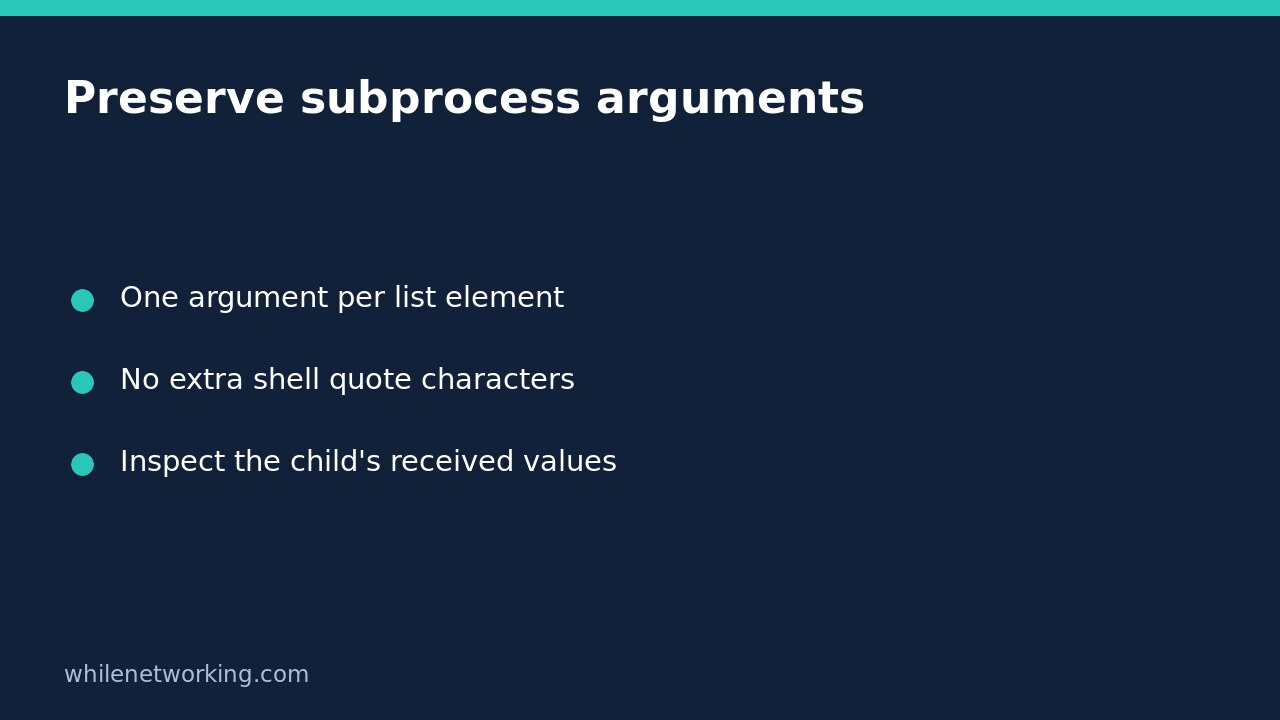

When launching an ordinary executable with Python subprocess, pass an argument list and leave shell=False. A filename containing spaces belongs in one list element without additional quote characters. Python handles the process-launch representation; manually inserting shell quotes can make those quotes part of the value the child receives.
This is an argument-boundary problem, not a reason to enable a shell. Before changing a real export or backup job, use a harmless child that prints its received arguments. You can then distinguish a broken launch from a tool interpreting an otherwise correctly delivered value.
Separate the program from its argument values
Think of an argument list as structured data. The first element identifies the executable, and each later element supplies one argument. An option and its value usually occupy separate elements, such as ['--output', 'monthly report.csv']. Follow the particular program’s documented syntax: some programs instead require a combined option/value form.
Do not turn the entire command into one string and call split(). Ordinary string splitting cannot preserve a filename containing spaces. Do not surround each element with extra single or double quotes either. Those characters are shell syntax only when a shell actually interprets them; otherwise they may be literal filename characters.
Verify the boundary with a read-only child
This example launches the current Python interpreter, passes several awkward values and checks the child’s JSON response. It does not open the named file, expand a wildcard or execute the text after the semicolon. Save it as a Python script and run it using your existing Python environment.
import json
import subprocess
import sys

values = [
    'quarterly report.csv',
    'name with spaces',
    '*.csv',
    '$HOME',
    'hello; echo NOT_A_COMMAND',
]
child_code = 'import json, sys; print(json.dumps(sys.argv[1:]))'
result = subprocess.run(
    [sys.executable, '-c', child_code, *values],
    shell=False,
    check=True,
    capture_output=True,
    text=True,
    encoding='utf-8',
    stdin=subprocess.DEVNULL,
    timeout=10,
)
received = json.loads(result.stdout)
assert received == values, (received, values)
print(json.dumps(received))
print('Argument boundaries preserved')
The equality assertion checks the actual child output, not just how the parent displayed a proposed command. The first value remains one filename, while the wildcard, dollar sign and semicolon remain ordinary characters. The example’s Python child treats them as data. A different executable can apply its own interpretation after receiving them.
Adapt the pattern to a real command carefully
Replace the interpreter and demonstration code with a trusted executable and its documented options. Keep each path or value as its own list element. Where practical, use a verified full executable path instead of relying on a changing search path. A correct argument list is not proof that the executable itself is trustworthy.
Check whether the tool has a preview mode before allowing writes. For tools that support an end-of-options separator, placing -- before filename operands can prevent a name beginning with a hyphen from being parsed as an option. Support is program-specific: adding that separator blindly can cause an error or change meaning.
Do not assume a successful launch means the requested operation succeeded. Keep explicit failure handling as described in making Python automation fail when a child command fails. In the fixture, check=True rejects a nonzero child exit status, while the separate equality assertion verifies the expected argument values.
Know where shell-free execution stops helping
The official Python subprocess documentation recommends argument sequences for common launches and explains their quoting and platform differences. On Windows, Python converts an argument sequence into a command-line string because the underlying process API works with strings. Unusual programs can use different parsing conventions, so test the actual target rather than assuming this Python-child fixture validates every executable.
Windows batch files are a separate caution: the operating system may launch a shell for a .bat or .cmd file even without an explicit shell request. This tutorial’s pattern targets ordinary executables, not untrusted batch-script inputs. Also, shell=False does not disable a program’s own expression language, plugin loading, dangerous options or remote execution features.
Quick troubleshooting questions
- Why did the filename gain quotes? Inspect whether the parent added literal quoting characters inside a list element.
- Why did *.csv not match files? A shell-free launch does not perform shell wildcard expansion. Expand intended paths explicitly and review the result.
- Can I log the whole list? Only after considering secrets and personal data. Arguments can contain tokens, passwords and sensitive paths.
- Does shlex.split fix every platform? No. It models shell tokenisation, not every Windows program’s parsing rules. Prefer building structured arguments from known values.
Safety: This tutorial is for educational purposes. Test commands in a disposable environment before production use. The site owner is not responsible for misuse, damage, data loss or production issues. Preserving an argument boundary does not authorise or make the requested operation safe.