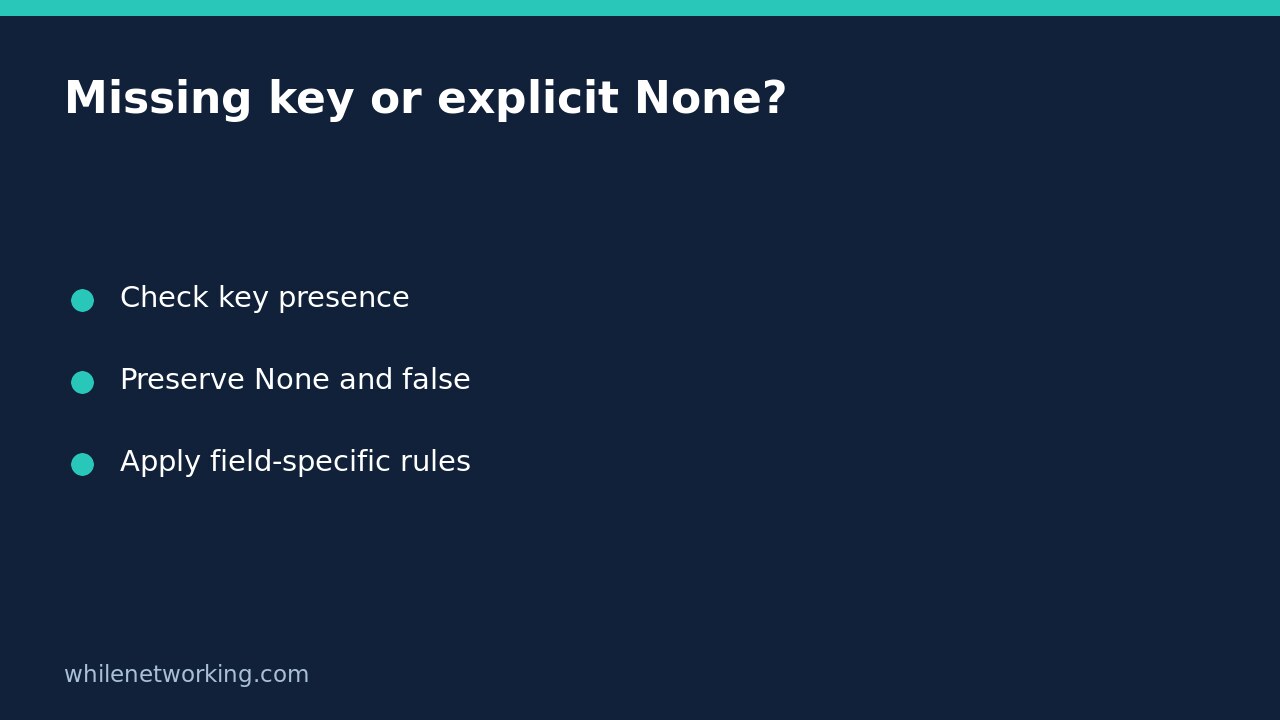

When a Python dictionary represents a partial update, an absent field and a field explicitly set to None can mean different things. Use key in mapping to check presence, or pass a unique sentinel to dict.get(). Do not use a truthiness test if zero, false, or an empty string is a legitimate value.
Why a plain get call loses the distinction
Imagine a local application with an optional nickname. An update that omits the nickname should leave it unchanged, while an explicit None might request that it be cleared. Those meanings are your application’s contract, not a universal rule for all APIs. Check the actual interface before applying them.
Python’s dictionary documentation states that get(key) returns the stored value when the key exists and otherwise returns its default, which is None. Consequently, both {}.get('nickname') and {'nickname': None}.get('nickname') return None. The lookup succeeds as designed, but the chosen default hides information your update logic needs.
Use a unique sentinel for a single lookup
This self-contained example only inspects in-memory dictionaries. Save it as a Python file and run it with Python 3. The sentinel is a private object used solely to represent absence; it is not a replacement value to save in your configuration.
MISSING = object()

def describe_update(update):
    value = update.get('nickname', MISSING)
    if value is MISSING:
        return 'unchanged'
    if value is None:
        return 'clear'
    return f'set: {value!r}'

cases = [
    ({}, 'unchanged'),
    ({'nickname': None}, 'clear'),
    ({'nickname': ''}, "set: ''"),
    ({'nickname': 0}, 'set: 0'),
    ({'nickname': False}, 'set: False'),
    ({'nickname': 'Rae'}, "set: 'Rae'"),
]
for update, expected in cases:
    actual = describe_update(update)
    assert actual == expected, (update, actual)
    print(actual)
The expected results distinguish unchanged, clear, and each supplied value. The example deliberately accepts any present non-None value to demonstrate lookup behavior; a real nickname field would normally need separate type and length validation. Preserving a value does not establish that the value is valid.
Compare the sentinel using is, not equality. The question is whether you received that exact private marker. Create the marker once and reuse it; creating a fresh object in the comparison would produce a different identity and fail to detect absence.
Choose membership checks when they read more clearly
If the code only needs to know whether a field was supplied, if 'nickname' in update: expresses the requirement directly. Inside that branch, retrieve update['nickname'] and then validate or interpret its value. Direct indexing outside a presence check is also appropriate when missing data should raise KeyError rather than silently use a default.
A sentinel is useful when the next step needs both the presence result and the retrieved value. Neither approach repairs a malformed input document, detects duplicate JSON keys, or makes custom mapping implementations behave like ordinary dictionaries. For configuration loaded from JSON, also consider rejecting duplicate JSON keys before loading configuration; duplicate handling and missing-field handling are separate validation stages.
Avoid defaults that overwrite legitimate values
The expression update.get('retries') or 3 substitutes three when the supplied retries value is zero. That is wrong if zero means do not retry. Likewise, false may intentionally disable a feature, and an empty string may intentionally clear a text field. Define the accepted values first, then use presence checks and explicit validation instead of assuming all false-like values mean missing.
Do not substitute setdefault() just to inspect a dictionary. Unlike get, it inserts a default when the key is absent. That mutation may alter a request object before validation has completed. Keep read-only interpretation separate from the step that applies an accepted update.
Checklist and common questions
- Document what absent, None, empty, zero, and false mean for each field.
- Test each case independently before applying changes.
- Use one sentinel identity or an explicit membership check.
- Reject invalid types separately from presence detection.
- Do not serialize the sentinel into stored or outgoing data.
Does this clear a remote field? No. This example labels an intended action locally. A remote API may reject null, ignore it, or assign a different meaning. Consult its contract and verify the processed result.
Does get protect against every error? No. It avoids KeyError for a missing key in a normal dictionary, but it does not validate the input’s type or the application’s business rules.
This tutorial is for educational purposes. Test carefully before production use. The site owner is not responsible for misuse, damage, data loss, or production issues.