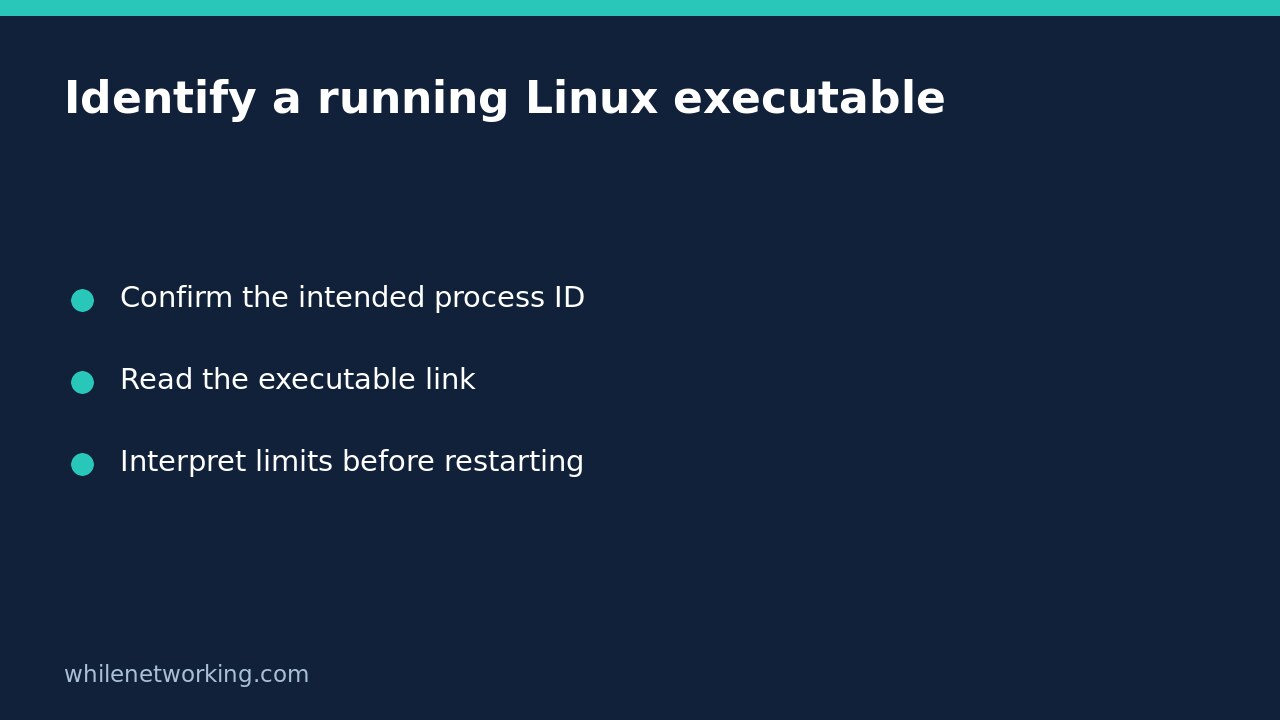

To check which executable a running Linux process is using, read its /proc/PID/exe symbolic link. This asks about the existing process, not the executable your current shell would choose for a new command. That distinction matters when multiple installations exist or a package was replaced while a service stayed running.
Start with a confirmed process ID and read the link without executing its target. The result is diagnostic evidence, not proof that the program is trustworthy, up to date, or safe to restart.
Confirm the process before inspecting its executable
Use your service manager or process-monitoring tool to identify the intended PID. A service can have a supervisor and several workers, so record which role you are examining. Do not assume the first process with a familiar name is the correct one. PIDs can also disappear and later be reused.
For a harmless local example, this Bash command inspects the shell running the command:
readlink -- /proc/$$/exeThe shell expands $$ to its PID. The returned path should identify that running shell’s executable; it is not a promise of a particular installation path. For a known service process, replace the example number below with the actual PID:
readlink -- /proc/12345/exeDo not type the proc path as a command. The Linux manual explains that executing this path can run another copy of the executable. Inspection and launching are separate actions, and launching a second service instance may have side effects.
Interpret the path as running-process evidence
Suppose a shell lookup for a utility points to a user-managed installation, while the service’s proc link points to a system directory. That difference is a reason to investigate the service’s launch configuration, not to overwrite either file. Your interactive shell and a service may have different environments and explicit executable paths.
The proc link identifies the executed program, but it does not describe every component of an application. For an interpreted script, the executable may be the Python interpreter or shell rather than the script you want to identify. Record that limitation instead of treating the interpreter path as the whole deployment identity.
Likewise, a pathname alone does not establish package provenance, version, configuration, loaded libraries, or which requests a worker handles. Use it to narrow the next check. Avoid running an unfamiliar binary with a version flag merely because the path looks plausible.
Understand a target ending in deleted
The Linux proc_pid_exe manual documents that an unlinked executable pathname has (deleted) appended to the link text. One possible explanation is that an upgrade replaced a binary while the old process kept running. The label alone does not prove compromise or identify the upgrade that caused it.
Check maintenance history and the service’s current launch configuration before planning a restart. Restarting is an operational change: it can interrupt work, change the running version, or fail if dependencies have changed. Obtain the appropriate approval and use the application’s supported procedure. Do not kill an unfamiliar process solely to remove the label.
Treat failed lookups as incomplete observations
If the lookup fails, preserve the error and confirm the PID still exists. A short-lived process may have exited between identification and inspection. Access to the link is also subject to a ptrace permission check, so a permission error does not mean that the executable is missing.
The manual additionally notes a multithreaded-process limitation when the main thread has terminated. Container and namespace context can complicate which PID you are examining. If your investigation already involves a service seeing different mounts, compare that context using the process mount-information tutorial; a different mount view is a separate question from executable identity.
Quick checklist and common question
- Record the PID, service role, observation time and returned link text.
- Confirm that the process still matches your intended target.
- Separate interpreter identity from script identity.
- Investigate deleted targets and permission failures without making automatic changes.
- Plan any restart independently, with service checks and a recovery procedure.
Does this prove the running program matches the current file on disk? No. An executable pathname is not a complete content comparison or integrity assessment, especially after replacement. This check answers a narrower question about the process’s executable link.
Safety: This tutorial is for educational purposes. Test carefully before applying steps in production. The site owner is not responsible for misuse, damage, data loss, or production issues.