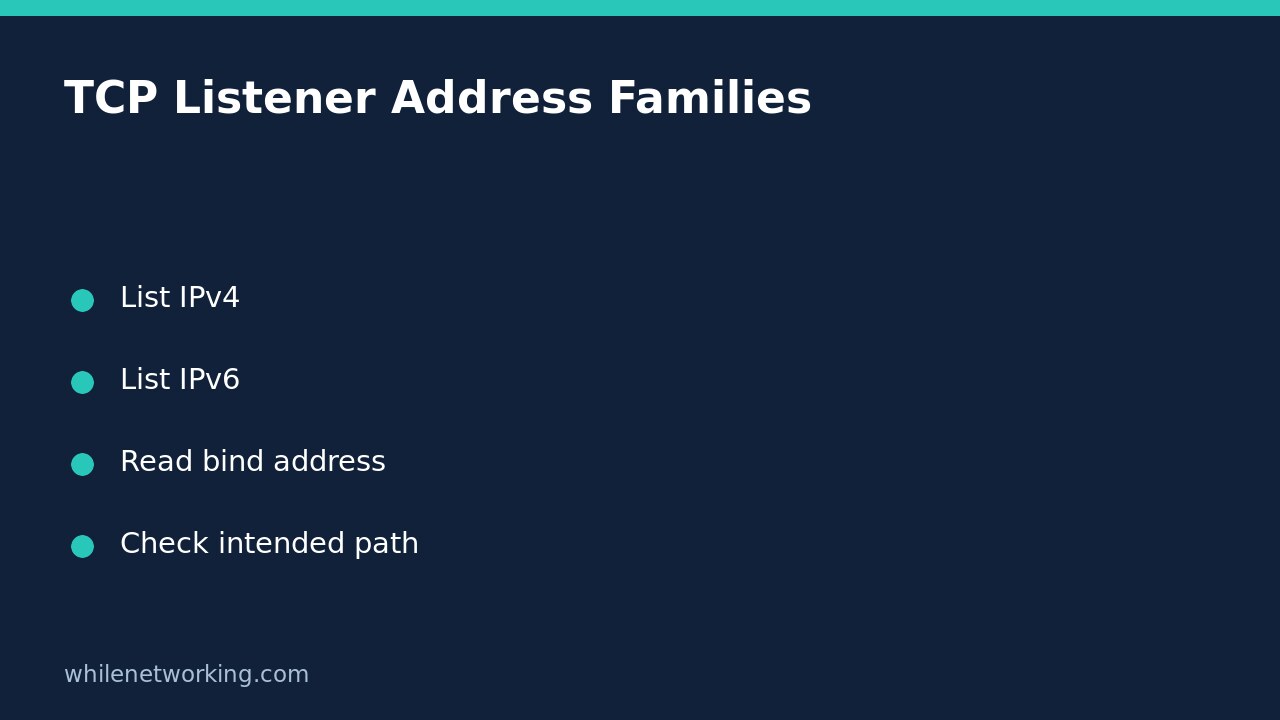

A Linux application can have a TCP listener without listening on the address family your client uses. Before editing its bind address or opening firewall ports, separate its IPv4 and IPv6 socket listings. The ss utility can do this read-only. The result identifies local sockets in the inspected network environment; it does not prove that a remote client can reach them.
Start with the intended connection
Write down the service, expected TCP port and address the client is trying to reach. Confirm that this really is a TCP service: a UDP application needs a different inspection. If a reverse proxy sits in front of the application, distinguish the proxy’s public listener from the application’s backend listener. They may intentionally use different addresses and ports.
Also identify where you are running the command. An interactive shell on the host is not automatically the same network environment as an application inside a container. A missing host listing does not by itself prove that no socket exists inside the application’s own network namespace. Use the platform’s approved inspection method rather than weakening isolation.
List each address family explicitly
Run the following in a Linux terminal with ss installed. Start without elevated privileges. The first command requests IPv4 TCP listeners; the second requests IPv6 TCP listeners. Numeric mode keeps port numbers numeric rather than substituting service names.
ss -4 -ltn
ss -6 -ltn
The documented flags are -4 for IPv4, -6 for IPv6, -l for listening sockets, -t for TCP and -n for numeric output. The listening flag is important because listening sockets are omitted from the default display. Do not infer that a service stopped just because an unqualified ss invocation did not show its listener.
If many services are listed, an exact socket filter can narrow the view. Replace 8080 with the actual port you are investigating; the example port is not a requirement for your application.
ss -4 -ltn 'sport = :8080'
ss -6 -ltn 'sport = :8080'
Keep the command, collection time and relevant rows together. A blank result is a snapshot for that family, port and environment, not a historical statement about whether the service ever listened.
Read the local bind address, not just the port
Focus on Local Address:Port. An IPv4 address such as 127.0.0.1 is loopback, whereas 0.0.0.0 denotes an IPv4 wildcard bind. In IPv6, ::1 is loopback and :: is the unspecified address used for a wildcard bind. Depending on display formatting, an IPv6 address may appear inside brackets.
These distinctions matter in a practical support case: a browser on the server can reach an application bound only to loopback, while a client on another machine cannot address that loopback listener as the server’s external service. The appropriate fix may be an intended reverse proxy, not exposing the backend directly.
Do not assume that one IPv6 wildcard row guarantees that IPv4 clients are accepted. Dual-stack behaviour depends on socket and system configuration. The family-specific output describes the sockets reported by ss; it is not a substitute for an authorised connection test using the actual client path. Conversely, seeing an IPv4 listener does not establish IPv6 support.
Associate a listener with the expected process
Where policy permits, add the process display option to help associate a socket with its owner:
ss -4 -ltnp 'sport = :8080'
ss -6 -ltnp 'sport = :8080'
Process details may be restricted for another user’s process. Missing ownership information is not proof that a socket is ownerless or malicious. Request authorised administrative help if attribution is necessary; do not disable process protections just to populate a column.
A process name alone may also be insufficient where several instances run. Reconcile the reported process with the intended deployment and service configuration before editing anything. If systemd configuration appears inconsistent, the separate tutorial on comparing disk and loaded service settings explains why a file edit and a running configuration are different observations.
Choose the next check without widening exposure
- If the expected family has no listener, confirm service health, port, deployment and inspection environment.
- If the listener is loopback-only, establish whether a reverse proxy is the intended external entry point.
- If the expected address is listed, test the authorised client path separately and inspect routing and filtering with the relevant administrator.
- Before an approved bind change, record the original value, access restrictions and rollback plan.
Does a wildcard bind mean the service is public? No. Local binding is not a complete exposure assessment; routing, firewalls and upstream controls still matter.
Should I restart immediately? Not solely on this evidence. A restart can disrupt users and remove useful transient state. Collect the mismatch first and agree on the intended configuration.
Source and safety note
Source: ss(8) Linux socket statistics manual, including family selection, listening mode, numeric output, process display and socket filters.
This tutorial is for educational purposes. Test carefully before using steps in production. The site owner is not responsible for misuse, damage, data loss or production issues. These queries do not authorise changes to production services or testing against systems you do not administer.