
An EC2 instance retirement is also a storage decision. The operating system may show several disks, but that does not tell you which EBS volumes AWS will delete when the instance terminates. Inspect the attachment configuration before approving any retirement action, and keep retention separate from backup.
This is a documentation-based AWS CLI v2 inspection for an authorised account. It contains no termination, detach or modification command. It has not been run against a production account, and the example identifiers are placeholders rather than observed infrastructure.
Build the inventory around volume IDs
Start with the correct account, Region and instance ID from the retirement ticket. Confirm the CLI identity using our account and role inspection guide. Ask for approved read permissions if necessary; a storage review does not itself authorise deletion or privilege escalation.
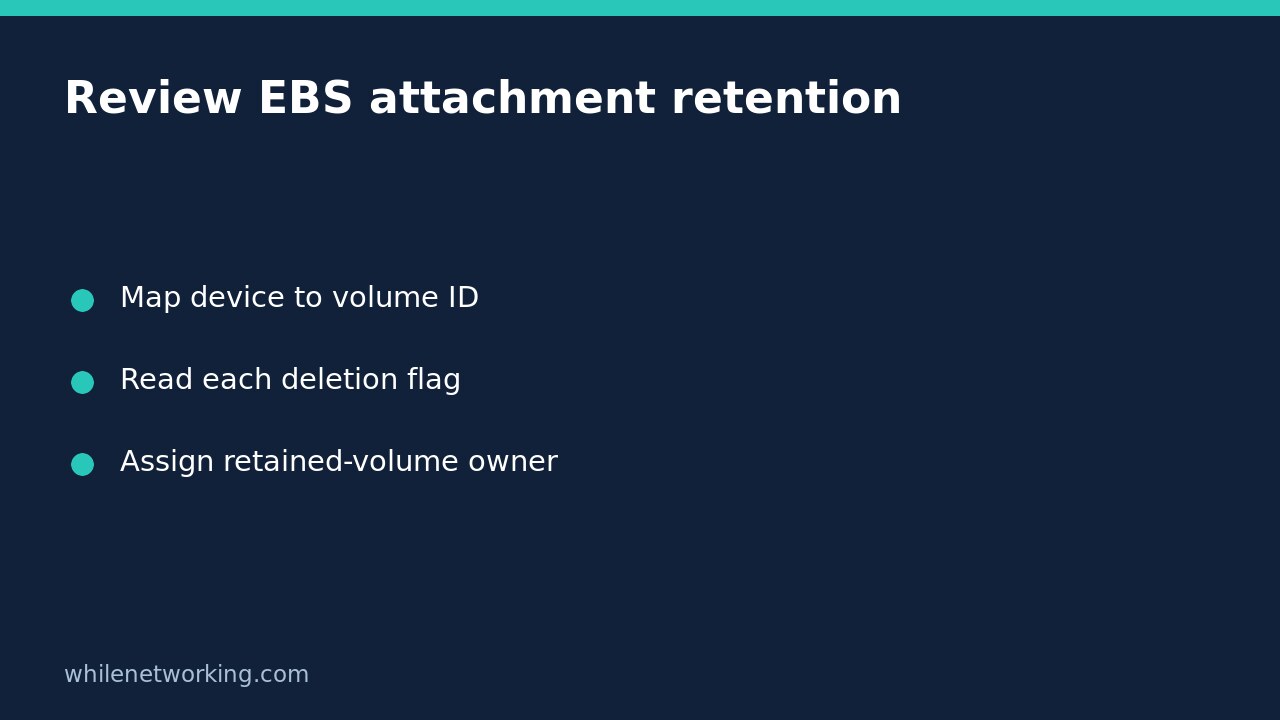
Create an inventory with a row for each attachment. Include the EC2 device name, EBS volume ID, attachment state, DeleteOnTermination value, application purpose and owner. Leave the application purpose unknown until someone responsible for the workload can identify it. A device name that looks like a data disk is not proof that nothing important lives there.
Keep infrastructure and guest observations distinct. The API describes the attachment; the application owner explains what data it contains and how the service uses it. You need both perspectives for retirement approval.
Retrieve the block device mapping without changing it
aws ec2 describe-instance-attribute --profile audit-readonly --region ap-southeast-2 --instance-id i-0123456789abcdef0 --attribute blockDeviceMapping --output json --no-cli-pagerThe official CLI reference documents blockDeviceMapping and the returned BlockDeviceMappings list. Within an Ebs entry, VolumeId identifies the volume, Status describes the attachment state and DeleteOnTermination records the deletion behaviour.
Retain the full response for the first review. A quick display that shows only device names discards the key field you are trying to assess. If the call fails, record the failure instead of filling missing rows from memory. A permission error does not establish that the volume is safe to retain.
Translate the Boolean into a concrete consequence
In the EC2 data-preservation guide, true means the EBS volume is deleted when the instance terminates; false means it is preserved. A preserved volume continues to incur charges. Write that consequence beside each row so a reviewer does not have to mentally invert the flag.
Do not guess the value from a rule such as ‘all data volumes survive’. AWS documents different defaults according to attachment timing and method, as well as AMI settings that can be overridden. The useful evidence is the actual attachment configuration for this instance, not a remembered default from another build.
A false value is also not a permanent retention policy. It answers what happens at this instance’s termination, not what an administrator or later automation may do to the remaining volume.
Identify storage outside the EBS list
The same AWS guide explains that data on instance store volumes is lost when the instance terminates. A successful EBS mapping inspection therefore cannot establish that all application data will survive. Ask the workload owner whether any required files live on instance store or other resources outside this inventory.
Examples of questions include where the application keeps local uploads, temporary processing results that must be retained and configuration needed for reconstruction. These are discovery questions, not assumptions that every workload uses those locations.
If the owner cannot identify the authoritative data location, pause the retirement approval and resolve the uncertainty. Do not treat an empty or unfamiliar attachment list as permission to proceed. The inspection is supposed to expose missing information before an irreversible action.
Use a retention decision table, not a blanket flag change
Imagine a hypothetical server with a root EBS attachment marked true and a data attachment marked false. That configuration says the root volume is scheduled for deletion at termination and the data volume is scheduled to remain. It does not demonstrate that the application can be recovered from the remaining disk.
The owner may need files from both volumes, or may have an independent approved recovery path. Record the answer and supporting evidence. If retention behaviour needs changing, route that change through the normal process with the exact device and volume mapping. Do not blindly set every attachment to false as an unreviewed workaround.
For each retained volume, assign an owner, purpose, access plan and review date. Preserving an unidentified disk indefinitely can create a cost and data-governance problem without making recovery easier.
Finish with a recoverability question
Ask what evidence shows the retained data is usable: an appropriate restore exercise, application reconstruction procedure or other approved recovery validation. A live volume and a backup are different objects with different failure modes. This article’s read-only command does not validate the contents or application consistency of either.
The review handover should state the target, timestamp, attachment observations, unresolved data locations and retirement decision owner. Because the procedure changes nothing, it needs no configuration rollback. Any later modification or retirement requires its own approved safety and reversal or recovery plan.
Educational material only. Test carefully outside production before implementing changes. You are responsible for authorisation, backups and operational decisions; the publisher accepts no responsibility for misuse, damage, data loss or production issues.