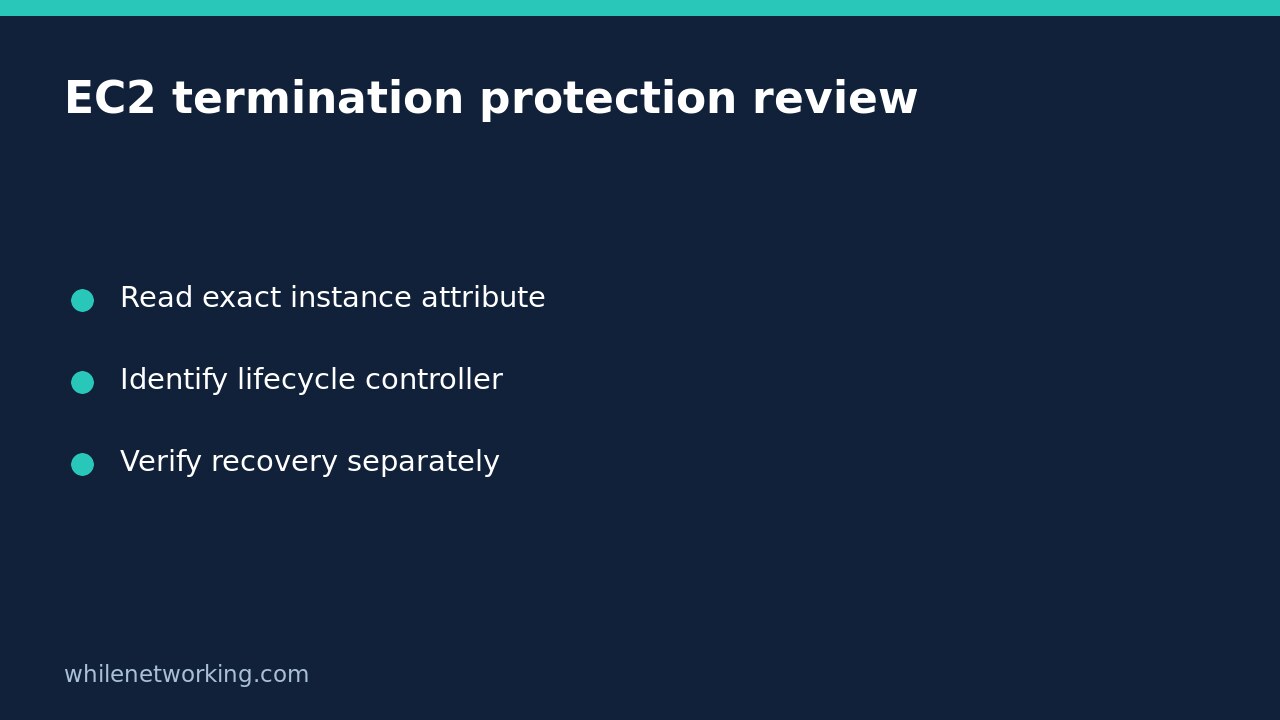

An EC2 instance can have termination protection enabled and still lack a usable recovery path. The protection setting answers a narrow control-plane question: whether a particular instance is protected against termination through the EC2 API. It does not answer whether its application can be restored, or whether every system that manages its lifecycle will preserve it.
This documentation-based walkthrough uses AWS CLI v2 command patterns for an authorised account. The commands have not been executed against a reader’s account and no sample output below represents a live infrastructure inspection. The workflow reads configuration only; it does not enable, disable or test termination.
Choose the account, Region and exact instance first
Write down the account you are authorised to inspect, the Region and the instance ID from your inventory. A familiar Name tag is not enough: names can be reused across environments. Use an approved CLI profile with permission to describe the relevant instance attribute. If permission is denied, request the appropriate read access rather than escalating into an administrator role simply to complete this check.
Our AWS CLI account and role check helps establish the identity context before a resource inspection. Complete that step before interpreting an empty result or a resource-not-found error as a configuration fact.
Replace the example profile, Region and instance ID below with verified values. The instance identifier is illustrative, not a target you should inspect by default.
Read the API termination attribute
aws ec2 describe-instance-attribute --profile audit-readonly --region ap-southeast-2 --instance-id i-0123456789abcdef0 --attribute disableApiTermination --output json --no-cli-pagerThe official describe-instance-attribute reference documents the attribute name and notes that this operation reads one attribute at a time. Keeping the full JSON response makes the instance identifier and attribute name visible together. Avoid reducing the first inspection to a bare true or false: that removes context a reviewer needs.
Save the result only in an approved location because resource identifiers may be sensitive operational information. Record when it was retrieved and which account and Region were used. A configuration observation without a target and time is difficult to use during a later incident review.
Interpret the negative name carefully
The field is named DisableApiTermination. A true Value means API termination is disabled: termination protection is enabled. A false Value means that particular protection is not enabled. This negative naming is an easy place to invert a spreadsheet column or a dashboard label.
Write an explicit sentence in your review, such as ‘API termination protection observed enabled for the recorded instance at the recorded time.’ Do not shorten that to ‘instance cannot be deleted’. The latter is a broader assertion than the setting supports.
If the command fails, preserve the error as an unsuccessful observation. An access-denied response does not mean the field is false. A CLI parsing error does not establish anything about the instance. Correct the inspection context before making a risk decision.
Identify the lifecycle paths outside this setting
The EC2 termination-protection guide describes important boundaries. API termination protection does not prevent an instance-initiated shutdown from terminating an instance when its shutdown behaviour is configured that way. It also does not prevent Auto Scaling termination during scale-in or when an instance is unhealthy. AWS documents separate scaling controls, and termination protection cannot be enabled for Spot Instances.
Use those boundaries to ask focused questions: Is this instance part of an Auto Scaling group? Is it Spot capacity? Does an automation runbook use guest shutdown? Which team owns replacement decisions? The answers describe different lifecycle mechanisms; they are not interchangeable checkboxes.
Do not suspend health replacement processes merely because you discovered these exceptions. Such a modification could change availability behaviour. Capture the facts and refer any design change to the service owner through the normal approval process.
Keep prevention separate from recoverability
A protected instance may still contain data that is not independently recoverable. Conversely, an intentionally disposable worker may be unprotected while its application is designed for replacement. The Boolean alone cannot decide which architecture is appropriate.
For a hypothetical stateful reporting server, the review could record API protection as enabled while leaving database restore evidence outstanding. The correct action is to obtain that recovery evidence, not to mark the recovery control passed because the protection field is true. For a replaceable application worker, the owner may instead need to demonstrate the approved replacement process.
Ask for the documented recovery objective, backup ownership and evidence of a restore exercise appropriate to the workload. Do not create an outage by terminating an instance to ‘prove’ protection works. A read-only setting review and a controlled recovery exercise have different authorisations and safety requirements.
Produce an actionable handover
A useful ticket identifies the resource, observed attribute, lifecycle controller, unanswered recovery questions and the person responsible for the next decision. Separate an observation from a recommendation. ‘Observed false’ is a fact from a successful response; ‘should be enabled’ requires the workload’s design and change policy.
Because this procedure makes no resource modifications, there is no configuration rollback to perform. If a later change is approved, capture the previous value, planned owner, validation step and reversal procedure in that separate change. Never assume this article authorises it.
Educational use only. Test procedures carefully in a non-production environment before any production change. You remain responsible for permissions and backups; the publisher accepts no responsibility for misuse, damage, data loss or production issues.