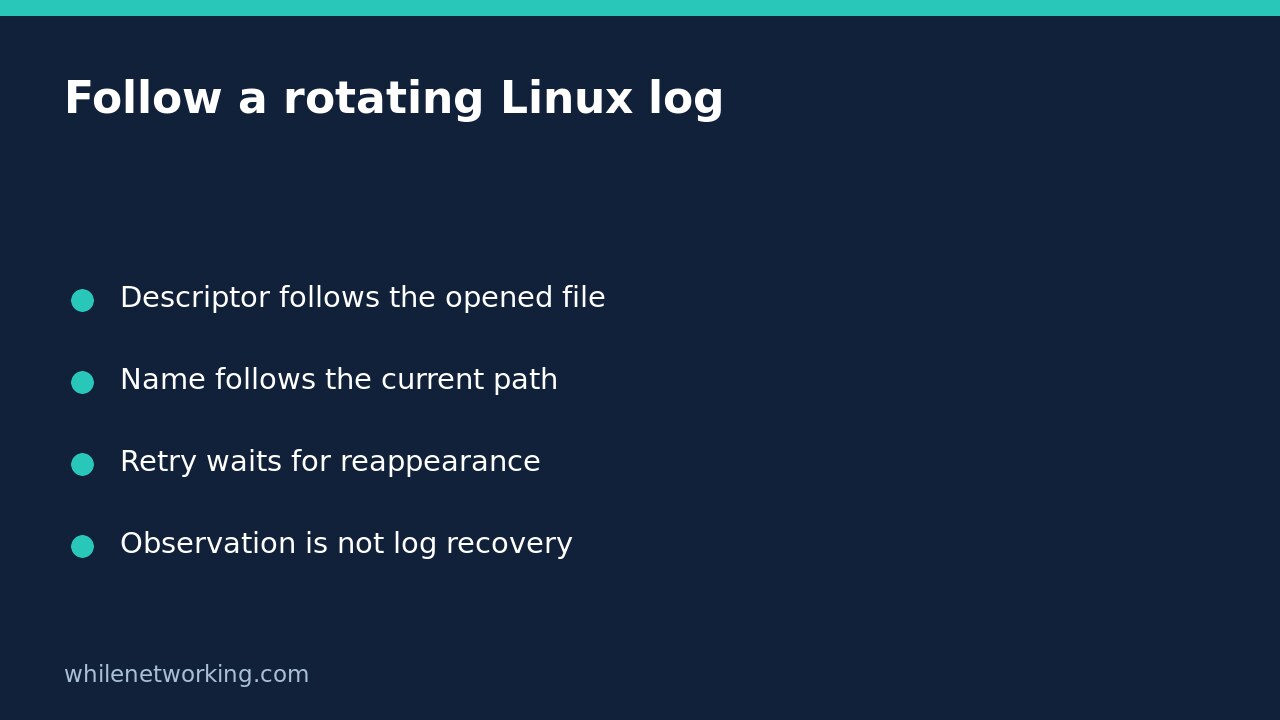

If GNU tail -f stops displaying new application messages after a log rotation, the application may still be writing normally. The command can remain attached to the old opened file while the application writes to a replacement at the original pathname. Choose whether you want to follow that opened file or whatever file currently has that name.
Understand descriptor following before restarting anything
GNU tail’s default follow mode is descriptor following. A descriptor refers to an opened file, so renaming that file does not automatically make tail switch to the replacement. The following command watches an illustrative log path; replace it with the real path you are authorised to read:
tail -n 20 -f -- /var/log/example-app.logThe command initially prints up to twenty lines, then waits for more data from the opened file. If a rotation renames that file and creates a new one, a quiet terminal does not prove that the application stopped. The old file can also continue receiving writes if the application has not reopened its own log. Do not restart services just to make the terminal move.
This distinction is about file identity, not simply filename text. For related background, see checking whether two Linux filenames identify the same file with stat. A matching name alone does not tell you whether an earlier open descriptor still refers to the current file at that path.
Use name following when the path is the target
For a conventional log that is replaced at the same pathname, GNU tail provides the following alternative:
tail -n 20 -F -- /var/log/example-app.logUppercase -F means --follow=name --retry. It follows the named file and retries when the file is temporarily unavailable. Lowercase -f is not the same option. GNU also permits the explicit spelling:
tail -n 20 --follow=name --retry -- /var/log/example-app.logRetrying does not override access permissions, create missing directories or repair a broken logging configuration. It only keeps attempting access. Read any diagnostics as well as the log lines. Stop an interactive follower with Ctrl+C; that stops your viewer, not the application producing the log.
Try a disposable rename-and-replace example
The following Bash lab creates its own temporary directory rather than rotating a real service log. Keep the terminal open. It prints the path you should use in a second terminal:
demo=$(mktemp -d) || exit 1
printf 'before rotation\n' > "$demo/app.log"
printf 'Lab log: %s/app.log\n' "$demo"
In the second terminal, substitute the printed absolute pathname into one of the follow commands above. You can open another follower to compare the two modes side by side. Once the viewers are attached, run this in the original terminal:
mv -- "$demo/app.log" "$demo/app.log.1"
printf 'replacement file\n' > "$demo/app.log"
printf 'old file append\n' >> "$demo/app.log.1"
printf 'new file append\n' >> "$demo/app.log"
The descriptor follower remains associated with the renamed file and can display the old-file append. The name follower switches to the replacement and can display its content. Timing and diagnostics vary with the available notification mechanism; allow the viewer to detect the change. These are demonstrations of two observation targets, not proof about your application’s rotation behaviour.
Stop both followers when finished. The temporary directory is left intact deliberately so you can inspect the two files. Remove only this disposable lab directory through your normal file-management workflow after checking its printed path.
Know what following cannot guarantee
Some rotations truncate the existing file rather than replace it. GNU tail documents detecting shrinkage, reporting truncation and resuming from the beginning. That does not make a terminal follower a lossless log collector: rapidly written and removed data, copy-and-truncate races, inaccessible replacements and interruptions can leave gaps in what you observe.
Notification support also affects responsiveness. GNU tail normally reacts promptly with inotify; without it, polling introduces delay. Do not interpret every short pause as service failure. Confirm the actual application log destination and its rotation method before changing service settings.
Quick FAQ and handover notes
Does -F recover historical logs? No. Inspect retained rotated files or your central logging system separately. Following a current path is not a backup or evidence-retention strategy.
Should I use sudo automatically? No. Use approved read access and preserve sensitive log content. A permission error needs an authorised access decision, not an indiscriminate privilege workaround.
For a useful handover, record the actual log pathname, the follow mode, any rotation or permission diagnostics and whether the application writes to the old or replacement file. Separate those observations from claims about application health.
Source: The GNU Coreutils upstream manual source, in its tail invocation section, documents descriptor and name following, -F, retry behaviour, truncation and notification differences.
Safety: This tutorial is for educational purposes. Test before production use; never rotate important logs just to reproduce the example. The site owner is not responsible for misuse, damage, data loss or production issues.