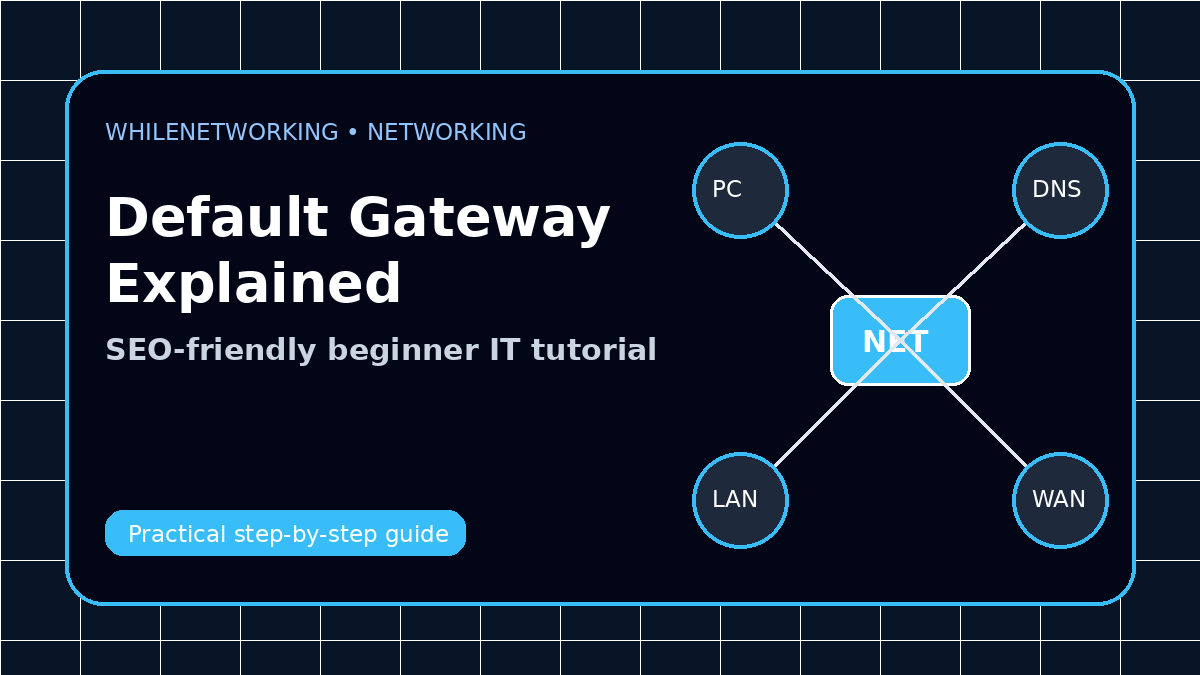

Default Gateway Explained is a common topic for IT beginners, help desk technicians, network support staff, and system administrators. This guide explains it clearly with practical examples you can use in real troubleshooting.
- Beginner-friendly explanation
- Real IT support examples
- Commands you can practice safely
- Checklist for troubleshooting
What is a default gateway?
A default gateway is usually your router or firewall. It is the device your computer uses when it needs to reach another network, such as the internet, a cloud service, or a remote office.
Why the default gateway matters
Without the correct default gateway, your device may communicate with local devices but fail to access websites, VPNs, cloud systems, or other networks.
Common gateway problems
Common issues include missing gateway address, wrong gateway, duplicate IP address, wrong VLAN, DHCP misconfiguration, firewall problem, or a router that is powered off.
How to troubleshoot
First check the IP configuration. Then ping the gateway. If the gateway does not reply, check Wi-Fi/cable, VLAN, adapter status, DHCP, and router availability.
Real IT support example
If a laptop has IP 192.168.1.50 but gateway 192.168.2.1, it may not reach the internet. Correcting the gateway or DHCP scope can quickly fix the issue.
Useful commands to practice
ipconfig /all
ip route
route print
ping 192.168.1.1
tracert 8.8.8.8
Beginner checklist
- Write down the current network settings before changing anything.
- Check physical connection, Wi-Fi status, IP address, gateway, and DNS.
- Test local connectivity before testing internet access.
- Change one setting at a time and retest.
- Escalate with clear notes if the problem continues.
Final thoughts
Networking becomes easier when you understand the role of each component and follow a repeatable troubleshooting process. Practice these concepts in a lab or safe environment before applying them to production networks.
Educational note: This tutorial is for educational purposes only. Test carefully and do not make changes to business or production systems without approval, backup, and documentation.