
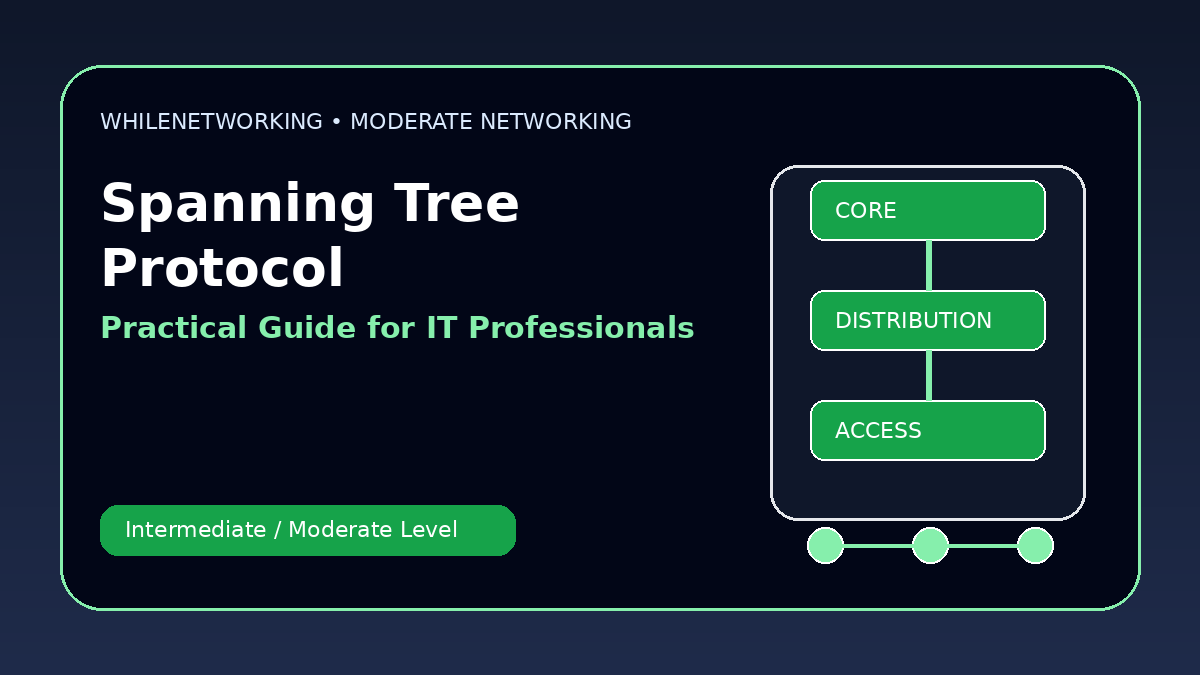

Spanning Tree Protocol Explained is a practical networking skill for IT professionals who already understand basic IP addressing, DNS, DHCP, switching, and routing. This moderate-level guide focuses on real workplace concepts, troubleshooting flow, and useful commands.
- Core moderate-level networking concept
- Real-world design and troubleshooting points
- Useful commands for practice
- Operational best practices for IT teams
Why STP exists
Switching loops can bring down a network by causing broadcast storms, MAC table instability, and duplicate frames. Spanning Tree Protocol prevents loops by blocking redundant Layer 2 paths.
Root bridge concept
STP elects a root bridge. Every switch calculates the best path to the root bridge. The root bridge should be intentionally selected, not left to chance.
Port roles and states
STP uses roles such as root port, designated port, and blocked or alternate port. Modern RSTP converges faster than classic STP but the loop prevention concept is similar.
Common STP problems
Problems include wrong root bridge placement, unstable links, unmanaged switches, BPDU filtering, accidental loops, and inconsistent VLAN trunking.
Best practices
Set root bridge priority, enable PortFast only on access ports, use BPDU Guard, document trunks, and monitor topology changes.
Useful commands
show spanning-tree
show spanning-tree vlan 10
show interfaces trunk
show mac address-table dynamic
show logging | include STP
Moderate-level troubleshooting checklist
- Confirm the expected design before changing configuration.
- Check Layer 1, Layer 2, Layer 3, routing, and firewall behavior separately.
- Compare both ends of links, trunks, peers, or policies.
- Review logs and command outputs before making assumptions.
- Document the root cause and the final fix for future incidents.
Final thoughts
Moderate networking skills help IT professionals move from basic support to deeper troubleshooting and infrastructure work. Practice these topics in a lab before applying them to production networks.
Educational note: This tutorial is for learning purposes only. Test carefully and do not make production changes without approval, documentation, backups, and a rollback plan.

