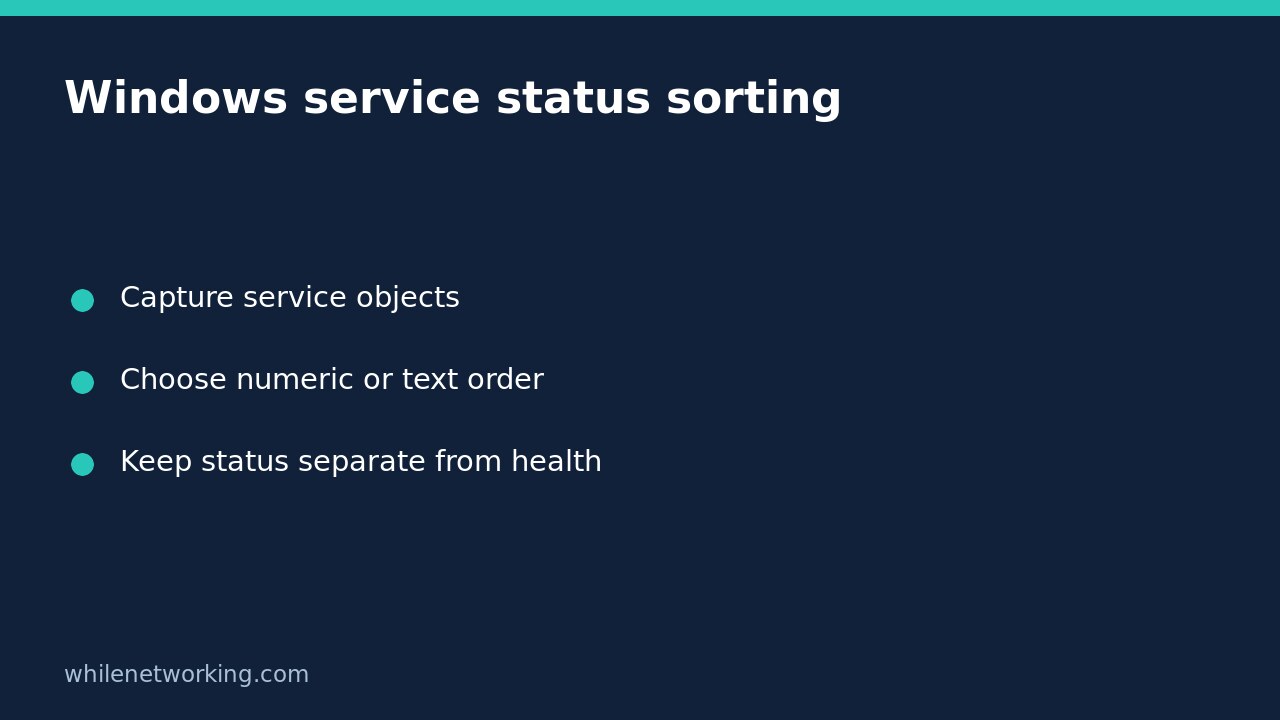

If Get-Service | Sort-Object Status puts Stopped services before Running services, PowerShell is not ignoring the alphabet. The Status property is an enumeration. Sorting that property uses its underlying values: Stopped is 1 and Running is 4. Converting the property to a string before sorting asks a different question and produces alphabetical status labels instead.
This distinction matters when preparing a service inventory for a support ticket. A table’s first row is not automatically the most important failure, and a sorted list does not start, stop or repair anything. The commands below inspect services on the local Windows computer.
Capture one inventory before comparing orders
Open PowerShell on the intended Windows machine and capture the visible service objects once. Using the same collection for both views avoids confusing a fresh service-state change with a sorting difference.
$services = @(Get-Service -ErrorAction Stop)
$services | Sort-Object Status, Name | Select-Object Status, Name, DisplayName
The second sort key, Name, makes services with the same status easier to find. Get-Service without a name requests the local service inventory; it is not a scan of other computers. Microsoft notes that service visibility depends on permissions, so preserve errors rather than calling a failed lookup an empty machine.
The captured objects provide an inspection view, not a transactionally consistent health report for every application. Record the computer and observation time in your ticket, and collect a fresh inventory if you need a later comparison.
Inspect the value behind the displayed word
This small read-only example isolates the enum behaviour without relying on your machine having particular services stopped:
$states = @(
    [System.ServiceProcess.ServiceControllerStatus]::Running
    [System.ServiceProcess.ServiceControllerStatus]::Stopped
)
$states | Sort-Object | ForEach-Object {
    '{0} = {1}' -f $_, [int]$_
}
For these two supplied values, ascending order is Stopped = 1 followed by Running = 4. That output describes the demonstration values, not the state of any real Windows service. Other statuses, such as pending transitions or Paused, also have enum values; do not reduce every possible result to a binary running/stopped assumption.
Choose alphabetical labels when that is the report requirement
If a colleague expects Running before Stopped because the words are alphabetically ordered, sort on a calculated string expression:
$services | Sort-Object -Property @{Expression = { $_.Status.ToString() }}, Name | Select-Object Status, Name, DisplayNameThis changes the ordering key while retaining the original service objects. It does not convert the whole inventory into presentation text. Keeping objects intact lets you filter and select properties later.
Avoid sending the collection through Format-Table before sorting. Formatting is for the final presentation stage, not a substitute for the underlying service data. Likewise, sorting a copied console screenshot cannot recover properties that were never displayed.
Filter for a task instead of treating order as priority
If your task is specifically to review stopped services, ask for that status rather than assuming the first few sorted rows are failures:
$services | Where-Object { $_.Status -eq 'Stopped' } | Sort-Object Name | Select-Object Status, Name, DisplayNameA stopped service may be entirely normal for its configuration and workload. Running also does not prove that a website responds or a background job completes. Investigate the named application, expected configuration and relevant logs before proposing any separate maintenance action.
When reporting how many objects passed a filter, see counting PowerShell pipeline results with the array subexpression. Object quantity and status ordering are different checks.
Quick questions before sharing the table
- Does descending numeric status mean healthiest first? No. Reversing enum order is not a health ranking, especially when transitional states exist.
- Will these commands change startup settings? No. They contain no service-change cmdlets.
- Can I run this in Linux PowerShell? Get-Service is documented as Windows-only. Use Windows PowerShell or PowerShell on Windows for these examples.
- What should the ticket say? State whether the sort uses enum values or text labels, identify the computer and observation time, and retain any collection errors.
Source: Microsoft Learn’s Get-Service reference, particularly the status-sorting example and Windows/permission notes.
This tutorial is for educational purposes. Test carefully before production use. The site owner is not responsible for misuse, damage, data loss or production issues.