
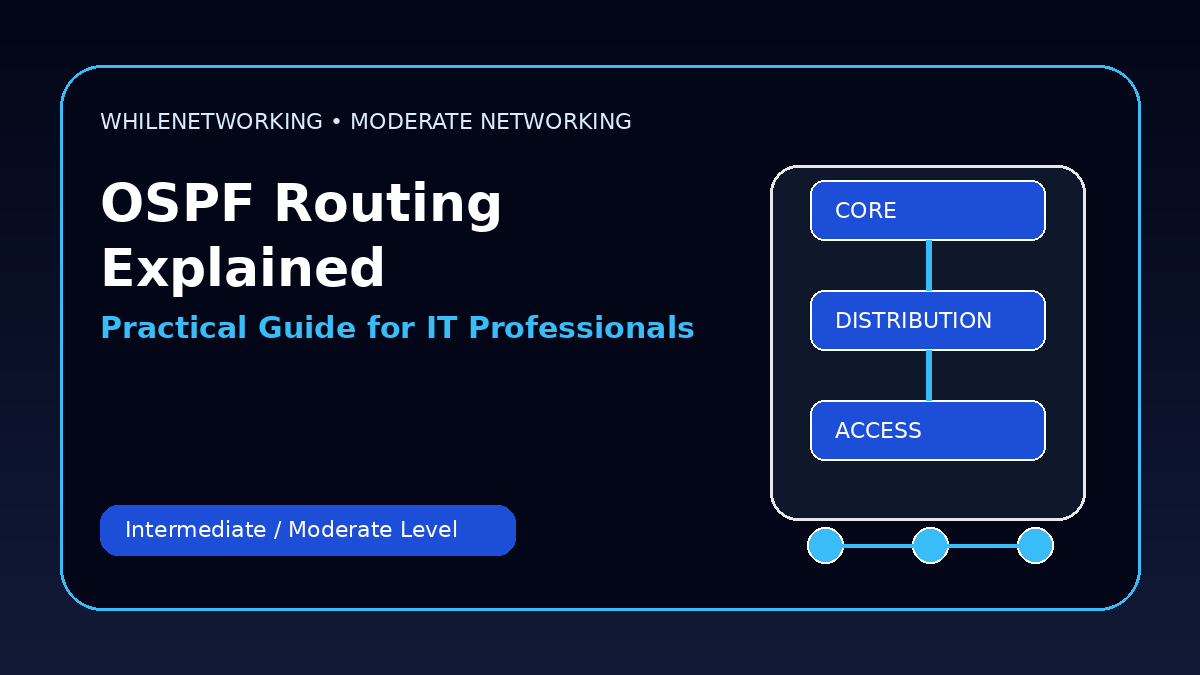

Ospf Explained For It Professionals is a practical networking skill for IT professionals who already understand basic IP addressing, DNS, DHCP, switching, and routing. This moderate-level guide focuses on real workplace concepts, troubleshooting flow, and useful commands.
- Core moderate-level networking concept
- Real-world design and troubleshooting points
- Useful commands for practice
- Operational best practices for IT teams
What OSPF is used for
OSPF is a dynamic routing protocol used inside organizations to exchange routes between routers and Layer 3 devices. Instead of manually configuring every route, OSPF allows routers to learn network paths automatically.
OSPF neighbors and adjacency
OSPF routers must become neighbors before they can exchange routing information. Neighbor relationships depend on matching parameters such as area ID, subnet, hello/dead timers, authentication, and network type.
Areas and backbone design
OSPF uses areas to reduce routing overhead. Area 0 is the backbone area. Other areas should normally connect to Area 0 through an Area Border Router. A clean area design makes troubleshooting easier.
LSAs and route calculation
OSPF routers exchange Link-State Advertisements, or LSAs. Each router builds a link-state database and calculates the best path using the SPF algorithm.
Troubleshooting approach
When OSPF fails, check interface status, IP addressing, area IDs, neighbor states, MTU mismatch, authentication, passive interfaces, and route filtering.
Useful commands
show ip ospf neighbor
show ip ospf interface brief
show ip route ospf
show ip ospf database
debug ip ospf adj
Moderate-level troubleshooting checklist
- Confirm the expected design before changing configuration.
- Check Layer 1, Layer 2, Layer 3, routing, and firewall behavior separately.
- Compare both ends of links, trunks, peers, or policies.
- Review logs and command outputs before making assumptions.
- Document the root cause and the final fix for future incidents.
Final thoughts
Moderate networking skills help IT professionals move from basic support to deeper troubleshooting and infrastructure work. Practice these topics in a lab before applying them to production networks.
Educational note: This tutorial is for learning purposes only. Test carefully and do not make production changes without approval, documentation, backups, and a rollback plan.

