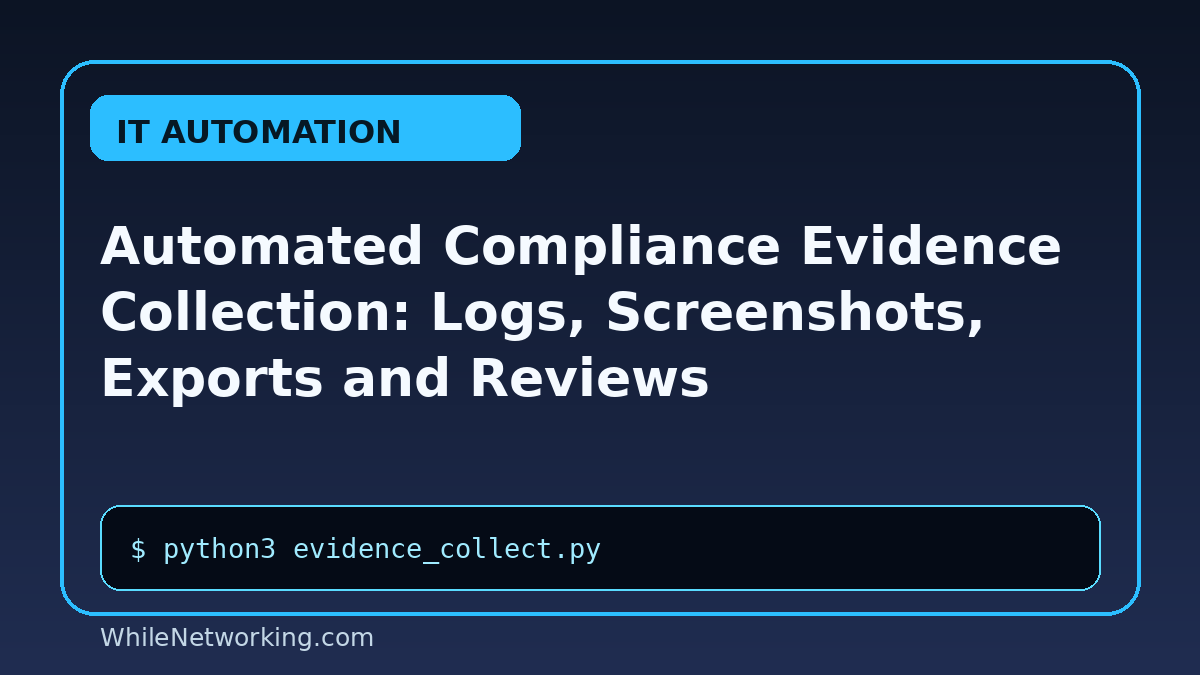

Collect compliance evidence automatically from systems, logs and reports while keeping review and approval steps clear. This tutorial is written for IT compliance, security and operations teams that need repeatable evidence without relying on last-minute manual screenshots.
Why automated evidence collection matters
Compliance reviews often require proof that controls are working. Automation helps collect consistent logs, exports and reports on schedule, but the workflow must protect sensitive data and keep human review in place.
Practical evidence workflow
- Define the control or audit requirement clearly.
- Identify the system, log source, user report or cloud export required.
- Collect evidence using a read-only account wherever possible.
- Store files with timestamps, owner names and integrity checks.
- Review results before sharing them with auditors or management.
Useful commands and examples
python3 evidence_collect.pyGet-LocalUser | Export-Csv users.csvjournalctl --since yesterday > system.logaws cloudtrail lookup-eventssha256sum evidence.zip
Best practices
- Use least privilege for evidence collection accounts.
- Keep sensitive evidence in restricted storage.
- Record collection time, system name and script version.
- Use checksums for important exported files.
- Schedule periodic review so automation does not silently fail.
Common mistakes to avoid
- Collecting more personal or sensitive data than required.
- Saving audit evidence in public folders or shared drives without access control.
- Assuming an export is valid without reviewing content and timestamps.
FAQ
Can evidence collection be fully automated?
Collection can often be automated, but human review is still important for accuracy, context and approval.
What evidence should be collected?
Collect only what the control requires, such as user access lists, log exports, backup reports, patch reports or configuration snapshots.
How should evidence files be named?
Use clear names with system, control, date and environment, for example access-review-prod-2026-06.csv.
Disclaimer: This tutorial is for educational purposes. Test automation carefully before using it in production. WhileNetworking is not responsible for misuse, damage, data loss or production issues.
Related tutorials
If you found this guide useful, you may also like these related learning paths: