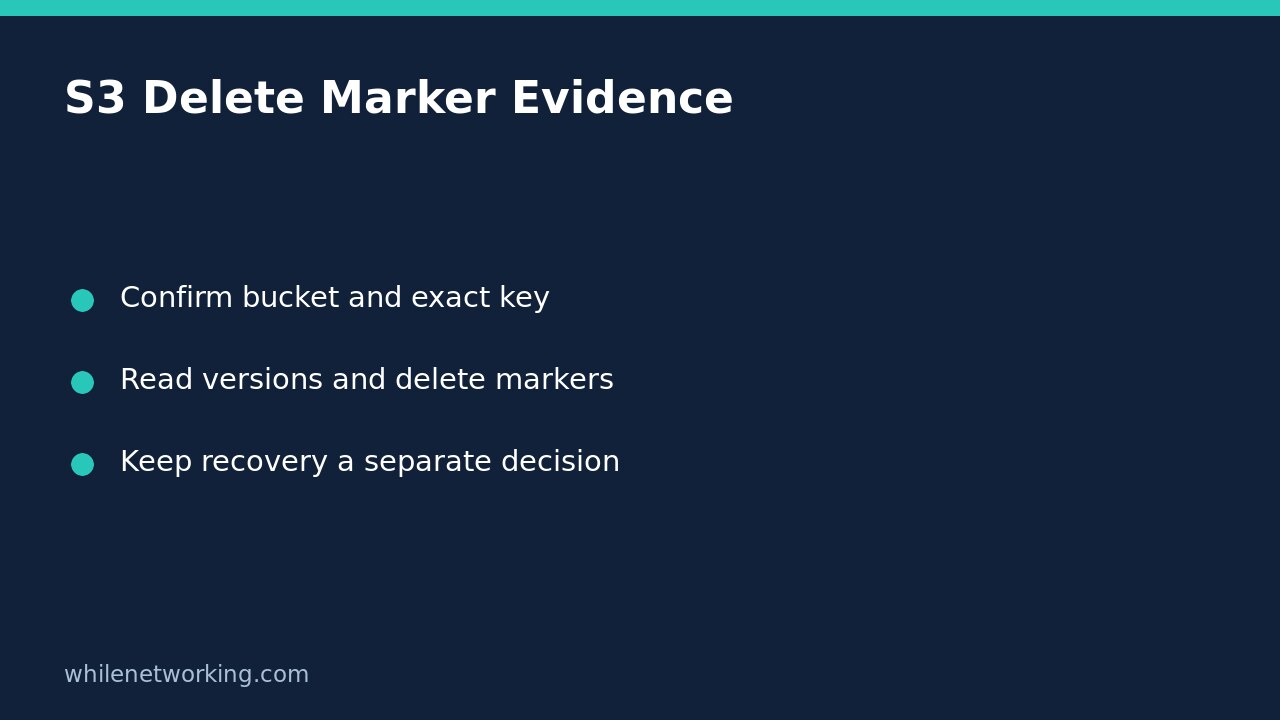

An S3 object missing from an application’s normal view is not enough evidence that every stored version has disappeared. For a general purpose bucket, use the read-only list-object-versions operation to inspect both object versions and delete markers. Keep investigation separate from recovery: this command lists metadata; it does not remove a marker, download a version or restore application service.
Confirm the investigation scope first
Obtain the bucket name, its expected owning account, Region and the exact object key from the incident record. Object keys are case-sensitive identifiers, not local filesystem paths. A leading slash, different letter case or an extra prefix changes what you are investigating. If the Region is uncertain, use the site’s read-only HeadBucket Region check before making repeated requests to guessed locations.
The AWS reference states that this operation needs s3:ListBucketVersions permission and is not supported for directory buckets. Being able to list current objects does not necessarily grant permission to list their versions. Ask for appropriately scoped read access rather than broadening an administrator policy just to complete an investigation.
List a narrow prefix without changing data
The following Bash example is a command pattern, not a report from a live AWS account. Replace the sample values and approved profile before running it. The numeric account value is an illustrative placeholder.
aws s3api list-object-versions --bucket example-investigation-bucket --prefix 'reports/monthly.csv' --expected-bucket-owner 111122223333 --profile investigation-readonly --region ap-southeast-2 --output json --no-cli-pagerImportant: --prefix is a starts-with filter, not an exact-key lookup. This request may also return reports/monthly.csv.old. Compare every returned Key with the complete intended key before drawing a conclusion. Avoid adding a delimiter for this first check because grouped prefixes can hide the individual entries you meant to inspect.
This example leaves automatic pagination enabled. That matters when one key has many historical versions. It deliberately prints the full JSON instead of selecting only delete markers, so object versions and pagination evidence remain available together. Read-only requests can still incur request charges; narrow the scope before querying a busy bucket.
Read Versions and DeleteMarkers together
The response can contain a Versions collection and a DeleteMarkers collection. For the exact key, record each relevant version ID, modification timestamp and IsLatest value. A delete marker has its own version ID; do not mistake it for the version containing file data.
For a hypothetical incident, suppose the exact key has a delete-marker entry with IsLatest: true, while a data-version entry has IsLatest: false. That is useful evidence that the latest entry is a marker and an older data version remains listed. It is not proof that the older file contains the correct business data, that the application can read it, or that removing the marker is authorised.
Conversely, a listed marker with IsLatest: false does not describe the current entry. A newer data version may already exist. Do not combine timestamps from similarly named keys into one supposed history.
Handle incomplete or failed evidence honestly
An access-denied response is a failed inspection, not a clean result. Check the role, bucket identity and expected owner with the account administrator. A mismatched expected owner can itself produce a 403 response. Do not remove that guard merely to make an unexplained request succeed.
If your team deliberately uses --no-paginate or caps output, label the result as partial. Do not infer that a marker or older version is absent from a truncated listing. The AWS reference documents both service pagination fields and the CLI’s continuation mechanisms; use the matching mechanism rather than inventing a token.
Prepare a recovery handoff, not an automatic repair
- Record the exact bucket, key, account, Region and observation time.
- Separate current-marker evidence from older data-version metadata.
- Document permission errors and incomplete results.
- Ask the owner to approve a version-specific recovery plan and validation checks.
Does this recover a deleted file? No. Listing is evidence collection only. Does an older version guarantee recovery? No. Availability, permissions, retention conditions and content suitability need separate checks.
Source: AWS CLI list-object-versions documentation.
This tutorial is for educational purposes. Test carefully before using commands in production. The site owner is not responsible for misuse, damage, data loss or production issues.