
Use aws s3api get-bucket-replication to read the replication configuration of an S3 bucket without changing its rules. The response describes the configured role, eligible objects and destination. An enabled rule is not evidence that a particular object has arrived, that every object qualifies, or that recovery will succeed.
This workflow is for an authorised review of a general purpose bucket. AWS states that this operation is not supported for directory buckets. It is deliberately an inventory task, not a replication setup or repair procedure.
Confirm the source and review permissions
Obtain the exact source bucket name, its Region, the expected owner’s account ID and your approved AWS CLI profile. Do not use an account number copied from an unrelated destination bucket: source and destination owners can differ. Replace every example value before running the command.
The required API permission is s3:GetReplicationConfiguration. Reading the rules does not grant permission to read source objects, inspect destination objects or use an encryption key. If the operation is denied, record the error and ask the responsible administrator to check your approved access. Do not broaden your own permissions or switch credentials merely to get a result.
Retrieve the complete configuration first
In Bash or another shell using Unix-style line continuations, run this read-only example:
aws s3api get-bucket-replication \
  --bucket amzn-s3-demo-source \
  --expected-bucket-owner 123456789012 \
  --profile audit-readonly \
  --region ap-southeast-2 \
  --output json \
  --no-cli-pager
The command prints its response; it does not create a local backup or alter bucket configuration. Leave certificate verification enabled. A mismatched expected owner produces access denied, so such an error is not evidence that replication is absent.
Start with the full JSON rather than a filtered one-line summary. Filtering too early can hide disabled rules, object-selection conditions and destination options that explain a mismatch. Keep any saved response in your approved evidence location because bucket names, account details and role names can disclose infrastructure information.
Read each rule as an eligibility test
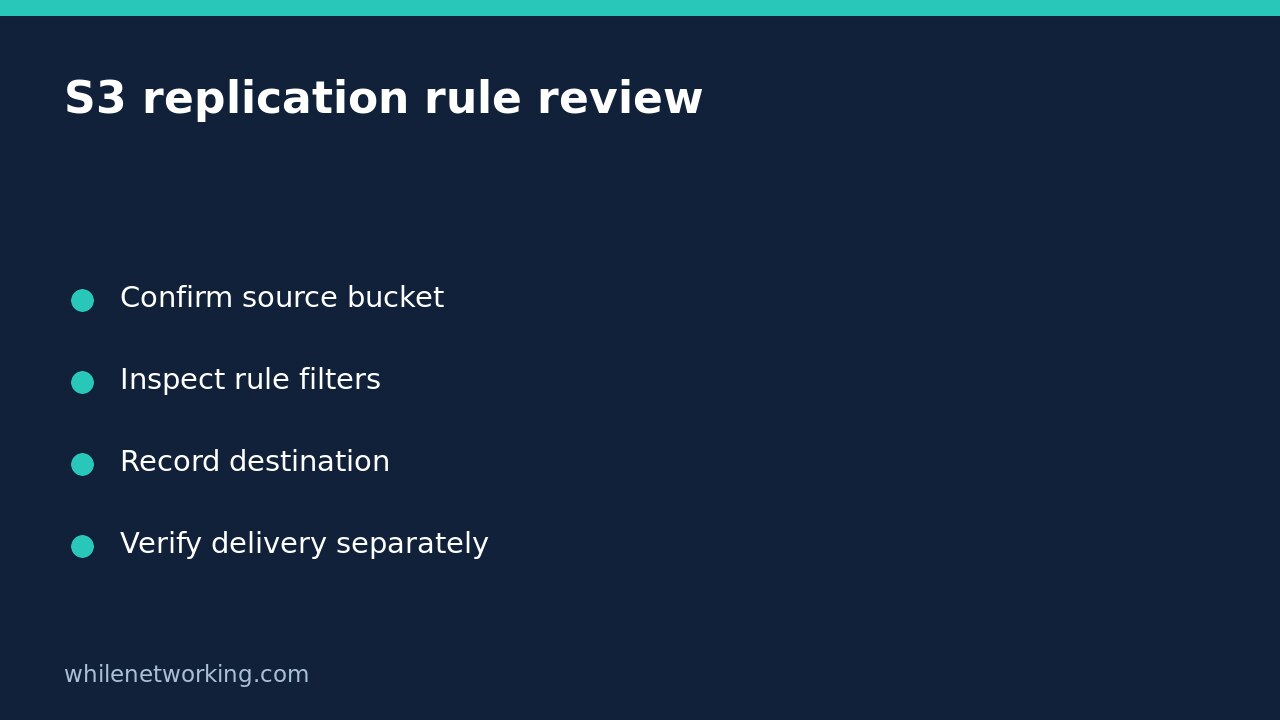
Under ReplicationConfiguration, identify Role and inspect every entry in Rules. Build a short review table with rule ID, status, selection conditions, priority and destination bucket ARN. A role ARN identifies the configured role; its presence does not establish that its current permissions work.
- Status: distinguish Enabled from Disabled rather than counting every listed rule as active.
- Selection: inspect Filter, including Prefix, Tag or And conditions. Older configurations can use a top-level Prefix. Bucket tags are not object tags.
- Destination: record Destination.Bucket and any storage-class or encryption settings. Do not assume the destination belongs to the source account.
- Priority: where rules conflict for the same destination, AWS describes higher numbers as higher priority. Do not simply pick the first rule returned.
- Delete markers: review DeleteMarkerReplication separately. Object replication and deletion behaviour are not interchangeable promises.
For example, imagine an enabled rule with a reports/ prefix and an object-tag condition. A file named images/chart.png does not satisfy the prefix merely because it contains a report chart. A matching prefix alone also does not establish that the required object tag exists. This is a hypothetical reading exercise, not a live AWS test.
Keep configuration, delivery and recovery separate
AWS warns that reads soon after replication changes can return an outdated result while those changes propagate. Record when the response was retrieved and whether an authorised change was just made. Reconcile with the change owner before describing a difference as a failed repair.
The configuration response does not list the delivery outcome of each object. Arrange a separate authorised object-level verification if that is the operational question. Likewise, do not infer that older objects were copied just because a rule is enabled; the reference directs existing-object replication to S3 Batch Replication rather than the obsolete ExistingObjectReplication option.
For another independent control, see reading S3 Public Access Block settings. Those settings answer a public-access configuration question, not whether a replica was delivered.
Quick handover checklist
Record the source bucket, expected owner, Region, profile, retrieval time, rule filters and destination. Label unknowns explicitly: configuration observed, delivery not yet checked, recovery not tested. No rollback is required for this read-only request because it changes no bucket setting.
Can an enabled rule prove the backup is usable? No. Configuration review, object delivery evidence and a controlled recovery test answer different questions.
Source: AWS get-bucket-replication command reference, including permissions, propagation notes and output fields.
Educational-use disclaimer: Test carefully before using any steps in production and work only on systems you are authorised to manage. The site owner is not responsible for misuse, damage, data loss or production issues.