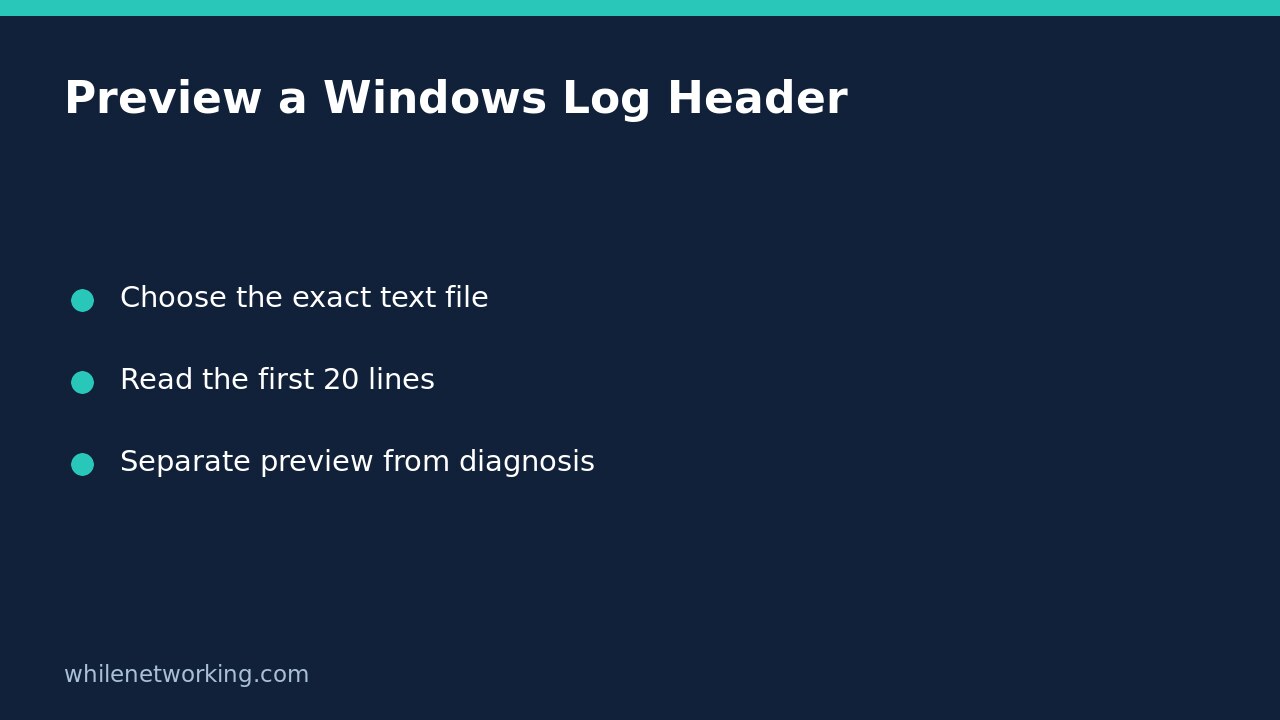

To inspect the beginning of a Windows text log without flooding your PowerShell window, use Get-Content -LiteralPath 'C:\Logs\service.log' -TotalCount 20. This returns up to the first twenty lines and then finishes. It is a header preview, not a search for the newest error, a count of the entire file, or a live monitor.
This is useful when a support request asks which application produced a log, what column headings it uses, or whether the opening lines identify a session. Work with a file you are authorised to read, and review sensitive details before sharing any output.
Choose one exact file before reading it
Open PowerShell and replace the example path with your actual text log. Keep the path inside single quotes. Use LiteralPath so brackets in a filename are treated as characters rather than wildcard instructions. A folder is not a text file: choose the individual log inside it.
Get-Content -LiteralPath 'C:\Logs\service.log' -TotalCount 20The command reads content; it does not truncate, repair or clear the source log. It still needs normal access permissions. If access is denied, check the file owner or application support process rather than changing permissions or elevating automatically. Reading a log successfully also does not mean you are permitted to distribute it.
For more on bracketed names, see opening exact filenames with PowerShell LiteralPath. That guidance concerns path interpretation, not bypassing file security.
Understand what TotalCount actually limits
Microsoft documents TotalCount as the number of lines to retrieve from the beginning of an item. If the file has fewer than twenty lines, the ordinary command returns those available lines; it does not invent blank ones to reach twenty. A zero value returns no lines, and a negative value is an error. Omit -Wait for this finite preview.
The count is about lines, not bytes, visible screen rows or log events. A long line can wrap across several screen rows. A single event can contain several lines, such as a stack trace. Consequently, twenty lines may stop halfway through an event. Treat an incomplete excerpt as a reason to inspect more context, not evidence that the application recorded an incomplete event.
Normal Get-Content output is line-oriented. Do not add -Raw when your purpose is to reason about individual output lines: Raw changes the output to one string with newlines preserved. Also avoid treating this text preview as a suitable reader for arbitrary binary files.
Use the header to ask the next question
Imagine a log begins with an application name, a session identifier and column headings, followed by startup messages. The first twenty lines may identify the format and session, but they might contain nothing about the fault reported later that afternoon. Record the filename, when you inspected it and the relevant header details. Then locate the incident’s time range through the application’s supported log viewer or an appropriately scoped text search.
Do not describe a clean header as a clean service. Likewise, an old timestamp near the top may simply be the beginning of an append-only file. It does not prove that logging stopped. If the application rotates logs, confirm you selected the intended file rather than an older archive with a similar name.
Resolve common preview surprises safely
- Nothing appears: check whether the file is empty and whether TotalCount was accidentally set to zero. Blank initial lines can also make a short preview look unhelpful.
- Characters look wrong: confirm the producer’s encoding. Microsoft documents the current PowerShell default as UTF-8 without BOM; older Windows PowerShell behaviour can differ. Choose an explicit encoding only when you know the file’s format.
- The command keeps waiting: review whether you added Wait. Microsoft explains that TotalCount with Wait can remain active until the requested number of lines is available. Ctrl+C interrupts waiting.
- The error is not visible: a beginning-of-file preview is not a whole-file search. Establish the incident time before widening the investigation.
FAQ and final sharing checklist
Does this show the latest twenty lines? No. TotalCount starts at the beginning; Tail selects from the end. Those answer different questions.
Does a preview preserve evidence? It leaves the source content unchanged, but console output is not a verified backup or complete incident record. Follow your organisation’s evidence-retention process when that matters.
Before sending an excerpt, check it for usernames, tokens, customer identifiers and internal hostnames. Include enough context to explain what the excerpt is, without posting the whole log unnecessarily.
Source: Microsoft Learn’s Get-Content reference, including TotalCount, LiteralPath, Raw, Encoding and Wait.
This tutorial is for educational purposes. Test carefully before production use. The site owner is not responsible for misuse, damage, data loss or production issues. These examples are documented commands, not a claim that they were runtime-tested on your Windows installation.