
What Is A Network Switch is a core networking topic for IT beginners, help desk staff, junior system administrators, and anyone learning practical troubleshooting. This guide explains the topic in simple language and shows how it applies in real home and office networks.
- You will learn the concept in plain English
- You will see common IT support examples
- You will get useful commands for practice
- You will learn safe troubleshooting habits
What is a network switch?
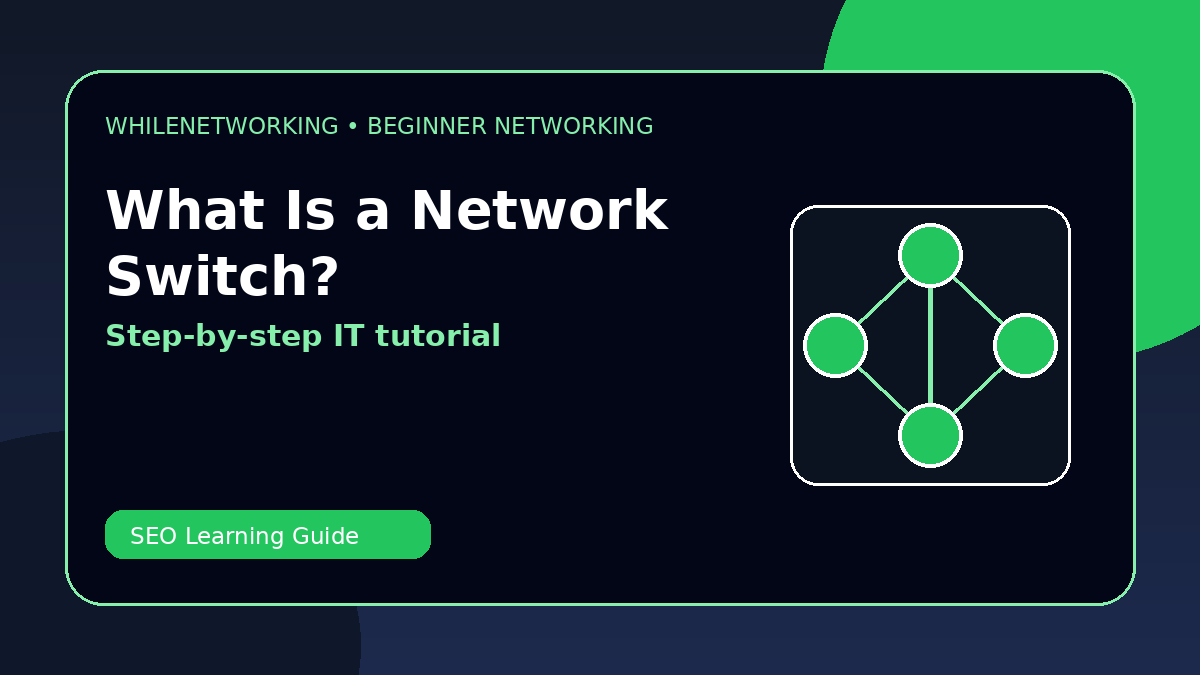
A network switch connects devices inside a local area network. Computers, printers, access points, IP phones, and servers often connect to switches.
How a switch works
A switch learns the MAC addresses of connected devices and forwards traffic to the correct port instead of sending everything everywhere.
Switch vs router
A switch connects devices within the same network. A router connects different networks together, such as your LAN and the internet.
Managed vs unmanaged switch
An unmanaged switch is simple and plug-and-play. A managed switch allows VLANs, monitoring, port security, trunking, and advanced configuration.
Common switch problems
Common issues include bad cables, wrong VLAN, disabled ports, speed/duplex mismatch, power problems, and loops caused by incorrect cabling.
Useful commands for beginners
show mac address-table
show interfaces status
ping default-gateway
ipconfig /all
Quick troubleshooting checklist
- Write down the exact error message or symptom.
- Check whether the issue affects one device, one user, or many users.
- Verify cable, Wi-Fi, IP address, gateway, DNS, and firewall status.
- Test one layer at a time: device, local network, gateway, DNS, and internet.
- Make one change at a time and document the result.
Final thoughts
Networking skills improve with practice. Start with simple checks, learn the meaning of each command, and build confidence step by step.
Educational note: This tutorial is for learning purposes only. Test carefully and do not make changes to production networks without approval, documentation, and backups.