
Inter-Vlan Routing Guide is a moderate-level networking topic for IT professionals who already understand basic IP addressing, routers, switches and troubleshooting. This tutorial focuses on practical concepts, common mistakes and real-world checks you can use at work.
- Understand the concept beyond beginner definitions
- Recognize common production symptoms
- Use practical commands for investigation
- Apply safer troubleshooting habits before changing configuration
Why inter-VLAN routing is needed
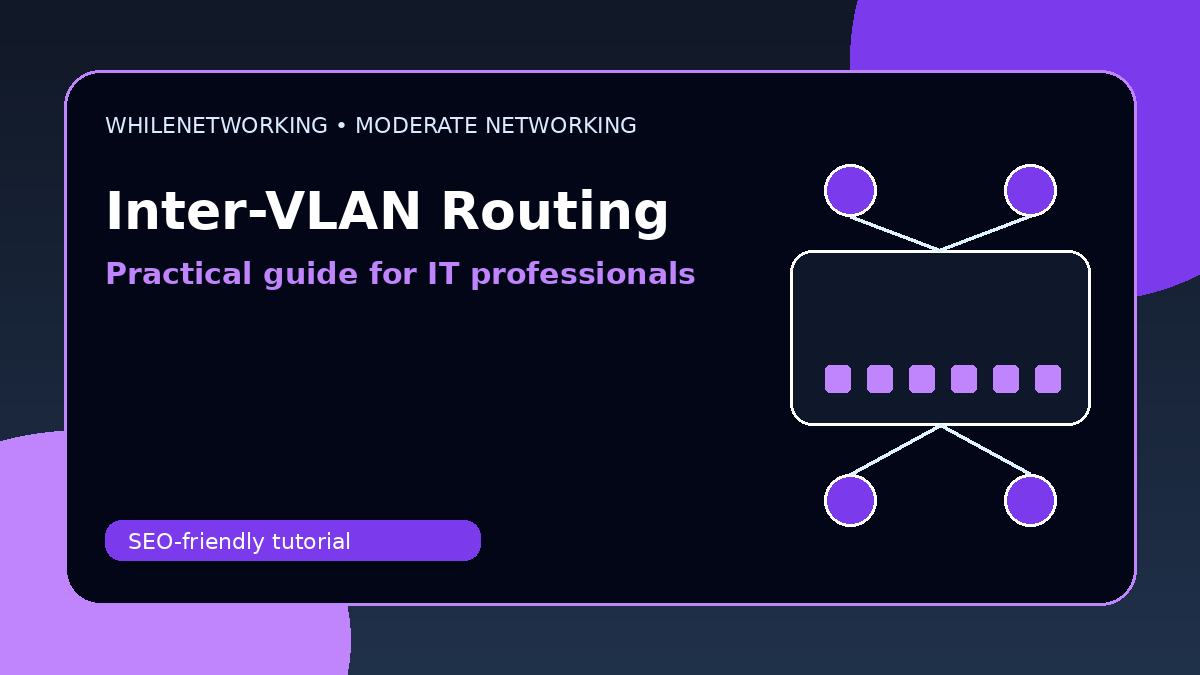
Devices in different VLANs are usually in different IP subnets. To communicate between those subnets, traffic must pass through a routing device such as a router, firewall or Layer 3 switch.
Router-on-a-stick
Router-on-a-stick uses one physical router interface with multiple VLAN subinterfaces. Each subinterface has an 802.1Q tag and serves as the gateway for a VLAN.
Layer 3 switch routing
A Layer 3 switch uses switched virtual interfaces, often called SVIs, to route between VLANs internally. This is often faster and cleaner for campus networks.
Firewall-based inter-VLAN routing
Many businesses route VLANs through a firewall so they can apply security policies between users, servers, guests, cameras and management networks.
Design considerations
Choose the method based on traffic volume, security requirements, budget, redundancy, logging needs and operational complexity.
Useful commands and checks
show ip interface brief
show vlan brief
show ip route
show running-config interface vlan 10
ping 192.168.20.1
Practical troubleshooting workflow
- Define the exact symptom, affected users and affected network segment.
- Confirm the expected design before changing configuration.
- Check logs, counters, routes, VLANs, DNS and firewall rules where relevant.
- Make one controlled change at a time and keep a rollback plan.
- Document the final cause and the fix for future incidents.
Final thoughts
Moderate networking skills are built by connecting theory with repeated troubleshooting practice. Use these concepts in a lab, document your results and gradually apply the workflow to real support scenarios.
Educational note: This tutorial is for learning purposes only. Test changes carefully and do not modify production systems without approval, documentation, backups and a rollback plan.