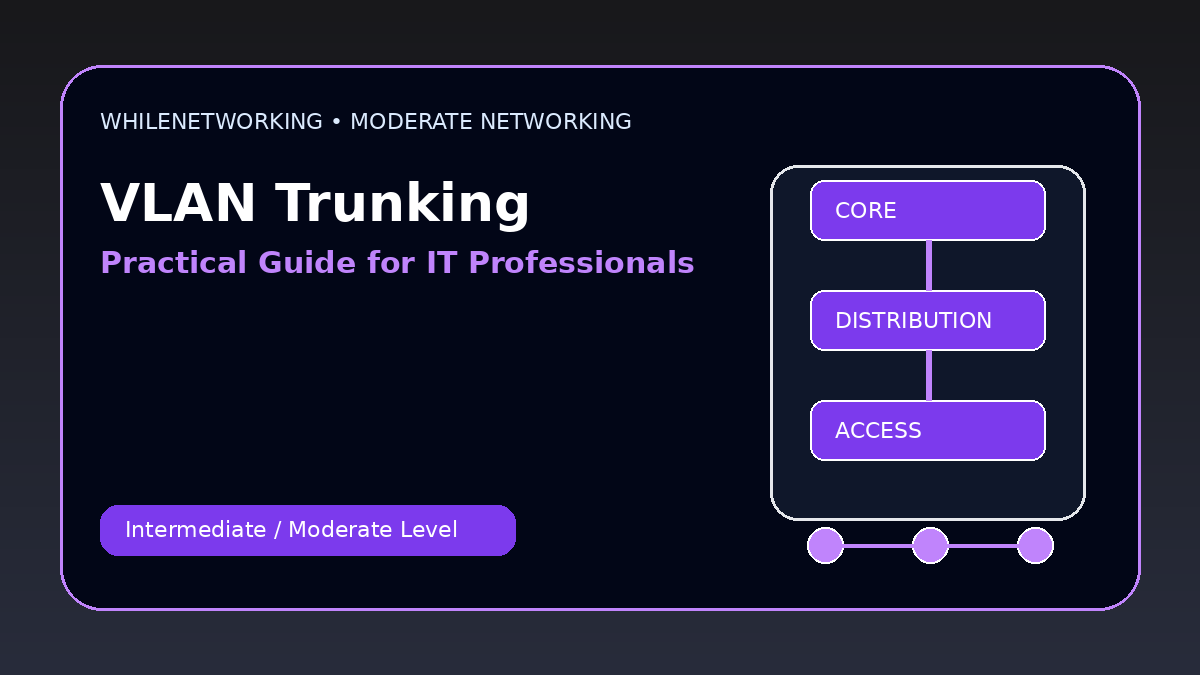

Vlan Trunking Explained is a practical networking skill for IT professionals who already understand basic IP addressing, DNS, DHCP, switching, and routing. This moderate-level guide focuses on real workplace concepts, troubleshooting flow, and useful commands.
- Core moderate-level networking concept
- Real-world design and troubleshooting points
- Useful commands for practice
- Operational best practices for IT teams
Access port vs trunk port
An access port usually carries traffic for one VLAN and connects to end devices. A trunk port carries multiple VLANs between switches, routers, firewalls, hypervisors, or access points.
What 802.1Q tagging does
802.1Q adds a VLAN tag to Ethernet frames so switches can identify which VLAN the traffic belongs to while it travels across a trunk.
Native VLAN
The native VLAN is sent untagged on an 802.1Q trunk. Native VLAN mismatches can cause confusing connectivity and security problems.
Common trunking issues
Issues include missing allowed VLANs, wrong native VLAN, trunk negotiation problems, switchport mode mistakes, and VLAN not created in the VLAN database.
Troubleshooting workflow
Verify VLAN exists, confirm switchport mode, inspect allowed VLANs, check native VLAN, test gateway reachability, and compare both ends of the trunk.
Useful commands
show interfaces trunk
show vlan brief
show interfaces switchport
show running-config interface gi0/1
show mac address-table vlan 20
Moderate-level troubleshooting checklist
- Confirm the expected design before changing configuration.
- Check Layer 1, Layer 2, Layer 3, routing, and firewall behavior separately.
- Compare both ends of links, trunks, peers, or policies.
- Review logs and command outputs before making assumptions.
- Document the root cause and the final fix for future incidents.
Final thoughts
Moderate networking skills help IT professionals move from basic support to deeper troubleshooting and infrastructure work. Practice these topics in a lab before applying them to production networks.
Educational note: This tutorial is for learning purposes only. Test carefully and do not make production changes without approval, documentation, backups, and a rollback plan.