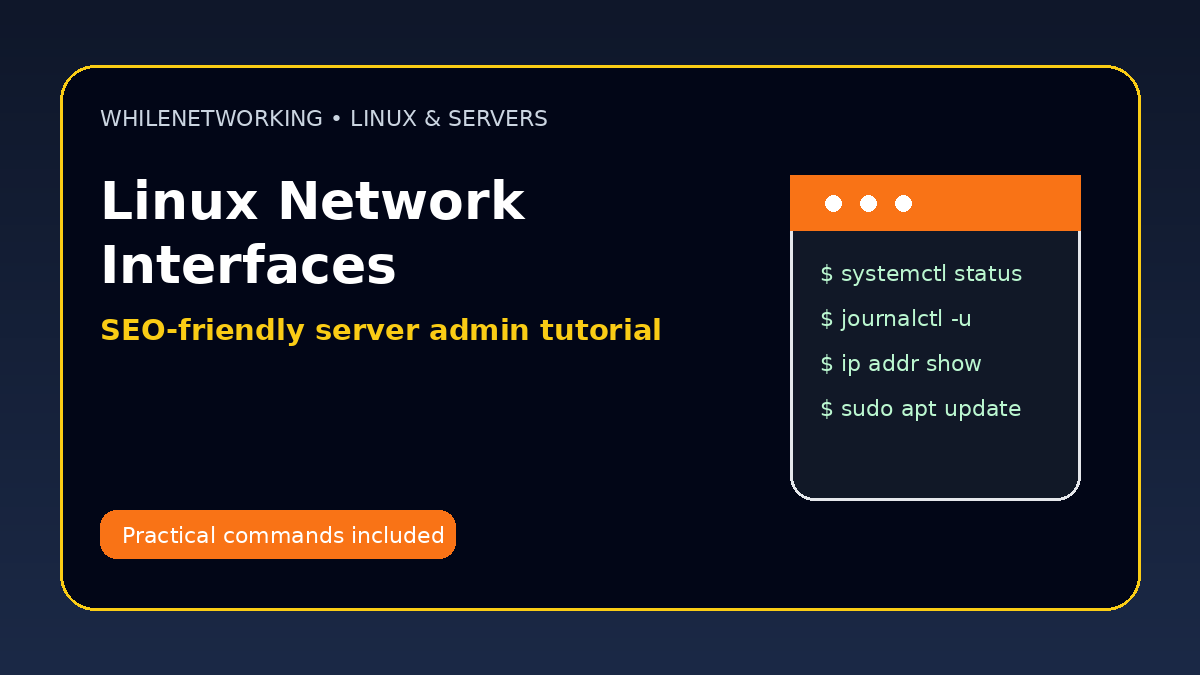

Linux Server Network Interfaces is a practical skill for Linux administrators, IT support teams and server engineers. This tutorial explains the concept clearly, shows real commands, and gives a safe troubleshooting workflow you can apply in labs or production with proper approval.
- Why the topic matters for Linux servers
- Key files, services or commands to know
- Common symptoms and root causes
- Safe troubleshooting steps for IT teams
What is a network interface?
A network interface is the connection point between a Linux server and a network. It may be physical, virtual, bonded, bridged or cloud-managed.
Useful interface commands
The ip command is the modern tool for inspecting interfaces, addresses, routes and link status.
Netplan basics
Ubuntu servers commonly use Netplan YAML files to define static IPs, DHCP, gateways and DNS settings.
Common interface problems
Problems include down interfaces, wrong IP settings, incorrect gateway, duplicate IPs, missing VLANs and cloud security group restrictions.
Safe change approach
Always capture existing settings before applying changes. For remote servers, use a rollback plan to avoid locking yourself out.
Useful Linux commands
ip addr show
ip link show
ip route
ls /etc/netplan/
sudo netplan try
Safe troubleshooting checklist
- Capture current configuration before making changes.
- Check logs and command output before assuming the root cause.
- Make one change at a time and test the result.
- Use maintenance windows for risky production changes.
- Document the fix so the same issue is easier next time.
Final thoughts
Strong Linux server administration comes from understanding the system, reading logs carefully and using repeatable troubleshooting steps. Practice these commands in a safe environment before applying them to important servers.
Educational note: This tutorial is for learning purposes only. Test carefully and do not make production changes without authorization, documentation and backups.