
Vpn Basics Explained is a useful topic for new IT support staff, students, home lab learners, and anyone starting a networking career. This beginner-friendly tutorial explains the topic clearly and gives practical troubleshooting examples.
- Simple explanation for beginners
- Real-world IT support examples
- Useful commands for practice
- Safe troubleshooting checklist
What is a VPN?
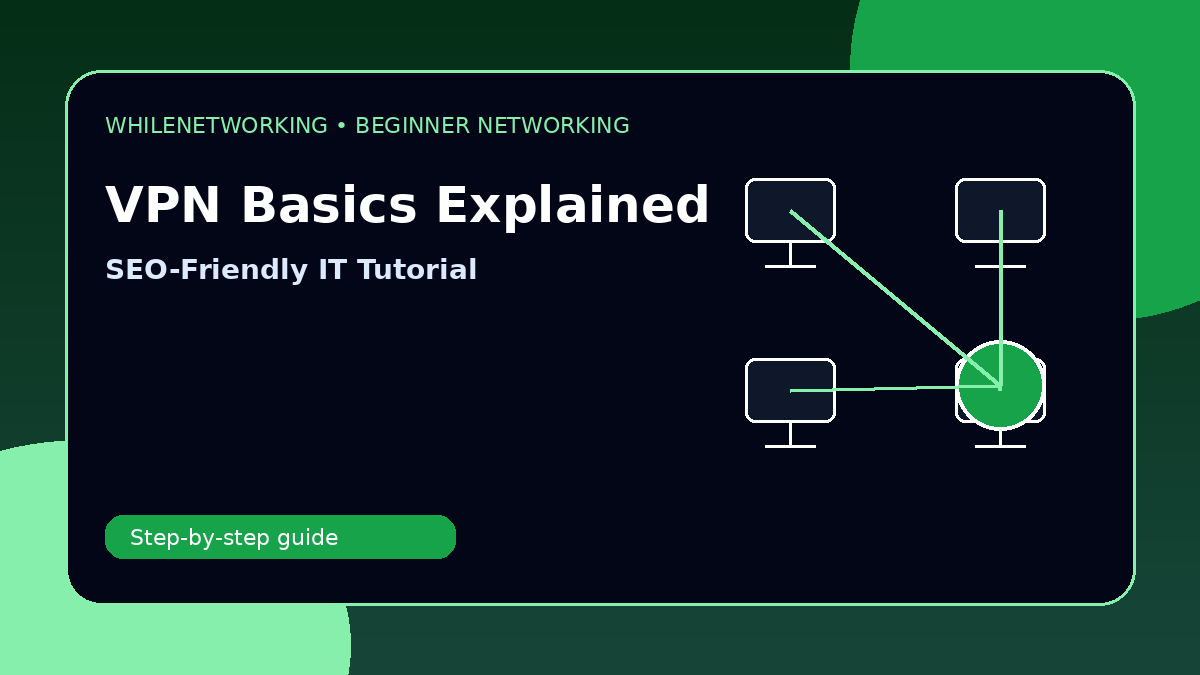
A VPN, or Virtual Private Network, creates a secure connection between a device and a private network over the internet.
Why businesses use VPNs
VPNs allow remote staff to access internal systems, file shares, applications, servers, and management tools more securely.
Common VPN issues
VPN problems can be caused by wrong password, MFA failure, expired certificate, blocked ports, DNS problems, poor internet, or account permissions.
Basic troubleshooting checks
Check internet access, time and date, username, MFA, VPN client version, DNS, and whether the user is on a restricted network.
Security reminder
VPN access should use strong passwords, MFA, device security, least privilege, and logging.
Useful commands for practice
ipconfig /all
ping vpn-server
nslookup vpn-server
tracert vpn-server
route print
Quick troubleshooting checklist
- Confirm what changed recently.
- Check whether one device or many devices are affected.
- Verify cable, Wi-Fi, IP address, gateway, and DNS.
- Run simple tests before changing advanced settings.
- Document the result and escalate with evidence if needed.
Final thoughts
Networking becomes easier when you learn the basic concepts and follow a structured troubleshooting process. Practice these commands in a safe lab and build confidence step by step.
Educational note: This tutorial is for learning purposes. Test carefully and do not make changes to production systems without permission, documentation, and backups.