
What Is A Network Switch is a key topic for anyone learning computer networking, IT support, help desk troubleshooting, or system administration. This beginner-friendly guide explains the concept in simple language and shows practical examples you can test safely.
- The meaning of the topic in plain English
- Why it matters in real IT support work
- Common problems and symptoms
- Useful commands for Windows, Linux, or macOS
- A safe troubleshooting checklist
What is a network switch?
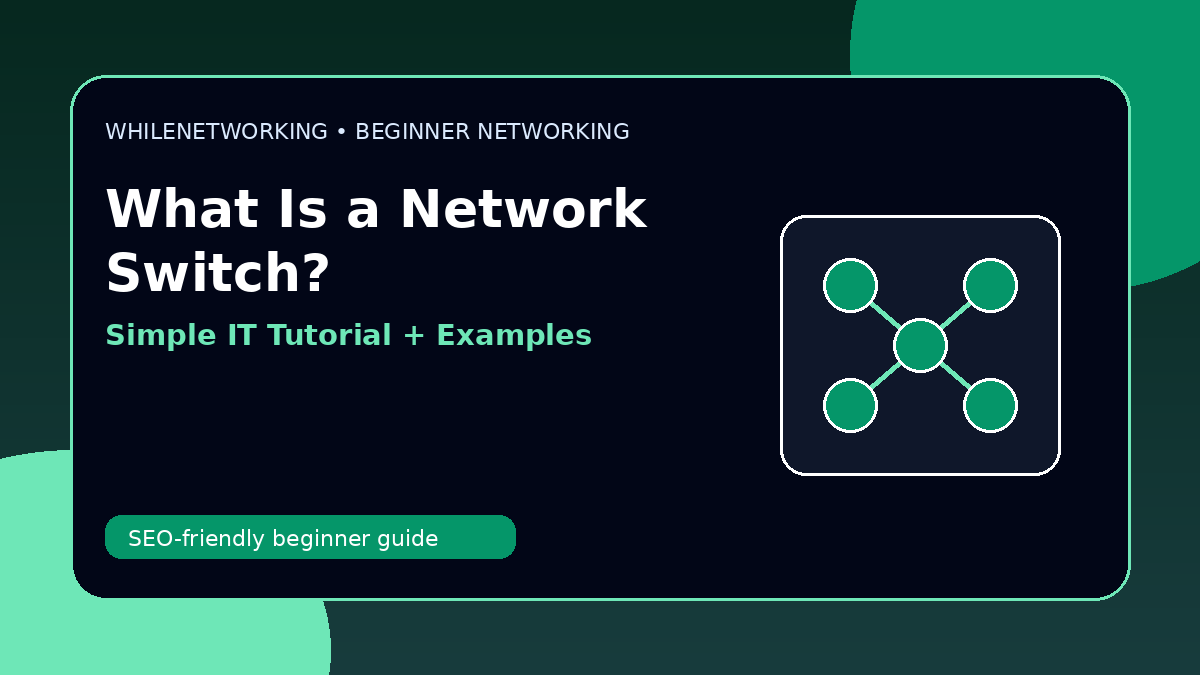
A switch connects multiple devices inside a local area network. Computers, printers, access points, and servers often connect to switches.
How a switch works
A switch learns device MAC addresses and forwards traffic to the correct port instead of sending everything everywhere.
Switch vs router
A switch connects devices inside the same network. A router connects different networks together, such as your LAN and the internet.
Common switch problems
Bad cables, disabled ports, wrong VLANs, speed mismatch, loops, or power issues can cause network failures.
Beginner troubleshooting tip
Check link lights, test another cable, try another port, and confirm whether other devices on the same switch are affected.
Useful commands for practice
ping default-gateway
ipconfig /all
show mac address-table
show interfaces status
Beginner troubleshooting checklist
- Write down the exact problem and error message.
- Check whether one device or many devices are affected.
- Confirm IP address, gateway, DNS, Wi-Fi or cable status.
- Test local network first, then internet access.
- Make one change at a time and record the result.
Final thoughts
Learning networking is easier when you connect each concept to real troubleshooting tasks. Practice these commands in a safe lab, home network, or test environment before using them at work.
Educational note: This tutorial is for learning purposes only. Test carefully and do not make changes to production systems without approval, documentation, and backups.