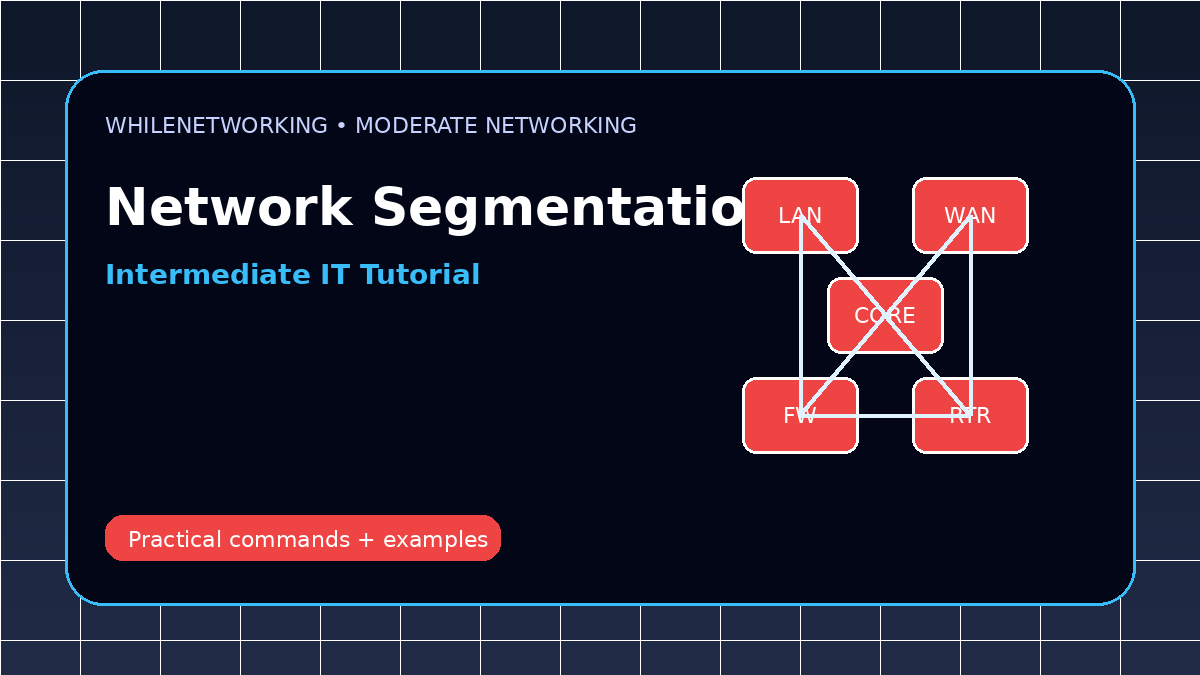

Network Segmentation Best Practices is a moderate-level networking topic for IT professionals who already understand basic IP addressing, DNS, DHCP, and gateway troubleshooting. This guide focuses on practical network administration, design decisions, and real troubleshooting workflows.
- Core concept and practical use cases
- Design considerations for real environments
- Troubleshooting workflow and commands
- Common mistakes to avoid
What network segmentation means
Network segmentation divides a network into smaller logical sections. Each segment can have separate IP ranges, VLANs, access rules, and monitoring policies.
Why segmentation improves security
If one device is compromised, segmentation can limit movement to other systems. It also helps separate users, servers, guests, IoT devices, cameras, printers, and management traffic.
VLANs and subnets
A VLAN usually maps to a subnet in many enterprise designs. For example, staff computers, servers, guest Wi-Fi, and VoIP phones may each use different VLANs and IP networks.
Firewall zones and access rules
Firewall zones allow controlled communication between segments. A good design allows only necessary traffic and blocks everything else by default.
Implementation tips
Document segment purpose, IP range, VLAN ID, gateway, DHCP scope, DNS requirements, and firewall rules. Avoid creating many VLANs without operational reason or monitoring capability.
Useful commands and checks
show vlan brief
show interfaces trunk
show access-lists
show ip interface brief
nmap -sV 10.10.20.0/24
Moderate-level troubleshooting checklist
- Confirm the expected design before changing configuration.
- Compare symptoms from client, switch, router, firewall, DNS, and application layers.
- Check logs and command output from both sides of a link or session.
- Look for recent changes, maintenance windows, failed updates, or firewall rule changes.
- Document findings and rollback steps before applying fixes.
Final thoughts
Moderate networking skills come from connecting concepts with evidence. Use commands, logs, diagrams, and controlled testing instead of guessing.
Educational note: This tutorial is for learning purposes. Test carefully in a lab or approved environment before applying changes to production systems.