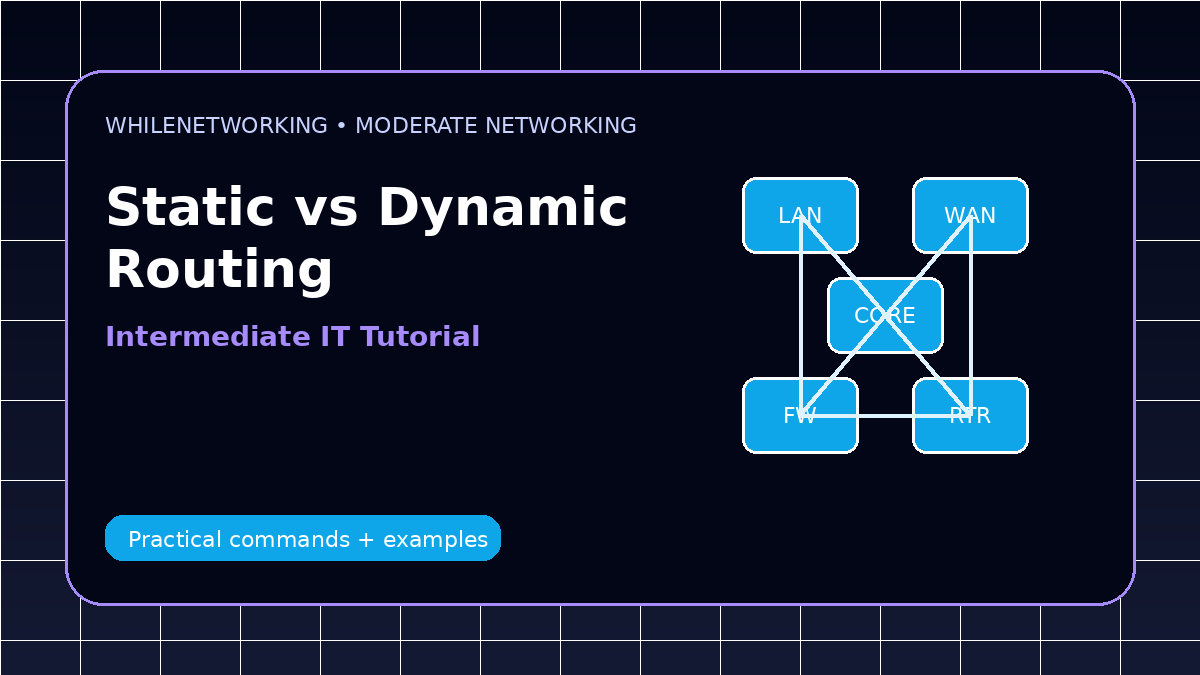

Static Routing Vs Dynamic Routing is a moderate-level networking topic for IT professionals who already understand basic IP addressing, DNS, DHCP, and gateway troubleshooting. This guide focuses on practical network administration, design decisions, and real troubleshooting workflows.
- Core concept and practical use cases
- Design considerations for real environments
- Troubleshooting workflow and commands
- Common mistakes to avoid
What static routing means
Static routing uses manually configured routes. An administrator defines the destination network, subnet mask, and next-hop router. Static routes are predictable and simple, but they do not automatically adapt when the network changes.
What dynamic routing means
Dynamic routing uses protocols such as OSPF, EIGRP, RIP, or BGP to exchange route information automatically. Routers learn network paths and update their routing tables based on protocol rules.
When static routing is better
Static routing is useful for small networks, default routes, stub networks, lab environments, and simple point-to-point designs. It is also easier to audit because routes do not change unless someone changes them.
When dynamic routing is better
Dynamic routing is better for larger networks, multiple paths, branch connectivity, failover designs, and environments where manual route updates would be risky or time-consuming.
Troubleshooting approach
Check route tables, next-hop reachability, administrative distance, interface status, firewall rules, and asymmetric routing. For dynamic protocols, also check neighbor relationships and advertised networks.
Useful commands and checks
show ip route
show running-config | include ip route
show ip ospf neighbor
traceroute 10.10.10.10
ping 10.10.10.10
Moderate-level troubleshooting checklist
- Confirm the expected design before changing configuration.
- Compare symptoms from client, switch, router, firewall, DNS, and application layers.
- Check logs and command output from both sides of a link or session.
- Look for recent changes, maintenance windows, failed updates, or firewall rule changes.
- Document findings and rollback steps before applying fixes.
Final thoughts
Moderate networking skills come from connecting concepts with evidence. Use commands, logs, diagrams, and controlled testing instead of guessing.
Educational note: This tutorial is for learning purposes. Test carefully in a lab or approved environment before applying changes to production systems.