
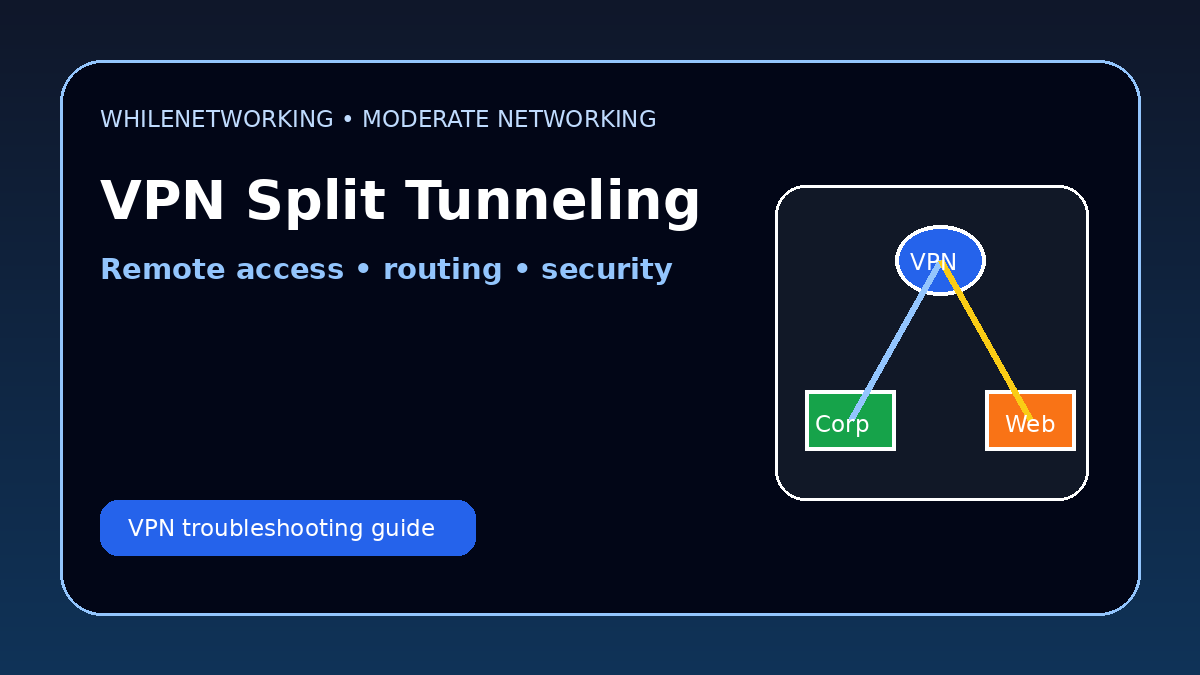

Vpn Split Tunneling Explained is a moderate networking topic for IT professionals managing remote users, VPN clients, cloud access and internal applications. This tutorial explains how split tunneling works and how to troubleshoot it safely.
- Full tunnel vs split tunnel VPN
- Benefits and risks
- Routing and DNS checks
- Practical troubleshooting workflow
What is VPN split tunneling?
VPN split tunneling allows some traffic to go through the VPN while other traffic goes directly to the internet. It is commonly used to reduce VPN bandwidth usage and improve performance for remote users.
Full tunnel vs split tunnel
In a full tunnel VPN, most or all user traffic goes through the corporate VPN. In a split tunnel VPN, only selected corporate networks or applications use the VPN path.
Benefits of split tunneling
Split tunneling can reduce load on VPN concentrators, improve video meeting performance, lower latency for cloud applications and reduce unnecessary backhauling of internet traffic.
Security risks
Split tunneling can increase risk if unmanaged devices access corporate systems while also directly accessing the internet. Endpoint protection, DNS security, conditional access and clear policies are important.
Troubleshooting split tunneling
If users cannot reach internal resources, check VPN routes, DNS suffixes, firewall rules, client profiles and whether the destination subnet is included in the tunnel policy.
Useful commands and checks
route print
ip route
nslookup internal-server.company.local
tracert internal-server
Get-NetIPConfiguration
Final thoughts
Split tunneling can improve performance, but it must be designed carefully. Always balance user experience, security policy, routing, DNS behavior and compliance requirements.
Educational note: This tutorial is for learning purposes only. Test carefully and do not change production VPN policies without approval, documentation and rollback planning.

