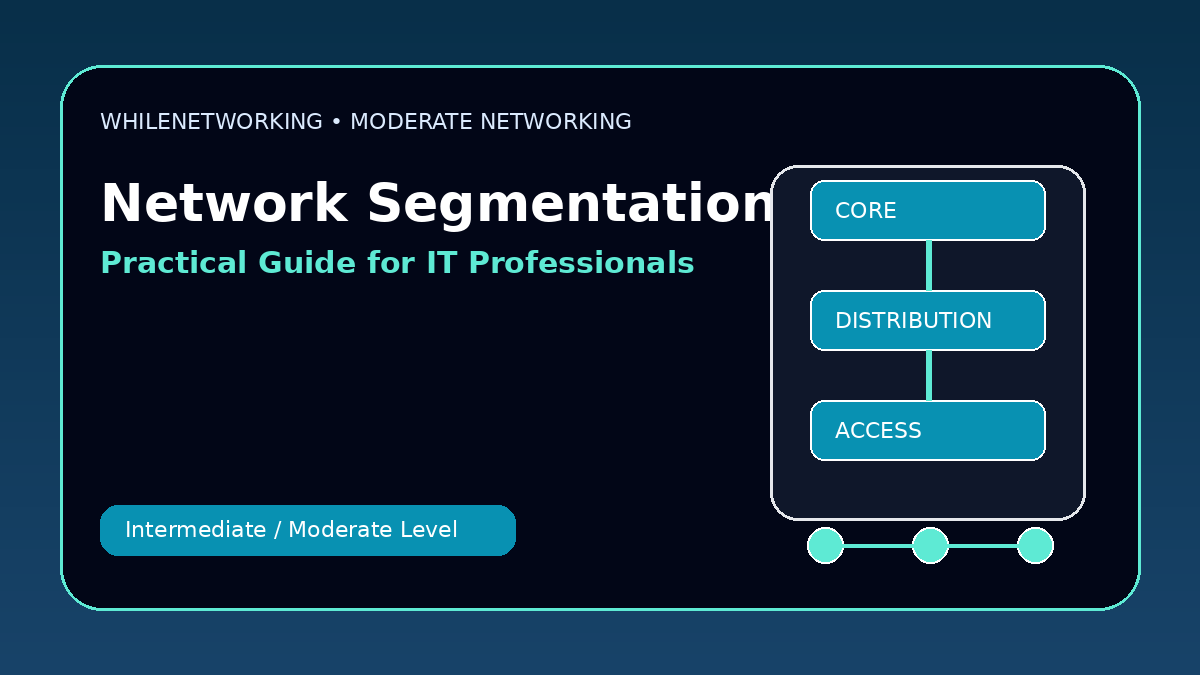

Network Segmentation Best Practices is a practical networking skill for IT professionals who already understand basic IP addressing, DNS, DHCP, switching, and routing. This moderate-level guide focuses on real workplace concepts, troubleshooting flow, and useful commands.
- Core moderate-level networking concept
- Real-world design and troubleshooting points
- Useful commands for practice
- Operational best practices for IT teams
What network segmentation means
Network segmentation separates users, devices, servers, and applications into smaller network zones. This reduces risk and makes troubleshooting easier.
Why segmentation improves security
If one device is compromised, segmentation can limit lateral movement. Attackers should not be able to freely move from guest Wi-Fi to servers, cameras, backups, or management networks.
Common segmentation zones
Typical zones include users, servers, management, guest Wi-Fi, VoIP, IoT, cameras, printers, backups, and cloud connectivity.
Firewalls and access rules
VLANs separate traffic logically, but firewalls or Layer 3 access control lists enforce who can talk to what. Rules should be specific and documented.
Zero trust mindset
Zero trust means do not automatically trust traffic just because it is inside the network. Verify identity, limit access, monitor activity, and use least privilege.
Useful commands
show vlan brief
show access-lists
show firewall policy
show ip route
nmap -sV target-subnet
Moderate-level troubleshooting checklist
- Confirm the expected design before changing configuration.
- Check Layer 1, Layer 2, Layer 3, routing, and firewall behavior separately.
- Compare both ends of links, trunks, peers, or policies.
- Review logs and command outputs before making assumptions.
- Document the root cause and the final fix for future incidents.
Final thoughts
Moderate networking skills help IT professionals move from basic support to deeper troubleshooting and infrastructure work. Practice these topics in a lab before applying them to production networks.
Educational note: This tutorial is for learning purposes only. Test carefully and do not make production changes without approval, documentation, backups, and a rollback plan.